
We may earn a commission if you buy through links on this page. It never changes a score or a ranking. How we make money
The bottom line
Xray keeps test planning and execution in Jira, with costs and limits tied to plan and seat count.
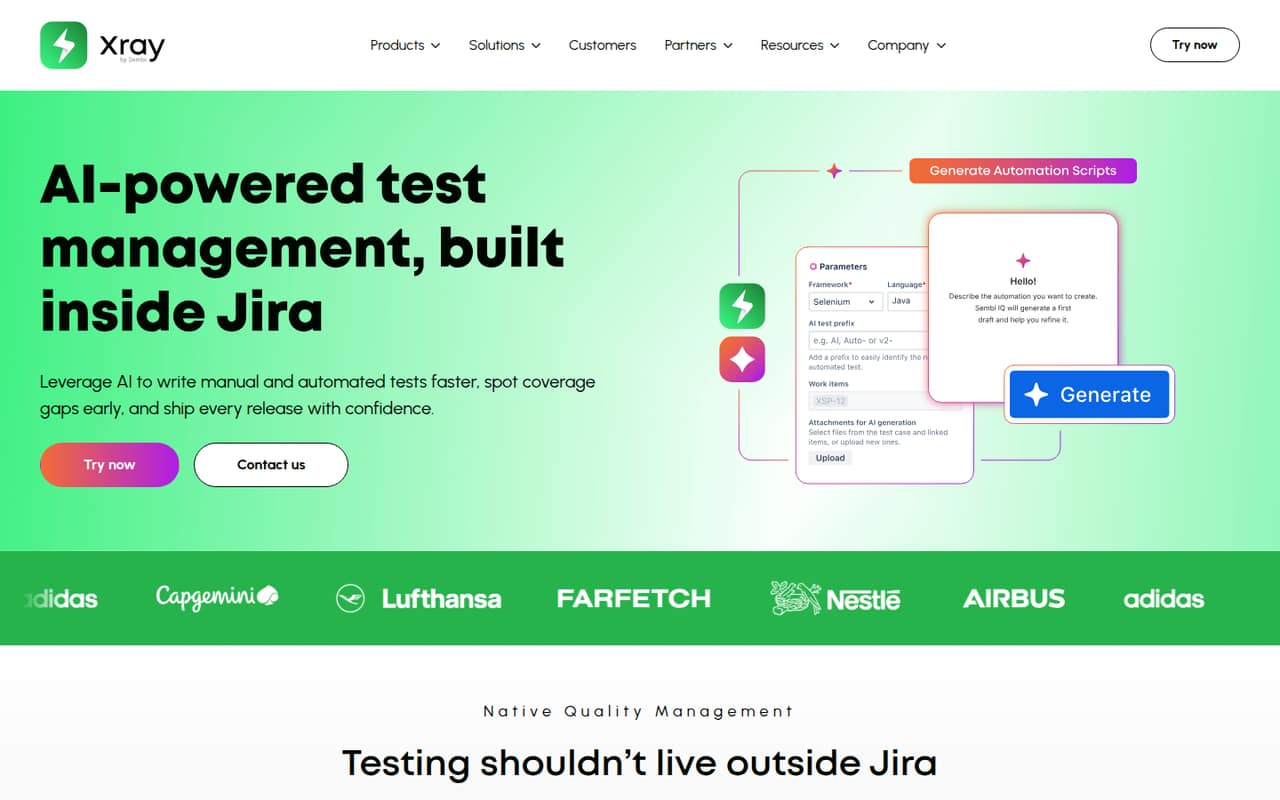
Xray is test management built inside Jira for planning, creating, executing, and reporting on manual and automated tests. Its AI features cover test authoring and coverage gaps; visual test models and script generation are limited to higher plans.
It fits teams that already work in Jira and want testing linked to development requirements. Pricing starts at $10 per month for up to 10 users, but the free option is a 30-day trial, not a free plan. Check API limits, Jira user tiers, and storage before choosing a plan.
Good fit if
- Teams already using Jira
- Manual and automated test workflows
- Requirements-linked test coverage
Skip it if
- Teams seeking a free ongoing plan
- Projects independent of Jira
- Teams needing published SDK details
ScoresHow it rates
What works
- Keeps test workflows inside Jira
- Links development requirements to testing
- Supports manual and automated tests
- AI can create manual and BDD cases
- Higher tiers add visual models and scripts
What doesn't
- No free plan after the 30-day trial
- Jira user tier must match the instance
- API limits vary by plan
- Advanced annual pricing requires a calculator
- License and self-hosting terms need confirmation
01What Xray is, technically
Xray is a test management product built inside Jira. It sits in the issue-tracking and QA workflow rather than acting as a standalone test service: teams use it to plan, create, execute, and report on manual and automated tests alongside development requirements.
That placement is the main architectural choice. Requirements link to tests, and development and QA teams share workflows in Jira. Xray also describes AI-assisted test creation, coverage-gap identification, and automation support as part of that workflow. Visual test models are an Xray Enterprise feature; generating automation scripts from manual tests is for Xray Advanced and Enterprise.
The homepage positions Xray as native quality management in Jira, but does not identify a separate server, library, or CLI as the product entry point. A 30-day trial is listed. Teams considering deployment should confirm which Jira edition and deployment model they use, then check plan compatibility and user-tier requirements before migrating test assets.
02Xray API, SDKs and docs
Xray is integrated into Jira, and its homepage describes an API and links to Documentation. That makes Jira the named integration surface for teams setting up test workflows. The homepage does not name an API protocol, SDK, programming language, CLI, webhook, or plugin framework. Confirm supported API operations and SDK options in Xray's documentation before designing automation around them.
The plan details give API request limits: 60 requests per minute on Xray Standard and 100 per minute on Xray Advanced. Xray Enterprise lists an API limit of 20, but the vendor's pricing information does not specify the unit, so confirm it before sizing integrations. These caps matter if a pipeline creates or updates many test records in a short window.
Xray brings manual and automated tests into Jira workflows, with AI-assisted case creation and, on higher plans, automation-script generation. Treat generated scripts as an authoring aid, not a replacement for validating how they fit your runner, test framework, and CI pipeline.
03Xray pricing for developers
Xray has no free plan; the vendor lists a 30-day free trial. Xray Standard costs $10 monthly for up to 10 users, or $8.33 per month on an annual basis. The annual calculator examples are $100 for 10 users and $1,820 for 25. Xray Advanced starts at $15 monthly for up to 10 users; an annual price for higher tiers requires the calculator. Xray Enterprise is $27.50 monthly or $22.92 annually for up to 10 users, with examples of $275 annually for 10 and $3,300 for 25.
The bill grows with seats, and the Jira user tier must match the instance tier. Standard includes 60 API requests per minute, 100 GB of cloud storage, and AI test prioritization for 75 tests per run. Advanced raises those figures to 100 requests per minute, 250 GB, and 150 tests per run. Enterprise lists an API limit of 20, without a stated unit, plus progressive per-user rates above 10 seats. The pricing page lists no add-ons or overages, so ask how throttling and storage use are handled before production.
04Xray: open source, self-hosting and lock-in
Xray is sold as a paid product with Standard, Advanced, and Enterprise plans, but the vendor's site does not publish a software licence, source-availability terms, self-hosting option, or data-export policy. Do not assume the Jira-native model means you can run Xray independently or inspect and modify its source.
Xray's link to Jira and its test-management workflows make Jira configuration and test records the key migration concerns. Before committing, ask the vendor how to export test cases, executions, requirements links, and reports in usable formats, and whether those exports preserve relationships and history. Also confirm which Xray features or data depend on a particular Jira deployment. If portability is a requirement, test an export and import path as part of procurement rather than treating it as a later cleanup task.
05Xray in production
Production fit depends on API throughput, seats, storage, and the Jira user tier. Standard and Advanced list API ceilings of 60 and 100 requests per minute; Enterprise lists 20 without a unit. Standard includes 100 GB of cloud storage and Advanced 250 GB. AI test prioritization is capped at 75 tests per run on Standard and 150 on Advanced. Model your test creation and execution bursts against those limits, and ask how the Enterprise limit is measured.
The homepage advertises 24/7 support, but teams should confirm response targets, availability commitments, security controls, and compliance coverage in their contract. The homepage does not give operational SLA details. One Reddit thread describes a QA tester's company stopping Xray because of cost and moving to Excel and Confluence. That is a cost warning, not evidence of a general reliability problem. For rollout, validate Jira compatibility, API throttling behavior, data recovery, and export procedures with the vendor.
From the threadsWhat users say
The Reddit signal is negative on cost: one QA tester says their company stopped using Xray and sought a free replacement. The discussion is too limited to establish broader sentiment about reliability, support, or product quality.
Because of the cost, our company stopped using it
I’m using Excel and Confluence
more automatic and easier to manage
Questions people ask
What is Xray used for?
Xray is test management built inside Jira. Teams use it to plan, create, execute, and report on manual and automated tests, with development requirements linked to testing. Its homepage also describes AI-assisted test authoring and coverage-gap identification.
Does Xray generate test cases with AI?
Yes. Xray says its AI can create manual or BDD test cases and help identify coverage gaps. Visual test models are available with Xray Enterprise. Generating automation scripts from manual tests is listed for Xray Advanced and Enterprise.
Does Xray have a free plan?
The pricing information lists no free plan, but does list a 30-day free trial. After the trial, the listed starting price is $10 monthly for Xray Standard for up to 10 users. Confirm trial terms and eligibility with the vendor.
What are Xray's API limits?
Xray Standard lists 60 requests per minute and Xray Advanced lists 100 requests per minute. Xray Enterprise lists an API limit of 20, but the unit is not specified. Confirm the Enterprise limit and how requests are throttled before sizing a production integration.
Can Xray run outside Jira?
Xray is described as test management built inside Jira, and Jira is its named workflow environment. The vendor's site does not publish a separate standalone deployment option. Ask Xray about supported Jira deployments and data-export options if you need to move test management outside Jira.