
We may earn a commission if you buy through links on this page. It never changes a score or a ranking. How we make money
The bottom line
Broad monitoring coverage and private checks, with pricing and developer interfaces to verify before scaling.
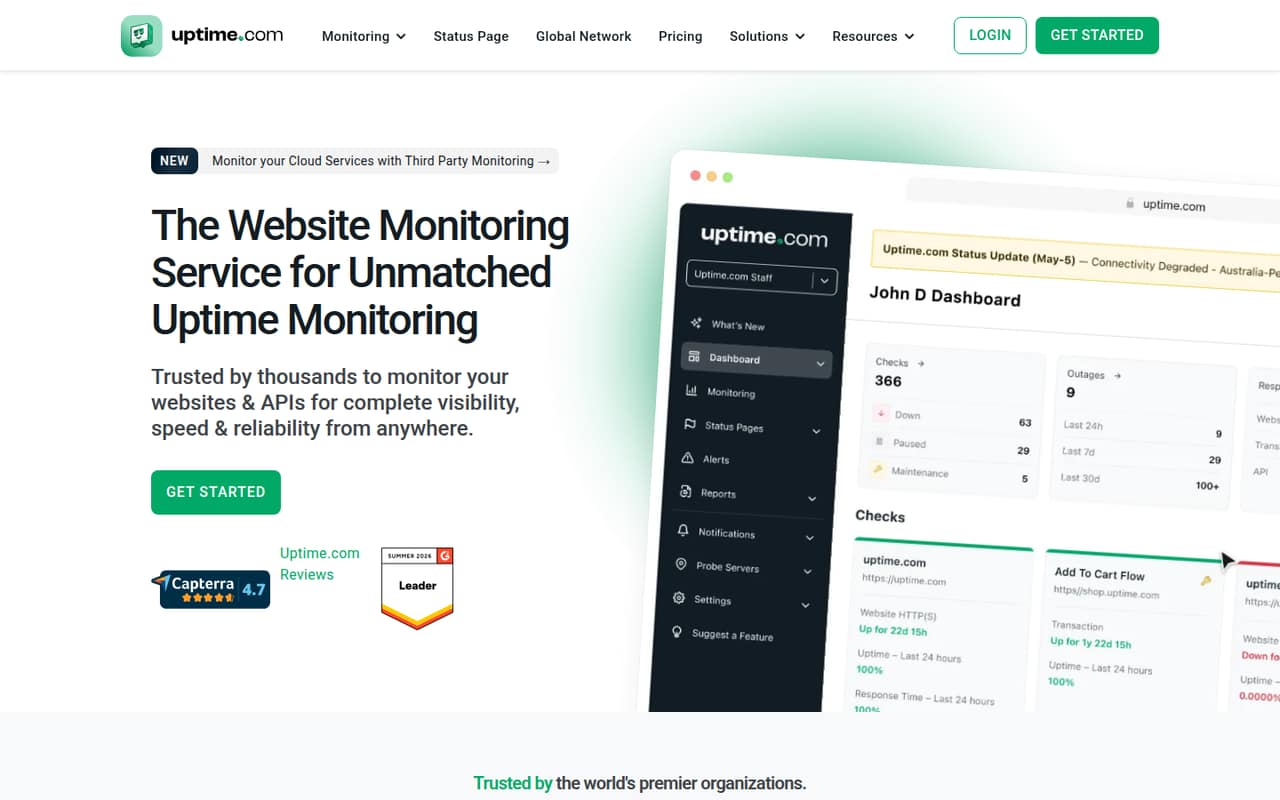
Uptime.com is a hosted monitoring service for websites, APIs and other services, with status pages, alerts, dashboards and checks for private infrastructure. Its feature set includes synthetic browser checks and real user monitoring alongside basic availability checks.
The Website Monitoring plan starts at $9 per month and lists one-minute checks, 20+ integrations and unlimited users. There is no free plan listed; check counts, add-on pricing and some plan limits need clarification before a production rollout.
Good fit if
- Teams monitoring websites and APIs
- Services behind private infrastructure
- Teams needing status pages
Skip it if
- Teams requiring a free plan
- Developers needing confirmed SDK support
- Self-hosting the monitoring control plane
ScoresHow it rates
What works
- Checks cover websites, APIs and private infrastructure
- Synthetic monitoring uses real-browser checks
- Includes real user monitoring
- Website Monitoring lists unlimited users
- More than 20 integrations are listed
What doesn't
- No free plan is listed
- Additional check and SMS costs are not published
- Additional status page pricing is not published
- SDKs, languages and CLI support need verification
- Data export and self-hosting options are unclear
01What Uptime.com is, technically
Uptime.com is a vendor-operated monitoring service, not a monitoring library or command-line tool. It checks websites, APIs and other services from public monitoring locations, and offers Private Location Monitoring for checks behind a firewall or wherever infrastructure is deployed. That places it outside the application runtime: your services expose endpoints or flows for checks, while Uptime.com reports availability and performance and sends alerts.
The product combines basic checks such as HTTPS, DNS, TCP Port and Ping with advanced checks including API Monitoring, Transaction Monitoring, Page Speed and Webhook Monitoring. It also includes real user monitoring, real-browser synthetic checks, dashboards and public or private status pages. Those components cover detection and incident communication, rather than replacing application logs or traces. Teams can route alerts through integrations and use status pages to share updates with customers or internal audiences. The homepage also advertises private-location monitoring, but does not describe the control plane as self-hosted.
02Uptime.com API, SDKs and docs
Uptime.com monitors APIs; that does not by itself establish a customer-facing API for creating checks or retrieving results. The homepage lists more than 20 integrations and includes Webhook Monitoring as an advanced check. It also describes sending alerts to multiple integrations. These are the integration surfaces it names, but the page does not establish whether webhooks can be used to provision checks or export monitoring data.
The homepage names no programming languages, SDKs, CLI or REST API for managing the service. Before automating check creation or wiring results into an internal tool, confirm in Uptime.com's documentation whether a REST API, SDKs or CLI are available and which languages they support. The same applies to authentication, API rate limits and data retrieval. For teams integrating without custom code, the listed integrations and alert routing may be enough; teams building monitoring workflows into a deployment pipeline should verify the available interfaces first.
03Uptime.com pricing for developers
The Website Monitoring plan starts at $9 per month. The pricing information lists the same $9 figure for monthly and annual billing; at that rate, the annual total is $108. The page advertises more than 20% savings with annual billing, but does not show a separate monthly price to compare. The plan includes one-minute check frequency, 20+ integrations, unlimited users and unlimited group checks.
There is no free plan listed, and a free trial is not stated. Enterprise pricing is custom. Real User Monitoring and additional Status Pages are add-ons with no published prices. Additional Basic Checks, Advanced Checks or SMS alerts require a higher tier, and usage limits may mean an upgrade or additional charges; the amounts and thresholds are not published. The pricing page does not give a per-request rate, so do not assume the bill scales only with traffic or checks. Ask Uptime.com for the included check counts, applicable usage limits and likely tier for your deployment before estimating production costs.
04Uptime.com: open source, self-hosting and lock-in
Uptime.com is presented as a monitoring service operated by the vendor. The vendor doesn't publish a source license, self-hosted control-plane option or data-export policy on its homepage. Private Location Monitoring is intended for checks behind a firewall, but that is not the same as running the Uptime.com service on your own infrastructure.
Plan for some migration work if you move away. Monitoring checks, alert integrations, status pages and historical results may need to be recreated or moved, depending on what export options Uptime.com provides. Before adopting it, ask whether you can export check definitions, incident history and measurement data in a usable format, and whether there are API-based migration paths. Keep check definitions and incident procedures in your own internal documentation where possible; do not assume that the dashboard is a portable record of your monitoring setup.
05Uptime.com in production
The entry Website Monitoring plan lists one-minute check frequency, but the pricing information does not state how many checks that price includes or the thresholds that trigger an upgrade. Additional Basic Checks, Advanced Checks and SMS alerts require a higher tier, while usage limits may bring extra charges. Confirm the check count, alert allowance, retention and rate limits with the vendor before sizing a deployment; the vendor does not publish those thresholds in the pricing information.
Uptime.com advertises global monitoring, private locations and alert integrations, which can help cover public endpoints and services behind a firewall. Its homepage says the alerting engine is tuned to reduce false positives, but teams should establish how checks are retried and how incidents are escalated before relying on alerts for on-call response. The homepage advertises a resilient and secure platform, but does not give specific security certifications or compliance details. Review data handling, access controls, export options and support commitments against your operational and compliance requirements.
Questions people ask
How much does Uptime.com cost?
The Website Monitoring plan starts at $9 per month and lists one-minute checks, 20+ integrations and unlimited users. The pricing information shows $108 per year at that monthly rate. Enterprise pricing is custom, while several add-ons and usage limits have no published amounts.
Does Uptime.com have a free plan?
The pricing information lists no free plan. It also does not state whether a free trial is available. Teams evaluating the service should ask Uptime.com about trial access and confirm which monitoring features and check volumes are included in the paid plan.
Can Uptime.com monitor services behind a firewall?
Yes. Uptime.com advertises Private Location Monitoring for checks behind a firewall or wherever infrastructure is deployed. Confirm deployment requirements and any additional costs with the vendor, since the pricing information does not list a separate private-location price.
Does Uptime.com support API monitoring and synthetic checks?
Yes. The homepage lists API Monitoring and Synthetic Monitoring, describing synthetic checks as real-browser tests for critical website flows. It does not establish whether customers can manage checks through a REST API or SDK, so verify those interfaces in Uptime.com's documentation.
How often does Uptime.com check a website?
The Website Monitoring plan lists a one-minute check frequency. The pricing information does not state how many checks are included at that tier or the usage threshold for an upgrade. Confirm both details with Uptime.com when estimating costs for a larger deployment.