
We may earn a commission if you buy through links on this page. It never changes a score or a ranking. How we make money
The bottom line
A broad real-device testing platform, but base pricing and developer tooling details need clarification.
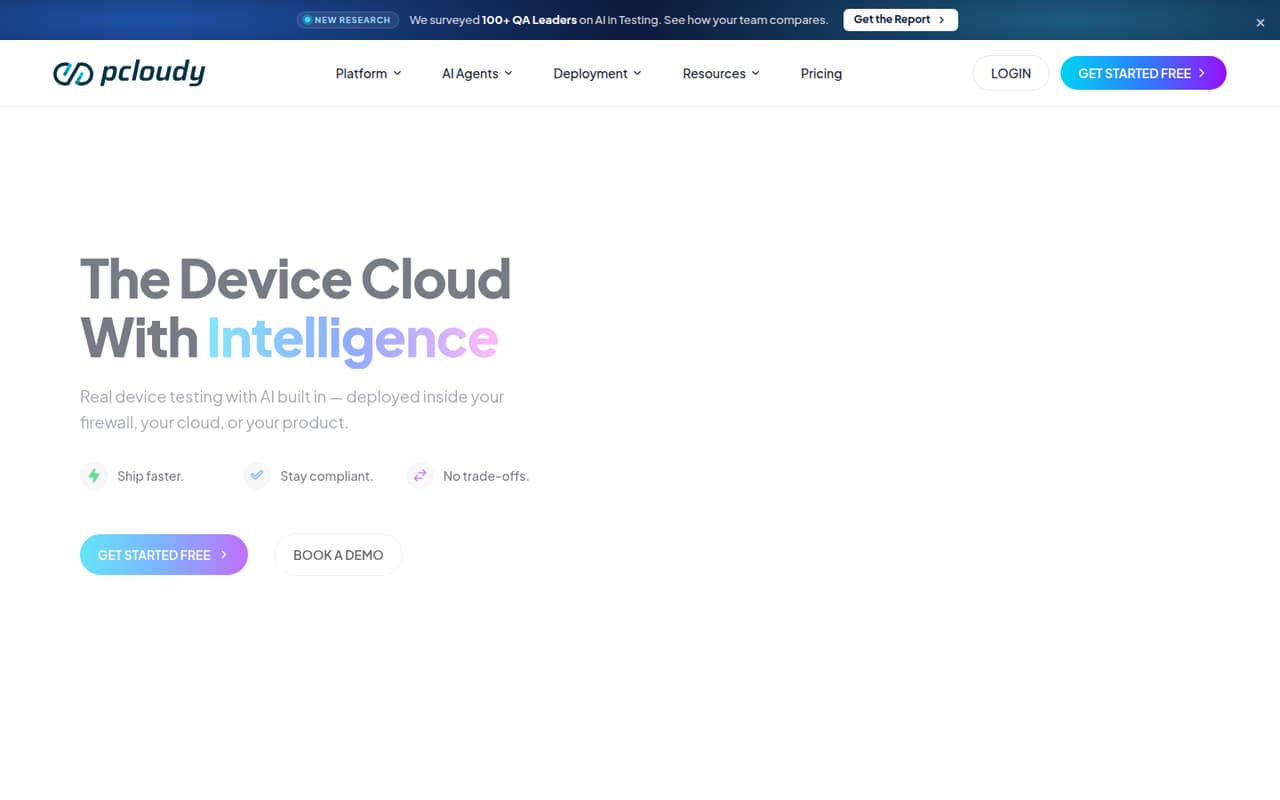
pCloudy is a real-device and browser testing platform that combines manual sessions, test automation, performance monitoring and AI testing agents. Teams can use its public cloud or choose private-cloud and on-premises deployments. It supports common test frameworks, including Appium, Selenium, Espresso, XCUITest and Playwright.
The platform’s coverage and deployment options suit teams testing across many devices or working under infrastructure controls. The trade-offs are unclear base plan prices, add-on costs and limited public detail about SDKs, languages and API limits. Ask pCloudy for a quote and integration specifics before committing.
Good fit if
- Teams testing across real mobile devices
- Enterprises needing private or on-prem deployment
- QA teams using established automation frameworks
Skip it if
- Teams needing transparent base pricing
- Projects requiring a named SDK or CLI
- Teams seeking an open-source device farm
ScoresHow it rates
What works
- Access to 5,000+ real iOS and Android devices and browsers
- Supports Appium, Selenium, Espresso, XCUITest and Playwright
- Tracks 60+ performance metrics
- Offers public, private-cloud and on-premises deployment
- Lists paid AI and testing add-ons with starting prices
What doesn't
- Base plan prices aren't published
- Plans cap parallel tests at 20 before a quote is required
- SDKs, programming languages and CLI support aren't named
- API rate limits aren't published
- Source availability, licence and data export details need confirmation
01What pCloudy is, technically
pCloudy is a testing platform built around a cloud-hosted real-device and browser farm. It gives QA and engineering teams access to physical iOS and Android devices for manual sessions and automated runs, with performance monitoring and AI testing tools in the same service. The vendor says the public cloud has more than 5,000 real devices and browsers.
In a typical stack, pCloudy sits alongside your test code and CI/CD system: your automation frameworks run tests against its devices, and its integrations connect testing to CI/CD pipelines and test management workflows. It names Appium, Selenium, Espresso, XCUITest, Playwright, Cypress and WebDriverIO as supported tools. Beyond public cloud, deployment options include single-tenant private cloud, on-premises installation and native integration into a product. That makes it more than a hosted device farm, but it remains a platform dependency for device access, performance insights and its AI agents.
02pCloudy API, SDKs and docs
The vendor names API access and a REST API, and describes its native integration option as API-first and white-label ready. It also lists 50+ CI/CD integrations, including Jenkins, Azure DevOps and GitHub Actions, plus Jira and Slack. For test execution, the homepage names Appium, Selenium, Espresso, XCUITest, Playwright, Cypress and WebDriverIO. Those framework integrations give teams familiar routes to run tests without replacing their test stack.
The vendor doesn't publish SDK names, supported programming languages, a CLI or webhook details on its homepage. Confirm SDK support, authentication, API versioning, request and session limits, and documentation for automation setup with pCloudy before building a deeper integration. The homepage also describes AI agents for test generation, automation, selector self-healing, orchestration and failure analysis, but teams should check which of those capabilities are included in their selected plan or require an add-on. CI/CD and test-management integrations may reduce glue code, but confirm the exact workflow and permissions required.
03pCloudy pricing for developers
The pricing page lists monthly and annual billing, with a 20% discount for annual plans and no long-term commitments. It does not publish prices for the main plans. Live / Manual Testing offers 1, 2, 5, 10, 15 or 20 parallel tests, and a free trial is available. Automated Testing starts at 2 parallel tests and offers 5, 10, 15 or 20; it includes manual-testing features, named framework support, CI/CD integrations and QPilot AI. Teams needing more than 20 parallel tests must request a quote. There is no free plan listed.
Published add-on starting prices are $239/month for App Performance Experience, $200/month for Test Automation Agent, $80/month for Visual Testing Agent and $23/month for Accessibility Testing Agent. Dedicated devices and custom enterprise pricing are available by quote. Private Cloud and On-Premise Cloud are also quote-based options. The bill can therefore depend on parallel-test capacity, deployment, dedicated devices and selected agents, but the vendor doesn't publish a usage-rate or overage schedule. Get a written quote covering concurrency, add-ons and expected growth before budgeting production use.
04pCloudy: open source, self-hosting and lock-in
The vendor doesn't publish the product's source availability or licence. pCloudy offers public cloud, private cloud and on-premises deployment, but an on-premises option does not by itself establish that the software is open source or that customers can modify it. The on-premises plan is described as an air-gapped deployment with bring-your-own-device support and testing behind the firewall. Private cloud is described as single-tenant, with custom data residency.
Before choosing a deployment, ask who operates and updates the software, what infrastructure and support it requires, and how test results, recordings and configuration can be exported. The vendor doesn't publish data-export details on its homepage. Test code written with frameworks such as Appium or Selenium may be portable, but device access, platform-specific integrations and pCloudy AI workflows could need replacement if you migrate. Confirm export formats and migration support in the contract.
05pCloudy in production
The listed automated plans top out at 20 parallel tests; teams needing more must request a quote. That makes concurrency and device availability key points to verify against your CI workload. The vendor says its platform uptime is 99.9%, but teams should confirm whether that figure is backed by a contractual SLA and how maintenance, session failures and support escalation are handled. API rate limits aren't published, so ask for limits and retry guidance before making API calls part of release-critical automation.
For security and compliance, the private-cloud plan lists SSO, SAML, SCIM, VPN, IP allowlisting and custom data residency. The on-premises plan lists air-gapped deployment and behind-the-firewall testing. Private-cloud hosting is available across India, the USA, Dubai and Singapore, and the vendor says it can go live in under four weeks. Confirm the deployment architecture, data handling, device coverage, backup and update responsibilities, and any compliance evidence your organization requires. The homepage's uptime figure and deployment claims are vendor statements, not a substitute for those checks.
Questions people ask
Does pCloudy have a free plan?
The pricing page does not list a free plan. It says a free trial is available for Live / Manual Testing, but does not publish the trial duration or limits. Ask pCloudy what devices, parallel tests and features the trial includes before using it to estimate production capacity.
How much does pCloudy cost?
The pricing page does not publish base prices for Live / Manual Testing, Automated Testing, Private Cloud or On-Premise Cloud. Published add-ons start at $23/month for Accessibility Testing Agent, $80/month for Visual Testing Agent, $200/month for Test Automation Agent and $239/month for App Performance Experience.
Which testing frameworks does pCloudy support?
The vendor names Appium, Selenium, Espresso, XCUITest, Playwright, Cypress and WebDriverIO for device and browser testing. The Automated Testing plan specifically lists Appium, Selenium, Espresso, XCUITest and Playwright. Confirm framework versions and setup requirements with pCloudy.
Can pCloudy run inside our network?
Yes. pCloudy offers an On-Premise Cloud option described as an air-gapped deployment with bring-your-own-device and behind-the-firewall testing. It also offers single-tenant private cloud, with VPN, IP allowlisting and custom data residency listed as features. Ask the vendor about infrastructure and operational requirements.
Does pCloudy provide an SDK or REST API?
The vendor lists REST API and API access, and describes native integration as API-first and white-label ready. Its homepage does not name SDKs or programming languages. Confirm authentication, API documentation, rate limits and supported SDKs with pCloudy before planning an integration.