
We may earn a commission if you buy through links on this page. It never changes a score or a ranking. How we make money
The bottom line
Convenient for manual header tests, but weigh the reported security concerns before installing it.
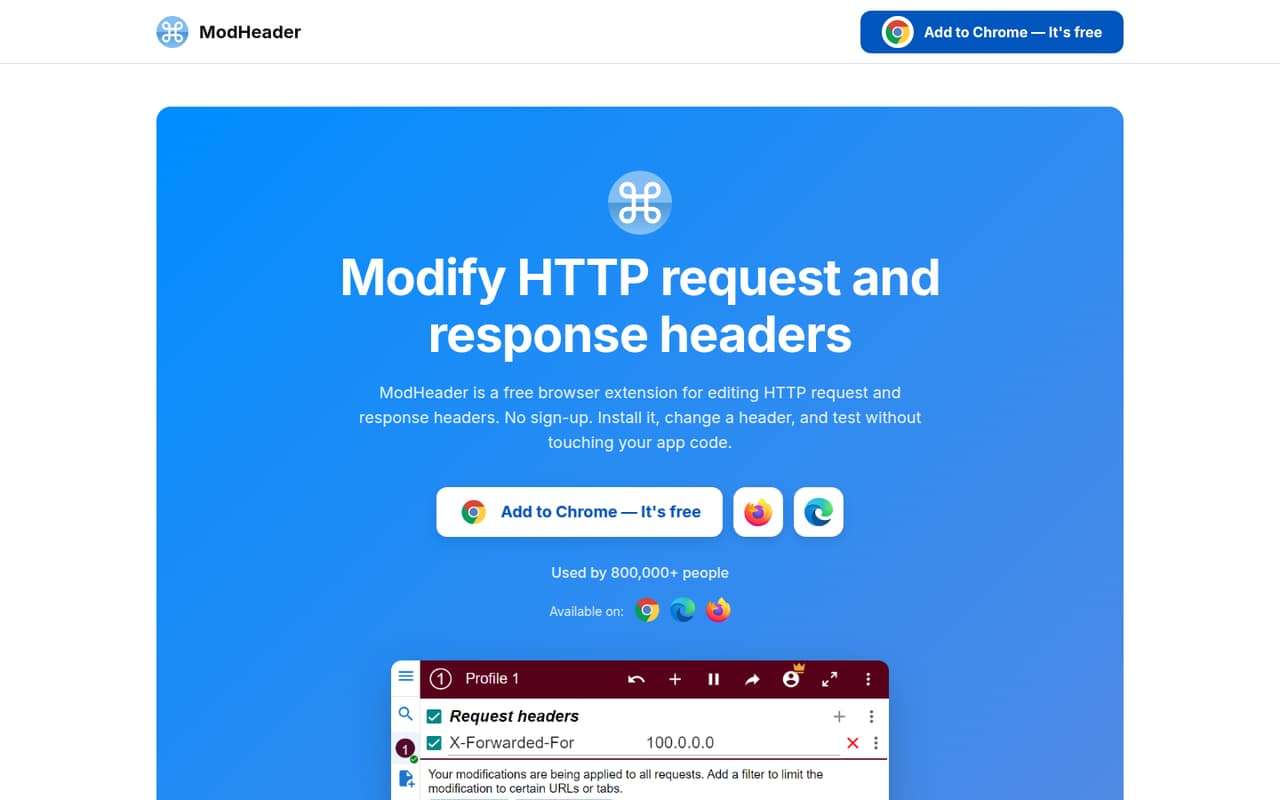
ModHeader is a browser extension for changing HTTP request and response headers, cookies, and CSP rules without editing app code. Its popup, filters, one-click toggles, and profiles make it useful for quick manual debugging across Chrome, Firefox, and Edge.
The pricing page lists free options and a $4-per-user monthly Basic plan. But Reddit users report ads, unwanted tabs, and malware warnings, while the vendor says settings stay in local extension storage. Treat that trust gap as a production concern and verify the extension’s current status before installing it.
Good fit if
- Manual request-header debugging
- Quick browser-based CSP experiments
- Separate profiles for environments
Skip it if
- Automated API test suites
- Teams requiring verified extension provenance
- Production traffic modification
ScoresHow it rates
What works
- Edits request and response headers in the browser
- Filters changes by URL, tab, window, or resource
- Can rewrite cookies and cookie attributes
- Profiles can be exported or imported
- Available for Chrome, Firefox, and Edge
What doesn't
- No API, SDK, or CLI workflow is listed
- License and source availability are not published
- Reddit users report ads and unwanted tabs
- A Reddit thread reports malware warnings and removal
- Annual pricing and support terms are not published
01What ModHeader is, technically
ModHeader is a browser extension, not a hosted API, SaaS service, library, CLI, or self-hosted server. It sits in the browser between the pages and network requests you are debugging, letting you change HTTP request and response headers without changing application code.
Open its popup, add a header name and value, then leave the rule enabled. The extension can also modify Cookie and Set-Cookie headers, draft Content-Security-Policy response headers, and apply rules only to matching URLs, tabs, windows, or resource types. One-click toggles let you switch modifications on and off while comparing behavior.
This makes it a hands-on debugging tool for browser traffic, rather than an automated test runner or shared service in a deployment pipeline. The vendor lists Chrome, Firefox, and Edge support, and says the extension runs on Windows, macOS, and Linux. It requires no sign-up. Keep it scoped to the sites and requests you intend to change, especially when setting authorization values.
02ModHeader API, SDKs and docs
ModHeader’s integration surface is its browser-extension popup and rules, not an API endpoint. The vendor’s instructions describe installing from the Chrome, Firefox, or Edge store, entering a header name and value, and leaving the rule enabled. Matching browser requests pick it up; URL, tab, window, and resource type filters constrain where it applies.
The homepage documents request and response header editing, cookie rules, CSP testing, profiles, and profile export or import. It does not describe a REST API, webhooks, programming-language SDKs, CLI, or CI integration. Developers who need those surfaces should confirm SDK and automation support in the vendor’s documentation before building a workflow around ModHeader.
There is little integration work for a developer trying a header in a browser: install the extension, configure a rule, then toggle it. That workflow is different from code-driven tests, where changes need to run reproducibly in a test suite or pipeline. Profile export and import can move setups between users, but the vendor does not describe a team API or centrally managed configuration.
03ModHeader pricing for developers
The pricing page lists two free options and a Basic plan at $4 per user per month. Free (With Limits) allows up to 10 rules and three profiles, with profile sharing for a few people. Free (Ad-sponsored) lists unlimited rules and profiles, ModResponse Pro, and an ad-supported experience. Basic is for one user, with unlimited rules and profiles and an ad-free experience. Annual billing prices are not published.
The listed pricing is monthly, and no usage-based charge, request allowance, compute meter, or overage rate is listed. That means the bill does not appear to grow with API calls or traffic; the named paid plan is priced per user. Additional seats or team pricing are not published, so ask the vendor before budgeting for a group.
The homepage describes ModHeader as free and says it has no paid plan, which conflicts with the pricing information listing Basic and an ad-sponsored tier. Confirm the current offer and terms before purchasing. There is no published free-trial term or add-on pricing.
04ModHeader: open source, self-hosting and lock-in
ModHeader is distributed as a browser extension, not as a hosted service that you can deploy in your own infrastructure. The vendor does not publish a source-code repository or open-source licence on the vendor's site, so teams should ask about source availability and the extension’s licence before relying on it in a controlled environment. Self-hosting is not a documented deployment option.
The vendor says profiles and settings stay in local extension storage, and its homepage lists profile export and import. That gives users a way to carry rule sets elsewhere, but it does not establish that every setting or extension state can be exported. Rules are tied to the extension’s workflow, so migration to another tool likely means recreating them or checking profile compatibility. There is no hosted data store or API dependency described, which limits one kind of lock-in; the browser extension itself remains the dependency.
05ModHeader in production
ModHeader is aimed at browser debugging, not production request processing. The vendor does not publish request-rate, scaling, uptime, or support-response limits for it. It does offer filters that can restrict rules by URL, tab, window, or resource type, which helps avoid sending test headers to unrelated sites. Treat those controls as guardrails, not a substitute for validating rules before use.
Security and trust are the larger concerns. The vendor says it does not collect personal data or browsing history and that profiles and settings remain in local extension storage. Reddit users, however, report ads, unwanted tabs, and malware warnings; one thread also reports that Google flagged the extension and Microsoft removed it from Edge. These are user reports, not a verified security finding in this review, but they merit checking the current store listing, permissions, and vendor updates before installation.
Do not use a browser extension as a production control for credentials or traffic policy. For team use, review the extension under your organization’s browser-extension policy and avoid placing sensitive tokens in rules unless your security team approves.
From the threadsWhat users say
The Reddit discussion is strongly negative, with reports of ads, unwanted tabs, and malware warnings. Some users still describe the header-editing function as useful, but the trust concerns dominate the sentiment.
its extracting the sites you visit and sending them to a URL once a day
Opt-out Vs opt-in. Dick move
it now randomly opens an AI page, even when the extension is not in use
I was using this in my dev work
Questions people ask
What does ModHeader do?
ModHeader is a browser extension for changing HTTP request and response headers without editing app code. It can modify Authorization and X-Forwarded-For headers, rewrite Cookie and Set-Cookie values, draft CSP response headers, and limit rules by URL, tab, window, or resource type.
Which browsers and operating systems does ModHeader support?
The vendor lists Chrome, Firefox, and Edge. Its homepage says the extension runs on Windows, macOS, and Linux. It is installed from the relevant browser store, and the vendor says no sign-up or account is required.
How much does ModHeader cost?
The pricing page lists Free (With Limits), Free (Ad-sponsored), and Basic at $4 per user per month. The limited free plan allows 10 rules and three profiles; the ad-sponsored option lists unlimited rules and profiles. Annual billing prices are not published, and the homepage’s no-paid-plan claim conflicts with the listed Basic plan.
Can I use ModHeader in automated tests or through an API?
The documented workflow uses the browser-extension popup to configure rules and apply them to matching requests. The homepage does not describe an API, SDK, CLI, or CI integration. If your workflow depends on automation or code-based configuration, confirm those capabilities with the vendor before adopting it.
Is ModHeader safe to install?
The vendor says it does not collect personal data or browsing history and that profiles and settings stay in local extension storage. Reddit users report ads, unwanted tabs, and malware warnings. Those reports warrant caution: check the current browser-store listing, permissions, and extension status, and follow your organization’s extension review process.
Sources
- ModHeader homepage
- ModHeader pricing, compiled via web search from requestly.com, getapp.ca, g2.com
- Reddit: 1.6 Million combined installs famous extension ModHeader - Modify HTTP headers removed for Malware
- Reddit: Remove ModHeader from Chrome, it injects ads by default.
- Reddit: Chrome Extension "ModHeader" popup ads
- Reddit: Headerly: an open-source ModHeader alternative without ads or malware