
We may earn a commission if you buy through links on this page. It never changes a score or a ranking. How we make money
The bottom line
A hosted customer-video and project-media tool, not a documented communications API.
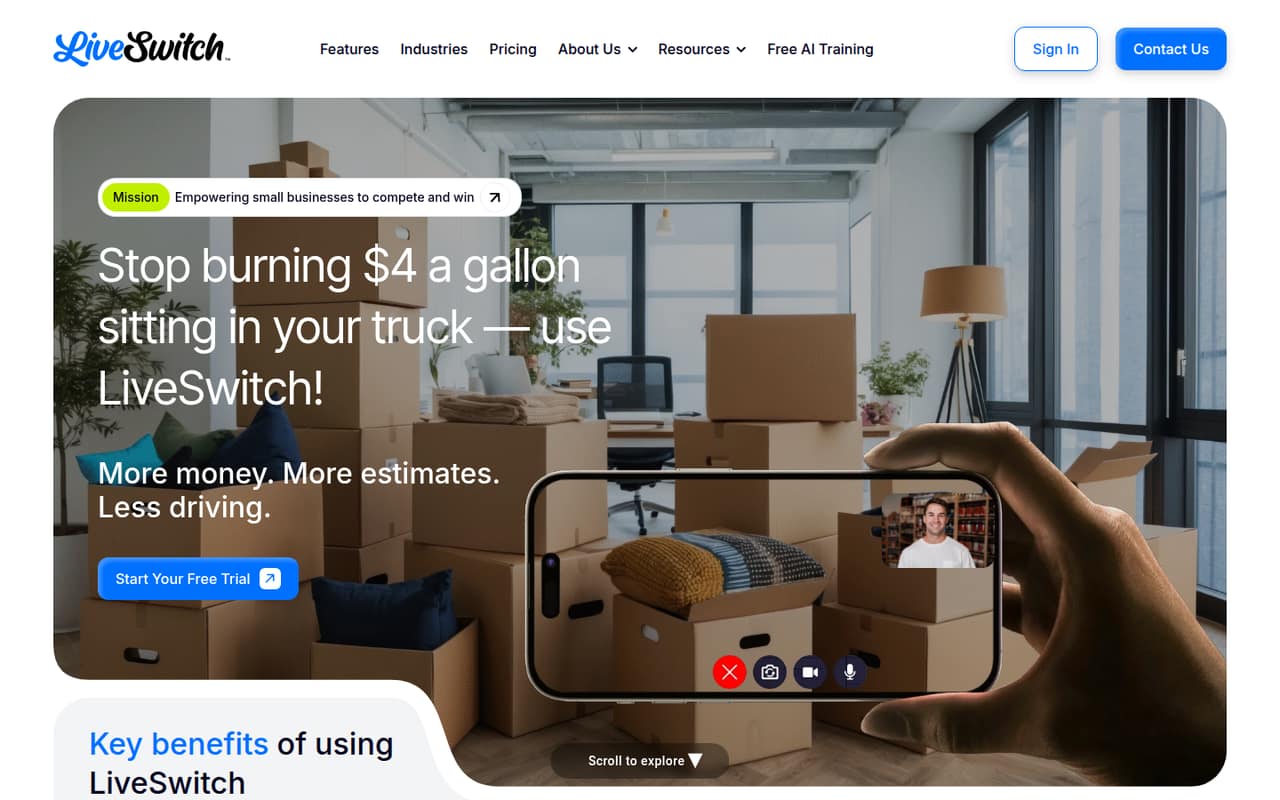
LiveSwitch is a browser-based SaaS app for small businesses to hold video calls, capture customer recordings, and organize job-site media. Its feature set is aimed at customer service and project documentation rather than developers building video into their own products.
The pricing page lists a seven-day trial, plans starting at $398 monthly for two users, and unlimited usage and storage. The listed materials describe browser workflows and an integrations directory, but developers should confirm API access, export options, and production limits with LiveSwitch before relying on it in a software stack.
Good fit if
- Small service businesses
- Teams documenting job-site work
- Customer video without downloads
Skip it if
- Teams building custom video products
- Self-hosted communications stacks
- Projects requiring published API limits
ScoresHow it rates
What works
- Browser-based calls with no customer downloads
- Recording links let customers share site details
- Photo and video capture supports project records
- Unlimited cloud storage is listed on both plans
- Plans include 24/7 support
What doesn't
- No documented developer API surface in the listed materials
- No free plan; trial lasts seven days
- Monthly plan starts at $398 for two users
- Additional users increase the recurring bill
- Data export and self-hosting details need confirmation
01What LiveSwitch is, technically
LiveSwitch is a hosted SaaS application for browser-based customer video and job-site media. It is not presented as a video SDK, communications API, CLI, or self-hosted server. Small businesses use it to start or schedule calls, request recordings from customers, capture photos and videos, and keep those assets with project information.
In a typical stack, LiveSwitch sits alongside a business’s existing customer and project workflows rather than serving as an embedded communications layer. Customers can join one-click video sessions or use recording links; staff can add notes, annotate photos, share projects, and search tagged files. The vendor positions the product around reducing travel and callbacks and keeping visual records for customer questions or disputes. Those are workflow goals, not a published performance guarantee. If your application needs to create calls programmatically, synchronize project data, or store media in your own system, confirm the available integration and export paths with LiveSwitch before making it a dependency.
02LiveSwitch API, SDKs and docs
The listed integration surface is the LiveSwitch browser app and its customer-facing workflows: browser calls, recording links, QR code and web form capture, project sharing, and an integrations directory. The vendor also lists comments, notifications, and project feeds for team collaboration. These features can fit an operational workflow without requiring customers to install an app, but they are not, by themselves, evidence of a programmable API.
The homepage does not name an API style, SDK, programming language, CLI, webhook, or plugin. Before planning an integration, ask LiveSwitch whether it offers a REST API, webhooks, or another supported interface, and confirm SDK support in the vendor’s docs. Ask for authentication details, supported operations, rate limits, and sample code for the languages your team uses. The homepage links to resources and an integrations directory, but developers should verify that a listed integration supports the required data flow rather than assuming it provides general API access.
03LiveSwitch pricing for developers
LiveSwitch has no free plan; the listed free trial lasts seven days. The pricing page lists LiveSwitch Monthly at $398 per month, starting with two users, with additional users at $40 per user per month. LiveSwitch Annual is $3,100 due annually for the starting plan, equivalent to $258.33 per month, and includes two users; additional users cost $312 per user per year. Both plans list unlimited usage and storage. The annual plan also lists a 30-day money-back guarantee, while the monthly plan lists 24/7 live support.
The bill grows by seats, not by a published call-minute or storage rate. The pricing material does not list overage charges, but developers should confirm what “unlimited usage” covers and whether any fair-use limits apply. “Unlimited AI Reports” is an add-on with no published price. Budget for the annual upfront payment if choosing that plan, and ask sales for the AI add-on price and any billing terms not shown on the pricing page.
04LiveSwitch: open source, self-hosting and lock-in
LiveSwitch is presented as a hosted service with cloud storage. The vendor does not publish an open-source licence, source availability, or a self-hosting option in the listed materials, so teams should treat it as a hosted product unless LiveSwitch confirms otherwise. The same materials do not describe a data export format or a process for moving project files and metadata out of the service.
That leaves migration effort hard to assess. Before storing long-lived project records, ask whether you can bulk-export original photos, videos, annotations, tags, comments, and project structure, and whether exports remain available after cancellation. Also confirm whether an API can keep your own system synchronized. Without those details, the main lock-in risk is operational: projects and their visual history may depend on the hosted workspace, even if the underlying media files can be retrieved.
05LiveSwitch in production
The pricing page lists unlimited usage and storage, but the vendor does not publish a specific call, file-size, bandwidth, or rate limit in the listed materials. Nor do they state an uptime SLA, incident-response commitment, or scaling model. The plans list 24/7 support, but teams should confirm response targets and escalation procedures before using LiveSwitch for time-sensitive customer workflows.
The homepage describes cloud storage as secure and promotes audit-ready visual records. Those claims do not establish a particular encryption design, retention policy, access-control model, or compliance certification. Ask how permissions work across teams and shared projects, how recordings are retained or deleted, and what security documentation is available. Test the customer recording flow, browser compatibility, and recovery process against your own requirements. If you need dependable synchronization with a CRM or project system, establish how failures are surfaced and whether data can be reconciled without manual re-entry.
Questions people ask
How does LiveSwitch work?
Teams use the hosted browser app to start or schedule video calls, capture job-site photos and videos, request customer recordings through links, and organize files by project. The listed tools also include in-call notes, photo annotations, tags, project sharing, and search.
Do customers need to install an app to join a call?
LiveSwitch describes one-click browser video sessions with no downloads needed. Confirm browser compatibility and any device requirements with the vendor if customers need to join from a particular phone, tablet, or computer.
Does LiveSwitch offer an API or SDK?
The listed materials describe the browser app, recording links, QR code and web form capture, and an integrations directory, but do not name an API or SDK. Ask LiveSwitch about API access, supported languages, authentication, rate limits, and data synchronization before planning a custom integration.
How much does LiveSwitch cost?
The listed plans start at $398 per month for two users on LiveSwitch Monthly, or $3,100 billed annually for LiveSwitch Annual. Both include unlimited usage and storage. Additional users cost $40 per month or $312 per year, respectively.
Can LiveSwitch be self-hosted?
LiveSwitch is presented as a hosted service with cloud storage. The vendor does not publish a self-hosting option in the listed materials. Ask about data export and migration before using it as the long-term home for project records.