
We may earn a commission if you buy through links on this page. It never changes a score or a ranking. How we make money
The bottom line
ImaginePay simplifies patient bill payment, but developers need pricing and integration answers before adopting it.
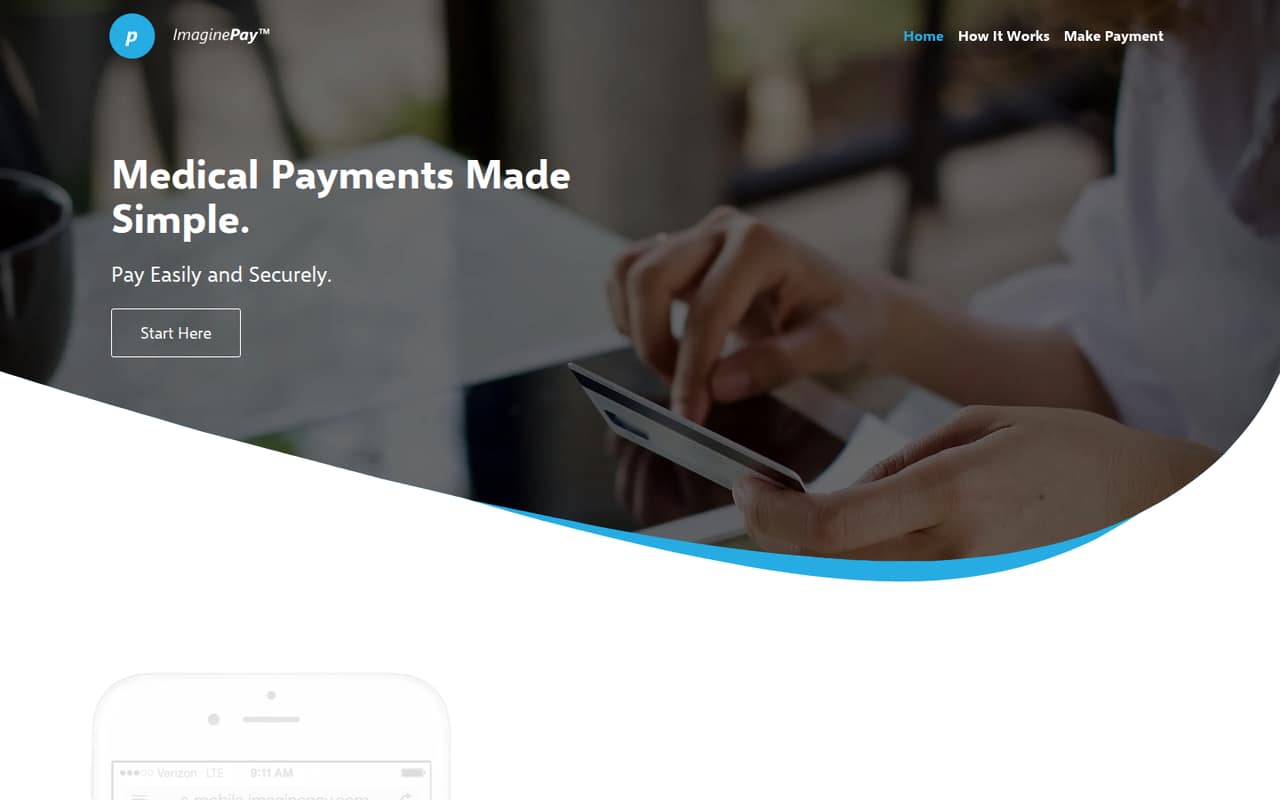
ImaginePay is an online medical payment platform for patients paying provider bills. Its five-step checkout retrieves a balance, collects a payment choice and billing details, then asks the patient to confirm. The homepage says patients need a provider ID, personal information and a payment method.
For developers, the patient-facing flow is clearer than the integration story. The homepage describes no API, SDK, pricing or deployment terms, so teams should confirm those details with ImaginePay before planning a production integration.
Good fit if
- Providers seeking online bill payment
- Patients paying provider balances remotely
- Teams evaluating simple checkout flows
Skip it if
- Teams requiring documented APIs
- Buyers needing published usage pricing
- Organizations requiring self-hosted software
ScoresHow it rates
What works
- Patients can pay from anywhere with internet access
- Five-step checkout covers balance retrieval through confirmation
- Patients can pay by credit or debit card
- Payment requires a provider ID from the statement
- Vendor describes the platform as HIPAA- and PCI-compliant
What doesn't
- No public starting price is listed
- Developer integration options need confirmation
- No named SDKs, languages or CLI on the homepage
- No published rate limits or usage terms
- Source availability and self-hosting terms are unclear
01What ImaginePay is, technically
ImaginePay is an online medical payment platform with a patient-facing checkout. It sits between a healthcare provider’s billing process and a patient who needs to pay a bill, rather than serving as a general-purpose payment API or a developer library. The homepage directs patients to start a payment, retrieve a provider balance, select an amount and payment method, enter a billing address, and confirm.
The workflow is designed for quick payments, including payments at the time of service. Patients can use it from anywhere with internet access and need a provider ID from their statement, personal information and a payment method. The homepage says credit and debit cards are accepted. It describes ImaginePay as HIPAA- and PCI-compliant. Providers evaluating it should establish how the checkout connects to their billing and practice systems, and what data flows between those systems and ImaginePay.
02ImaginePay API, SDKs and docs
The homepage describes a patient-facing web payment flow, not a developer integration surface. It does not name an API style, SDK, programming language, CLI, webhook, plugin or integration protocol. The vendor does not publish those developer details on its homepage; ask ImaginePay for its integration documentation and confirm SDK support before choosing a build approach.
The documented patient journey is straightforward: retrieve a balance with basic information, choose an amount, select a payment method, enter a billing address and review the payment. That establishes what the checkout does, but not how a provider application initiates it, reconciles transactions or handles payment status changes. Before implementation, ask whether providers use a hosted link, embedded checkout or API; which billing and practice-management systems are supported; and how test credentials, errors and reconciliation work. Do not assume a REST API or webhook support from the patient checkout alone.
03ImaginePay pricing for developers
ImaginePay does not publish a starting price, plan list, free tier, free trial or add-on pricing. Monthly and annual billing terms are also not published. The pricing information available has low confidence, so buyers should request a current quote and written fee schedule rather than estimate costs from a plan page.
That leaves the main production cost questions open: whether fees are charged per transaction, by volume, through a monthly subscription or through another arrangement; whether card processing is included; and whether minimums or setup fees apply. Ask how the bill changes as payment count and transaction amounts grow, and whether declined, refunded or disputed payments carry fees. Confirm any implementation, support and reconciliation charges, plus how overages are calculated. Without published rates or a free tier to evaluate, value depends on the provider’s negotiated terms and expected payment volume.
04ImaginePay: open source, self-hosting and lock-in
The homepage presents ImaginePay as an online payment platform, not as a self-hosting package. The vendor does not publish a software licence or source availability there, so buyers should confirm whether any component can be run in their own environment before treating the service as hosted-only. The homepage also does not describe data export or migration options.
Before signing, ask what patient and payment records providers can export, in which formats, and whether exports include transaction identifiers and reconciliation data. Confirm how long data remains available after termination, whether there are export fees, and how a provider can move payment history to another system. If provider workflows depend on ImaginePay-specific links or data structures, migration may require additional integration work; establish the exit process and responsibilities in the contract.
05ImaginePay in production
The homepage says ImaginePay is HIPAA- and PCI-compliant and keeps patients’ personal and payment-method information securely on file. Treat that as the vendor’s stated position, not a substitute for a security review. Ask for the relevant compliance documentation, data-handling terms, incident process and details about how payment credentials are stored and protected.
The homepage publishes no rate limits, uptime commitment, scaling guidance or incident-status information. Before relying on the checkout for time-of-service payments, confirm capacity, support hours, maintenance practices and what happens when the service or a payment processor is unavailable. Also establish how providers retrieve balances, reconcile completed payments and handle retries, refunds or disputed charges. The checkout’s five-step patient flow is described, but production behavior and recovery procedures need confirmation from ImaginePay.
Questions people ask
What is ImaginePay?
ImaginePay is an online medical payment platform that lets patients pay provider bills. Its homepage describes a five-step checkout: retrieve a balance, choose an amount and payment method, enter billing details, then review and confirm the payment.
What information do I need to pay with ImaginePay?
The homepage says patients need a provider ID from their statement, personal information and a payment method. The checkout also asks for a billing address before patients review and confirm their payment.
Which payment methods does ImaginePay accept?
The homepage says ImaginePay accepts credit and debit cards. It does not name additional payment methods, so patients should check the payment options shown for their provider when starting checkout.
How much does ImaginePay cost?
ImaginePay does not publish a starting price, plan list or free tier. Monthly and annual billing terms are not published either. Providers should ask ImaginePay for a quote and clarify transaction fees, setup costs and any volume-based charges.
Is ImaginePay HIPAA- and PCI-compliant?
ImaginePay’s homepage describes the platform as HIPAA- and PCI-compliant. Providers evaluating it should request the vendor’s compliance documentation and review its security, data-handling and incident-response terms before relying on the service.