
We may earn a commission if you buy through links on this page. It never changes a score or a ranking. How we make money
The bottom line
ImageKit centralizes media delivery and management, with usage quotas and hosted-service lock-in to weigh.
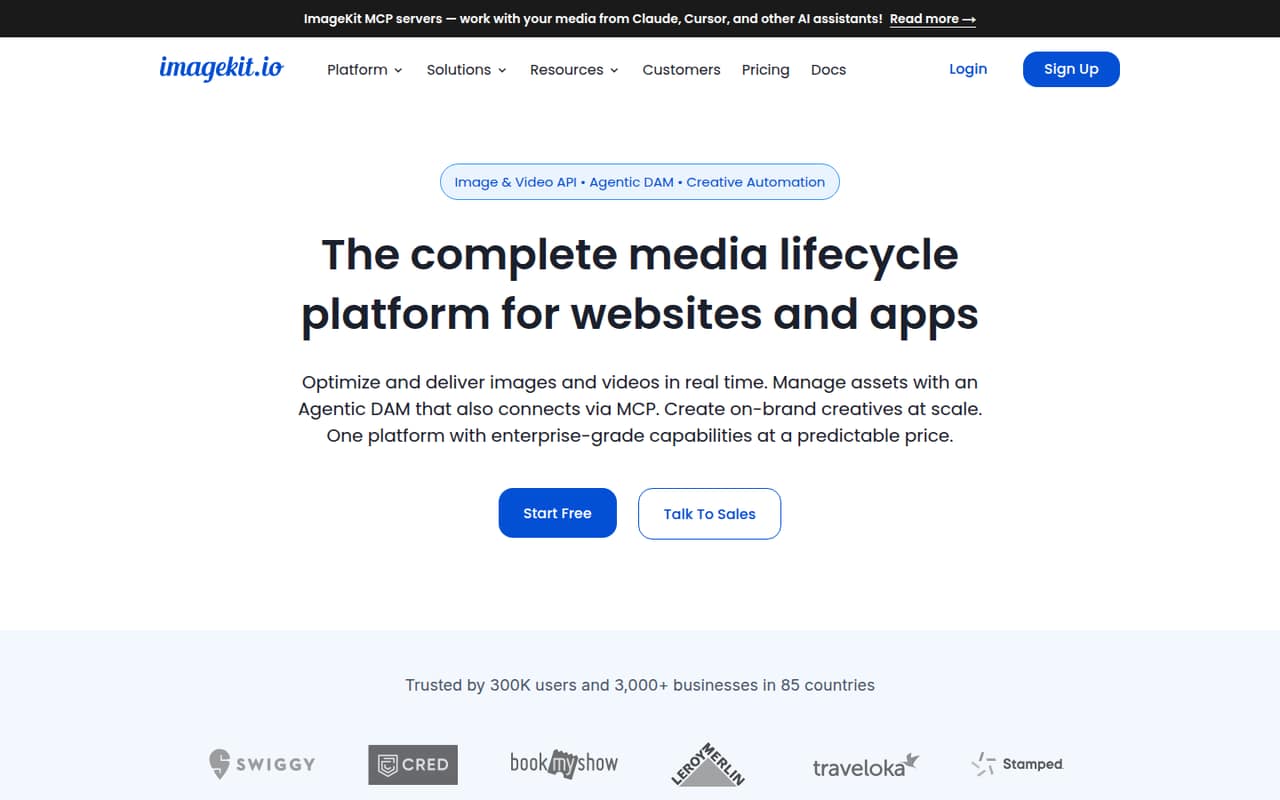
ImageKit is a hosted image and video API with asset management, creative automation and MCP servers. It can deliver media from its own DAM or existing S3, GCS and Azure Blob storage, giving teams one service for several media tasks.
The free tier and URL-based transformations make it approachable, but production teams should model bandwidth, storage and processing units before committing. ImageKit is a hosted service, not a self-hosted alternative.
Good fit if
- Teams consolidating media tools
- Apps using URL-based transformations
- Teams adding DAM and creative workflows
Skip it if
- Teams requiring self-hosting
- Projects needing published rate limits
- Stacks avoiding vendor-specific transformations
ScoresHow it rates
What works
- Delivers images in AVIF or WebP based on the viewer’s device
- URL-based image transformations include resizing, cropping and overlays
- Supports HLS and DASH adaptive video streaming
- Connects to S3, GCS and Azure Blob storage
- Hosted MCP servers connect AI assistants to ImageKit accounts
What doesn't
- Production usage can add bandwidth, storage and processing overages
- Rate limits are not published on the homepage
- The service is hosted; self-hosting is not listed
- Migration may require replacing ImageKit-specific URLs and workflows
- Annual plan prices are not published
01What ImageKit is, technically
ImageKit is a hosted media platform: a SaaS service with image and video APIs, a digital asset management app, and creative automation tools. It sits between your application and the media it serves, transforming and delivering assets on request. You can store assets in ImageKit’s DAM or connect existing S3, GCS or Azure Blob storage.
For images, the core integration is URL-based: add transformations such as resizing, cropping and overlays to delivery URLs. The platform can serve AVIF or WebP based on the viewer’s device. Video features include optimization, transformations, thumbnails and HLS or DASH streaming. The DAM adds asset organization, tagging, search, sharing and governance; creative automation generates template-based assets for the DAM.
This is broader than an image-resizing library or standalone CDN. ImageKit also offers hosted MCP servers so AI assistants can work with an account. That consolidation can reduce the number of media services in a stack, but it makes ImageKit a service dependency for delivery and asset workflows.
02ImageKit API, SDKs and docs
ImageKit’s integration surface includes URL-based image and video APIs, SDKs, native integrations and three hosted MCP servers. The homepage lists React, Next.js, Angular, JavaScript, Vue.js, Netlify, Android, iOS, Go, Node.js, Python, PHP, .NET, Java, ROR, Shopify, WordPress and Magento. That list mixes languages, frameworks and integrations; check the vendor’s docs for the specific SDK, package and supported operations your codebase needs.
The DevTools MCP server builds transformation URLs and searches docs. DAM MCP can search, upload, organize and govern assets; Admin MCP manages origins, URL endpoints and usage. The homepage names Claude, Cursor, VS Code and Copilot as compatible assistants, with access scoped to each user’s permissions.
ImageKit describes its APIs and documentation as clear, and says it provides reliable SDKs and support. The homepage does not list a CLI or webhooks. Teams integrating through a framework or CMS should confirm the relevant integration’s maintenance and configuration details in the vendor’s docs before standardizing on it.
03ImageKit pricing for developers
ImageKit has a Forever free plan at $0 per month, with 20 GB monthly bandwidth, 3 GB DAM storage, 500 monthly video units, 650 monthly extension units and two users. Lite costs $9 per month and raises bandwidth to 40 GB and DAM storage to 10 GB, with $0.50/GB bandwidth and $0.10/GB storage overages. It includes three users and the same listed video and extension units as free.
Pro is $89 per month: 225 GB bandwidth, 225 GB DAM storage, 5,000 video units, 4,000 extension units and five users. Listed overages are $0.45/GB bandwidth, $0.09/GB storage, $9 per 10,000 extra video units, $9 per 5,000 extra extension units and $9 per extra user. Extra purge requests cost $9 per 1,500; extra custom domains cost $9 each. Enterprise pricing and limits are custom. The pricing page lists monthly prices; annual prices are not published. Model expected delivery, storage, processing and seat usage before moving workloads to a paid plan.
04ImageKit: open source, self-hosting and lock-in
ImageKit is presented as a hosted platform, and the homepage lists no open-source licence or self-hosted deployment option. Teams that require code they can run on their own infrastructure should ask ImageKit directly about deployment and licensing rather than assume those options exist.
The platform can use existing S3, GCS or Azure Blob storage as an origin, which lets teams keep source assets in their chosen storage. That does not remove dependency on ImageKit’s delivery URLs, transformations, DAM features or creative workflows. The homepage does not describe a data-export process, so ask about bulk export of assets, metadata, tags and generated content before adopting the DAM as a source of truth.
Migration effort will depend on how much application code, content and automation relies on ImageKit-specific URLs and features. Keep original assets and transformation logic portable where practical, and plan to replace delivery URLs and DAM workflows if you need to move.
05ImageKit in production
The homepage says ImageKit serves billions of optimized assets each month and offers ISO 27001, SOC 2 Type II and GDPR compliance. It also lists signed URLs and WAF for secure media delivery. Enterprise adds advanced security controls, SSO, multi-account setup and custom SLAs. These are vendor claims; teams with specific compliance or availability requirements should confirm scope, contractual terms and service guarantees with the vendor.
Plan around monthly bandwidth, storage, video units, extension units and user counts. The homepage does not publish API rate limits, detailed service-level targets or a general usage threshold for each transformation, so ask about them before setting production capacity or alerting assumptions. Pro includes video and extension overages; Enterprise limits and pricing are custom.
Reddit discussions are mixed and limited. A user weighing image hosts raised questions about initial loading, caching and price. Another post reported ImageKit being blocked by Google for a Sheets workflow. That is a specific integration concern, not evidence of a general delivery problem; test your own publishing and caching path.
From the threadsWhat users say
The Reddit material is sparse and mixed: users discuss hosting choices and self-hosted alternatives, while one user reports a Google Sheets blocking issue. It does not establish broad sentiment about ImageKit’s performance or support.
so i'm still confused which image hosting to use for better initial loading and caching for images and also price
I'm searching for a selfhosted, open source image optimization software
We migrated with almost zero effort. They have 100% compatible API
However, with it now being blocked by Google, what are some alternatives I can use for this purpose?
Questions people ask
Is ImageKit safe to use?
ImageKit lists ISO 27001, SOC 2 Type II and GDPR compliance, and says it supports signed URLs and WAF. Those claims do not replace a review of your own requirements. Confirm certification scope, data handling, access controls and contractual commitments with ImageKit before sending sensitive media through the service.
How much does ImageKit cost?
ImageKit has a Forever free plan. Paid monthly plans start with Lite at $9 per month, while Pro is $89 per month. Enterprise pricing is custom. Bandwidth, storage, processing units, extra users and some account operations can add charges; annual prices are not published.
Can ImageKit use my existing cloud storage?
Yes. ImageKit says it can deliver optimized media from S3, GCS or Azure Blob storage, as well as from its built-in DAM. Confirm the setup steps and any access or origin requirements in the vendor’s docs before connecting a production bucket.
Does ImageKit support video streaming?
ImageKit lists video optimization, URL-based transformations and thumbnails, along with adaptive HLS and DASH streaming. Its homepage also describes a video player with automatic subtitles, chapters, shoppable overlays and analytics. Check the vendor’s docs for implementation details and plan usage against video units.
Can AI assistants work with ImageKit?
ImageKit offers hosted DevTools, DAM and Admin MCP servers. The vendor says they connect Claude, Cursor, VS Code and Copilot to ImageKit accounts, scoped to each user’s permissions. Their functions include building transformation URLs, managing assets and administering origins, URL endpoints and usage.