
We may earn a commission if you buy through links on this page. It never changes a score or a ranking. How we make money
The bottom line
A capable production observability platform with OpenTelemetry and MCP hooks, plus usage limits to plan around.
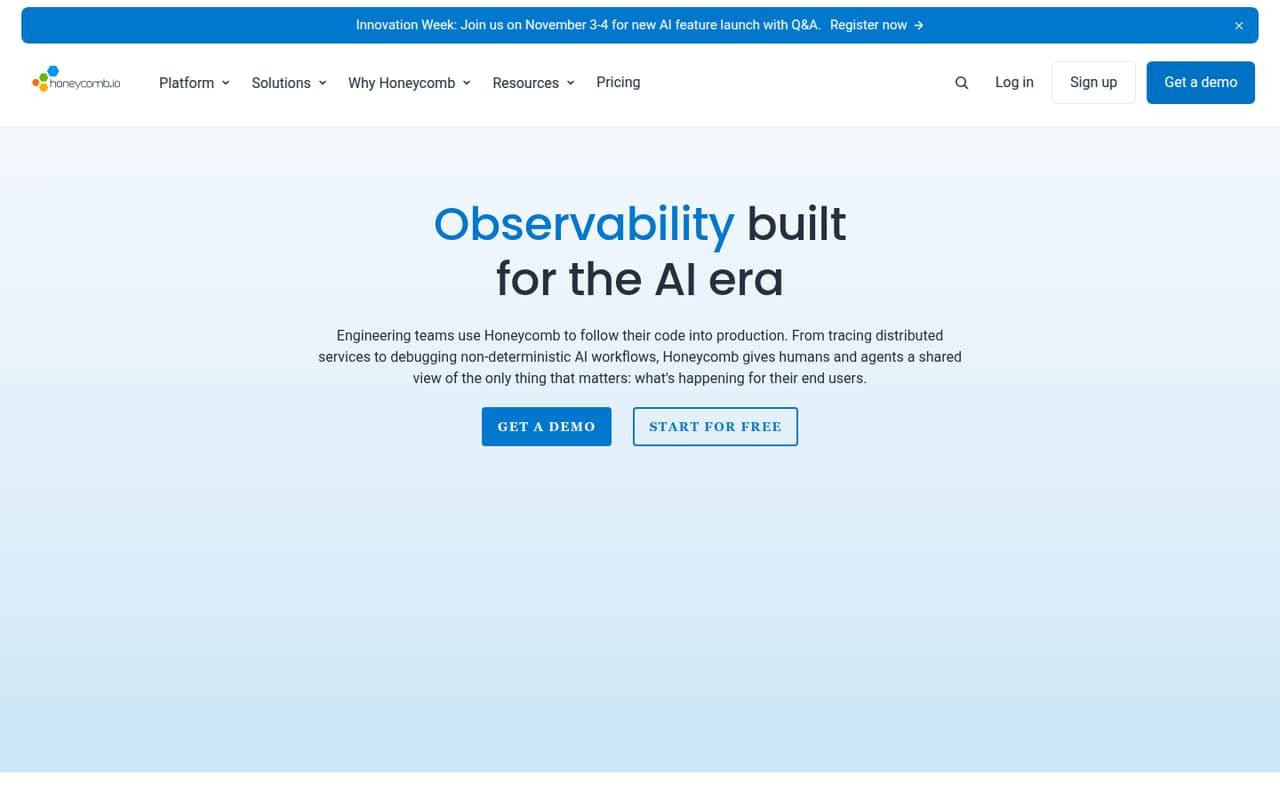
Honeycomb is a production observability platform for distributed services and AI workflows. Its core model is event-based querying and distributed tracing, with BubbleUp for investigations and SLO monitoring. The platform also offers Canvas, Team Agents and an MCP server for AI-assisted investigation.
The Free plan supports small projects; Pro starts at $150 per 50M events and Enterprise uses custom pricing. Honeycomb lists a Private Cloud option, but teams should confirm its deployment details, data export and the SDKs for their languages before adopting it.
Good fit if
- Teams tracing distributed production systems
- Engineers investigating high-cardinality telemetry
- Teams monitoring AI workflows and LLM calls
Skip it if
- Projects requiring a fully self-hosted stack
- Teams needing published per-event overage rates
- Stacks requiring verified language SDK coverage
ScoresHow it rates
What works
- Free tier includes tracing and BubbleUp
- OpenTelemetry-native approach supports portable instrumentation
- High-cardinality event data and real-time queries
- MCP server gives agents production context
- Pro includes SSO and Honeycomb Support
What doesn't
- Pro pricing starts at $150 per 50M events
- Enterprise pricing is custom
- Annual Pro pricing is not published
- SDK and language coverage needs confirmation
- Private Cloud does not establish self-hosting terms
01What Honeycomb is, technically
Honeycomb is a commercial observability platform for production software, rather than an application library or a command-line tool. It sits downstream of your services and telemetry collection, where teams query event data, trace distributed requests and investigate behavior across services. Honeycomb describes its platform as OpenTelemetry-native and built around high-cardinality, event-based data.
Its core workflow is tracing and investigation: engineers explore production events, use BubbleUp to look for likely causes, and monitor service objectives. The platform also targets AI systems, with views for agent workflows, LLM calls, token costs, latency and failures. Canvas provides a collaborative workspace for investigations; Team Agents can set goals and run investigations, while Honeycomb MCP gives AI agents production context. The homepage also lists Private Cloud as a solution. That is a deployment option to ask about, not evidence that the product is a self-hosted server.
02Honeycomb API, SDKs and docs
The integration surface named on Honeycomb’s homepage is an OpenTelemetry-native platform for telemetry and a Honeycomb MCP server for giving AI agents production context. The homepage does not name a specific API style, SDK package, programming language or CLI. Before committing, confirm language SDK support, ingestion details and setup instructions in Honeycomb’s developer docs; do not assume a particular REST API or client library.
For teams already instrumenting with OpenTelemetry, the stated approach is to send telemetry to Honeycomb and use its querying, tracing and investigation tools. That can keep instrumentation closer to a portable standard, though Honeycomb-specific investigations, dashboards and agent workflows are platform features to account for in a migration plan. MCP is the named path for connecting agents to production context. Check which agent clients and authentication flows it supports, along with how credentials and permissions are configured, before using it in production.
03Honeycomb pricing for developers
The Free plan costs $0 per month and includes up to 20M events and 100M metric data points per month, two triggers, distributed tracing and BubbleUp. Honeycomb says Free is free forever. It is a workable starting point, but its event and metric caps make it important to watch volume as services and environments grow.
Pro starts at $150 per 50M events. The plan lists a maximum of 750M events and 3.75B metric data points per month, plus 100 triggers, two SLOs, SSO and Honeycomb Support. Pro is available monthly or annually, but the annual price is not published. Enterprise uses custom pricing, starts with 10B events per year, 300 triggers and 100 SLOs, and includes Service Map, enterprise support and onboarding. Its event and metrics volume is variable.
The pricing page also lists telemetry collection starting at $0.10/GB, frontend performance analysis, enterprise-grade alerting, and installation and enablement services. Ask Honeycomb how charges change above included volumes and what each add-on costs; the listed starting prices do not establish overage rates.
04Honeycomb: open source, self-hosting and lock-in
Honeycomb is a commercial platform. The vendor does not publish an open-source license for the product, and its OpenTelemetry-native positioning is not the same as Honeycomb itself being open source. The homepage lists Private Cloud, but does not establish whether customers can run the full service themselves or what infrastructure and operational responsibilities that option requires. Ask Honeycomb for the deployment architecture and terms.
OpenTelemetry-based instrumentation can make it easier to redirect telemetry to another backend than if collection depends entirely on proprietary agents. The investigation experience—such as Honeycomb queries, BubbleUp, SLOs, Canvas and Team Agents—still relies on Honeycomb-specific workflows. The homepage does not describe data export formats or migration tooling, so confirm what data you can export, how long it remains available, and whether saved queries and dashboards can move with it before building those into incident response.
05Honeycomb in production
Plan around the limits attached to each tier. Free allows 20M events and 100M metric data points monthly, with two triggers. Pro lists up to 750M events and 3.75B metric data points monthly, 100 triggers and two SLOs. Enterprise starts with 10B events per year, 300 triggers and 100 SLOs. These are plan inclusions, not a published description of ingestion rate limits or overage behavior.
Honeycomb promotes real-time querying and says its platform is OpenTelemetry-native; its homepage also makes performance claims about query speed and data availability. Treat those as vendor claims and validate them against your own workload and support requirements. Before depending on the service for incident response, ask about retention, ingest throttling, availability commitments, data residency, compliance coverage and export procedures. Confirm the scope of SSO and support for your plan, and test how your instrumentation behaves when telemetry volume spikes or the destination is unavailable.
Honeycomb in the news
Questions people ask
What is Honeycomb used for?
Honeycomb is an observability platform for investigating production software. It supports distributed tracing, querying high-cardinality event data, BubbleUp root-cause investigations and SLO monitoring. Its AI features cover agent workflows and LLM calls, including token costs, latency and failures.
Does Honeycomb support OpenTelemetry?
Honeycomb describes its platform as OpenTelemetry-native. Confirm the exact SDKs, languages, ingestion setup and configuration steps in the developer docs for your stack before implementation; the homepage does not name specific SDK packages or languages.
Can I use Honeycomb for AI agents?
Yes. Honeycomb’s AI Ecosystem is positioned for tracing agent workflows, LLM calls, token costs, latency and failures. The platform also lists Canvas, Team Agents and an MCP server that gives AI agents production context. Confirm client compatibility and access controls for your setup.
Can Honeycomb be self-hosted?
The homepage lists Private Cloud, but that alone does not establish that customers can self-host the full platform. Ask Honeycomb about the deployment architecture, who operates the infrastructure, and which features and support terms apply.
What happens when I exceed my Honeycomb plan limits?
The pricing page lists monthly event and metric allowances for Free and Pro, but does not state overage rates or what happens at the limit. Ask Honeycomb how excess usage is handled, whether ingestion is paused or billed, and how alerts work.