
We may earn a commission if you buy through links on this page. It never changes a score or a ranking. How we make money
The bottom line
A flexible JavaScript load-testing CLI; cloud testing is metered by VUh.
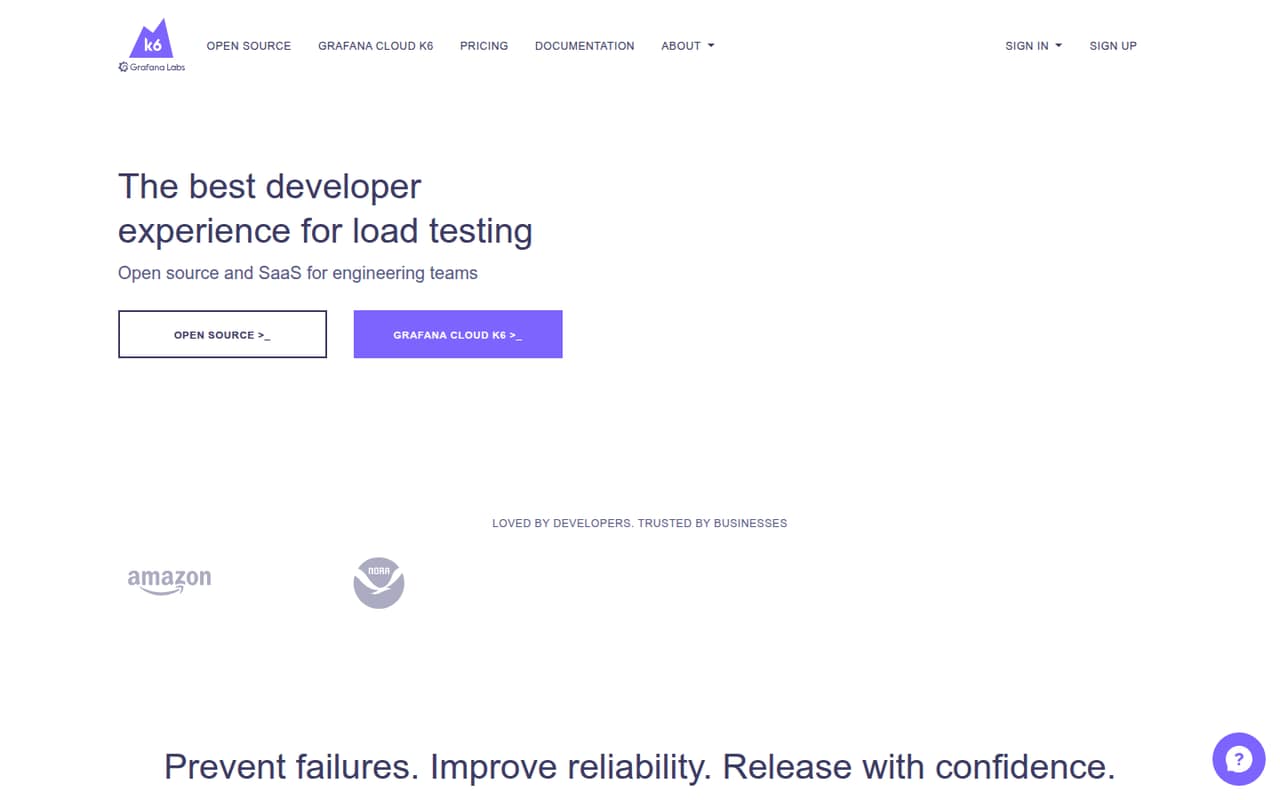
Grafana k6 is an open-source load-testing CLI with a Grafana Cloud option. Write JavaScript scripts and use them for local, Kubernetes, and cloud tests, with support for API, browser, synthetic monitoring, and fault-injection use cases.
The self-hosted option has no seat or VUh limits, but teams operate their own infrastructure. Cloud plans start at $19 per month for Pro, with test usage, seats, and some metrics billed separately. Check browser-test VUh consumption and concurrency needs before moving production tests to cloud.
Good fit if
- Teams writing JavaScript load tests
- Kubernetes and API performance testing
- Teams needing local-to-cloud test portability
Skip it if
- Teams seeking a no-code test authoring tool
- Projects requiring published fixed cloud costs
- Teams needing documented data-export guarantees
ScoresHow it rates
What works
- AGPLv3 self-hosted option has no seat or VUh limits
- Same JavaScript script runs locally, in Kubernetes, or in cloud
- Supports API, browser, synthetic, and fault-injection testing
- Free cloud tier includes 500 k6 VUh monthly
- Integrates with Kubernetes, Prometheus, Kafka, and OpenTelemetry
What doesn't
- Cloud test charges grow with VUh consumption
- Browser VUs count as 10 protocol VUs
- Free cloud plan permits one concurrent test
- Static IP add-on price is not published
- Data-export guarantees are not published
01What Grafana k6 is, technically
Grafana k6 is an open-source command-line load-testing tool with an optional Grafana Cloud service for running tests. It is not a hosted-only test builder: teams write JavaScript scripts, run them on local machines or in Kubernetes, and can send runs to the cloud. The homepage shows k6 run script.js, kubectl apply -f k6.yaml, and k6 cloud script.js as the respective entry points.
In a software stack, k6 sits alongside application and infrastructure code. Engineers use it to exercise APIs and applications under load, set checks and thresholds, and test behavior before or during deployment. The same script can be used across local, distributed, and cloud runs, according to Grafana. The product also covers browser and API testing, synthetic monitoring, infrastructure testing, regression testing, and fault injection in Kubernetes-based apps. Teams can start with the self-hosted open-source tool or use Grafana Cloud for managed test execution.
02Grafana k6 API, SDKs and docs
The main authoring interface is JavaScript: the homepage example imports k6/http and check and sleep from k6, sends an HTTP POST, checks the response status, and pauses between requests. The homepage lists API, threshold configuration, GraphQL, cookies, WebSocket, and gRPC as scripting areas. It shows CLI commands for local, Kubernetes, and cloud execution, so the documented integration surface includes scripts and command-line workflows.
Grafana lists integrations including Postman, New Relic, Visual Studio, Grafana, IntelliJ IDEA, and Datadog. Its extensions list includes Kubernetes, Prometheus, Pub/Sub, Amazon SQS, Kafka, and OpenTelemetry. The homepage points users to documentation, but does not name separate language SDKs beyond JavaScript scripting. Confirm SDK support and the details of any integration in Grafana's documentation before choosing an implementation. The same-script workflow is useful for moving a test between environments, though teams still need to configure and maintain the execution infrastructure.
03Grafana k6 pricing for developers
Grafana k6 Open Source (Self-Hosted) costs $0 and includes the AGPLv3 license, with no seat limits, VUh limits, or platform fee. Grafana Cloud Free also costs $0 per month; it includes 3 Grafana monthly active users, 500 k6 VUh, one concurrent test, and 14 days of data retention. The free tier also includes 50 GB each of logs, traces, and profiles.
Grafana Cloud Pro starts at $19 per month, billed monthly pay-as-you-go. It includes 3 active users and 500 k6 VUh; additional VUh starts at $0.150 each. Pro seats cost $8 per active user per month, or $55 with Enterprise plugins. VUh pricing drops to $0.135 at 3,500 VUh and $0.120 at 7,500 or more. Browser VUs count as 10 protocol VUs; local execution streamed to Grafana Cloud gets a 25% VUh discount. Enterprise has a $25,000 annual minimum, with VUh pricing as low as $0.05. Check test concurrency, browser usage, and metric-series charges before budgeting.
04Grafana k6: open source, self-hosting and lock-in
Grafana k6 Open Source (Self-Hosted) is available under the AGPLv3 license. Grafana lists no seat limits, VUh limits, or platform fee for that option. Teams can run the CLI locally or apply a Kubernetes configuration, so they can keep test execution on infrastructure they manage rather than using Grafana Cloud.
The JavaScript test scripts are also usable across local, Kubernetes, and cloud runs, which reduces dependence on a particular execution environment. Cloud plans add metered test usage and Grafana Cloud services, so check how test results, metrics, and other stored data can be exported before relying on them. Grafana does not publish data-export guarantees in the plan details; ask about export formats, retention after cancellation, and migration support. Self-hosting avoids cloud VUh charges but leaves teams responsible for operating the test infrastructure.
05Grafana k6 in production
For production use, model cloud spend against test volume and concurrency, not just the Pro base fee. Grafana Cloud Free allows one concurrent test; Pro's listed plan details do not state a concurrency allowance, while Enterprise offers custom concurrency. Browser VUs count as 10 protocol VUs, and the minimum cloud test charge is 1 VUh, or 2 VUh for tests combining protocol and browser VUs. The pricing details do not publish rate limits, so ask Grafana about API, test-start, and ingestion limits for your workload.
Before running tests against production, confirm access controls, data handling, retention, and any compliance requirements with Grafana. The plan details list 14 days of data retention on Free and 24x7 premium support on Enterprise, but do not establish broader reliability or security guarantees. One Reddit post describes k6 as a way to catch performance issues early; another shares an MCP load-testing write-up and its assumptions and trade-offs. Those posts are anecdotal, not production reliability evidence.
From the threadsWhat users say
The small amount of Reddit discussion is favorable about k6's reliability-testing use and practical scripting. It offers little evidence about support, cloud operations, or production reliability.
This is a performance testing tool that helps you catch perfomance issues early to improve reliability
lets be honest most of us never scale
It's quite hands-on where he shares his scripts, results, and discusses his assumptions and trade-offs
Hope it's helpful!
Questions people ask
Can I run Grafana k6 without Grafana Cloud?
Yes. Grafana k6 Open Source (Self-Hosted) is available under the AGPLv3 license and has no seat limits, VUh limits, or platform fee. The homepage shows local execution with k6 run script.js and Kubernetes execution with kubectl apply -f k6.yaml. You manage the infrastructure for those runs.
What language do I use to write k6 tests?
The homepage describes JavaScript scripting and shows imports from k6/http and k6. Its example sends an HTTP request, checks the response status, and sleeps between requests. It also lists GraphQL, cookies, WebSocket, and gRPC as scripting areas. Confirm language and SDK support in Grafana's documentation.
Can the same k6 script run locally and in the cloud?
Grafana says the same script can be used for local, distributed, and cloud tests. The homepage shows k6 run script.js for local execution and k6 cloud script.js for cloud execution, with Kubernetes as another option. Check the docs for any environment-specific configuration needed by your test.
How does Grafana k6 charge for browser tests?
Grafana's pricing details count browser VUs as 10 protocol VUs. The minimum cloud test charge is 1 VUh, or 2 VUh for tests combining protocol and browser VUs. Model browser use separately from protocol load when estimating cloud consumption; local execution streamed to Grafana Cloud gets a 25% VUh consumption discount.
Can k6 test APIs and browser workflows?
Yes. The homepage lists API scripting and says teams can mix browser and API testing, interact with real browsers, and collect frontend metrics. It also lists synthetic monitoring and fault injection for Kubernetes-based applications. Verify the specific browser capabilities and execution requirements in Grafana's documentation.