
We may earn a commission if you buy through links on this page. It never changes a score or a ranking. How we make money
The bottom line
A broad credential-security platform with a useful free tier and paid plans priced by sales.
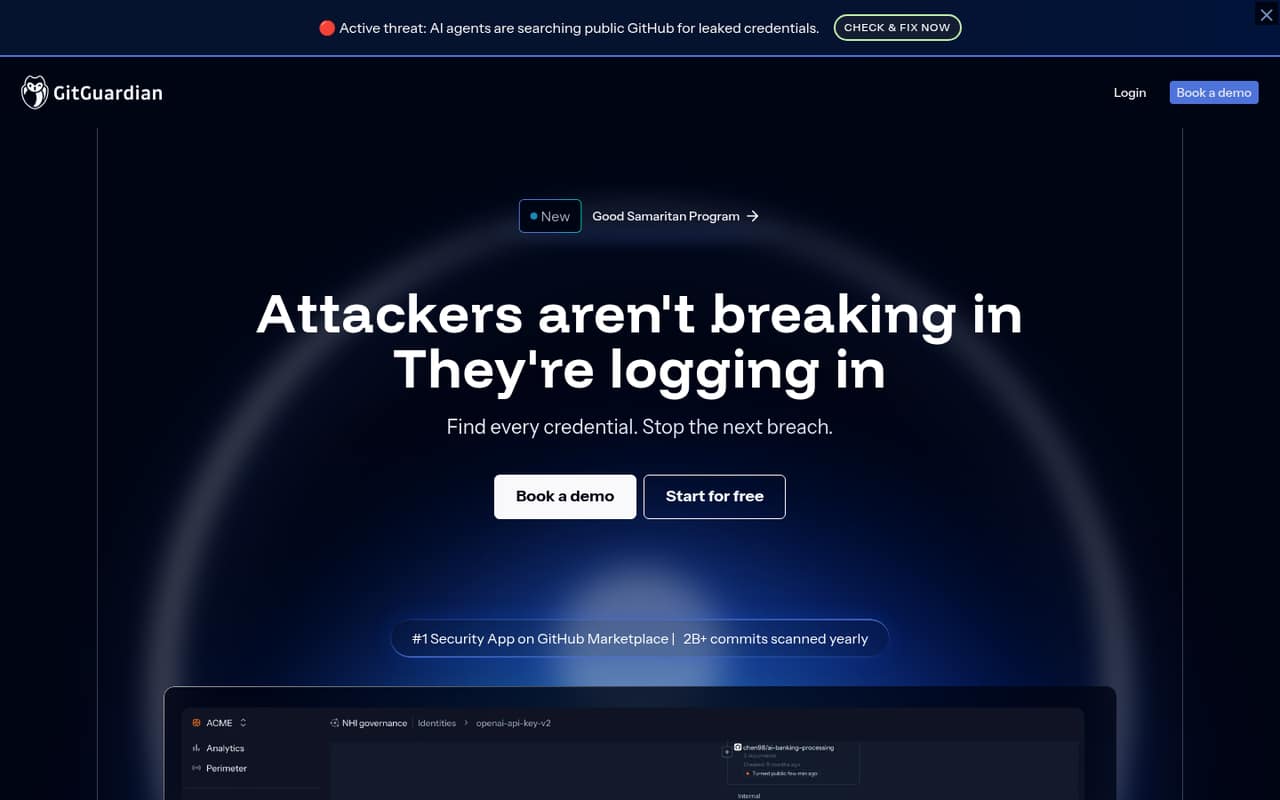
GitGuardian is a credential-security platform spanning internal code, CI/CD, collaboration tools, public GitHub and developer machines. Its ggshield CLI adds pre-commit, pre-push, IDE and AI-coding workflows, while the platform adds incident routing and non-human identity governance.
Starter is free for up to 25 developers, but limits historical detections, API calls and repository scanning capacity. Paid-plan prices are not published, and Custom (Enterprise) is the only plan with self-hosted deployment listed. Teams evaluating a production rollout should confirm commercial terms, API details, deployment requirements and service commitments with the vendor.
Good fit if
- Teams monitoring secrets across repositories
- Security teams adding developer guardrails
- Organizations governing machine identities
Skip it if
- Teams needing published paid-plan prices
- Projects requiring a named SDK
- Buyers requiring self-hosting on every plan
ScoresHow it rates
What works
- Covers code, CI/CD, collaboration tools and public GitHub
- ggshield supports pre-commit and pre-push workflows
- Free Starter includes unlimited real-time scanning
- NHI governance covers ownership and policy workflows
- Custom plan lists self-hosted deployment
What doesn't
- Paid plan prices are not published
- Starter limits historical detections and scan capacity
- SDK languages and API style need confirmation
- Endpoint protection is an add-on
- Public Reddit discussion is not product-specific
01What GitGuardian is, technically
GitGuardian is a credential-security platform with a central monitoring and incident-remediation layer. It looks for exposed credentials across internal code, CI/CD, container registries, collaboration tools, public GitHub and developer machines. Security teams use it to investigate detections, assign owners and route incidents for remediation; its NHI Governance capability also inventories machine identities such as service accounts, API keys and AI agents.
The developer-facing component is ggshield, a CLI for placing secret checks into pre-commit, pre-push, IDE and AI coding workflows. The platform also lists GitGuardian Scout (ggscout), integrations, detectors and remediation playbooks. Custom (Enterprise) lists self-hosted deployment, while other plans are offered as managed plans. That makes GitGuardian a layer alongside source control, CI/CD and collaboration systems, rather than a replacement for a secrets manager: the vendor positions it as a way to find credentials that escaped vaults and help teams rotate or revoke them.
02GitGuardian API, SDKs and docs
The named developer tool is ggshield, GitGuardian’s CLI. The homepage says it supports pre-commit, pre-push, IDE, AI coding tools and sessions, plus agent skills, plugins and MCP servers. That gives teams several places to add checks before code is committed or shipped. The platform also advertises integrations and a 10,000 API calls/month allowance on Starter.
GitGuardian’s homepage links to documentation, but does not name SDK languages or describe an API protocol. Confirm supported SDKs, authentication, endpoints and rate limits in the vendor’s docs before building a direct integration; the Starter allowance is a monthly quota, not a published per-second limit. For broader stack integration, the platform monitors code repositories, CI/CD, container registries, Jira, Slack and public GitHub. Remediation playbooks and auto-routing are intended to move detections to owners, rather than leave developers with an alert to handle manually. Verify which connectors and workflows are available on the plan you are evaluating.
03GitGuardian pricing for developers
Starter costs $0 per month and includes up to 25 developers, unlimited real-time scanning, up to 500 historical scan detections, 10,000 API calls/month and 1 GB of repository scanning capacity. That is a useful entry point, but it is not unlimited historical coverage or scan capacity.
Paid prices are not published: the pricing page lists contact sales, and no monthly or annual billing schedule is published. Teams (Business) includes up to 20 teams, repository scans up to 12 GB and remediation playbooks. Growth includes up to 10 teams, scans up to 12 GB, limited public secrets monitoring and SSO with SAML 2.0 and SCIM. Custom (Enterprise) raises repository scan capacity to 60 GB and lists unlimited teams, custom detectors, 12-month audit log retention and self-hosted deployment.
Endpoint Protection is an add-on for Teams and Growth, priced per endpoint per year, with rates not published; Premium Care is also an add-on. Ask about overages, endpoint rates and enterprise collaboration-tool scanning before budgeting.
04GitGuardian: open source, self-hosting and lock-in
The vendor does not publish a licence or source-availability statement for GitGuardian in its homepage text, so do not treat the platform or ggshield as open source without checking the relevant repository and licence. Custom (Enterprise) lists self-hosted deployment; the other listed plans do not list it. Confirm what self-hosting includes, such as upgrades, support and required infrastructure, before choosing that route.
The platform connects to repositories and collaboration tools and can route remediation through playbooks. That creates integration and workflow dependencies, even if detections themselves are portable to another system. The vendor does not describe data-export terms on the homepage. Ask how to export incidents, detector configuration, audit history and identity ownership data, and whether exports remain available after cancellation. A migration would also require replacing ggshield checks in developer workflows and rebuilding any integrations or remediation routing tied to GitGuardian.
05GitGuardian in production
Capacity and plan boundaries matter as coverage expands: Starter has 1 GB of repository scanning capacity, while Teams and Growth list scans up to 12 GB and Custom (Enterprise) up to 60 GB. Starter also limits historical detections to 500 and API calls to 10,000/month. Growth has limited public secrets monitoring; confirm how that scope is measured and what happens when a quota is reached. Ask the vendor about service commitments, API burst limits, incident retention and the support response included in your quote.
The homepage lists SAML 2.0 and SCIM for Growth, and 12-month audit log retention for Custom (Enterprise). GitGuardian says NHI Governance keeps secrets within the customer perimeter; discuss the exact data flows and deployment model with the vendor. In one Reddit thread about an accidentally pushed API key, commenters advised treating it as compromised and rotating it; one also recommended history cleanup. That is general incident advice, not feedback on GitGuardian. A scanner can find exposure, but it cannot make a leaked credential safe without revocation or rotation.
From the threadsWhat users say
The Reddit discussion is about accidental secret exposure, not GitGuardian as a product, so it offers little direct product sentiment. Replies focus on practical response: assume a pushed key is exposed, rotate it and consider cleaning repository history.
If they're in the history, assume they're exposed, so simply rotate them
Consider any secrets you accidentally push completely compromised the second you do it
rotating is way easier than rewriting the repository's history
Questions people ask
What does GitGuardian do?
GitGuardian monitors code, CI/CD, container registries, collaboration tools, public GitHub and developer machines for exposed credentials. Its platform helps security teams investigate and route incidents for remediation, while NHI Governance covers machine identities such as service accounts, API keys and AI agents.
How does GitGuardian work with GitHub security?
GitGuardian monitors public GitHub for exposed credentials and can also monitor internal repositories and other sources, including CI/CD and collaboration tools. It complements repository security workflows with secret detection and remediation routing; check the vendor’s docs for the specific GitHub integration and permissions required.
Is GitGuardian free?
Starter is listed at $0 per month for up to 25 developers. It includes unlimited real-time scanning, up to 500 historical scan detections, 10,000 API calls/month and 1 GB of repository scanning capacity. Paid-plan prices are not published.
Can I self-host GitGuardian?
Self-hosted deployment is listed for Custom (Enterprise). The other listed plans do not include self-hosting. Ask the vendor which components run in your environment, what infrastructure is required and how updates and support work.
What should I do if a secret is exposed?
Treat a credential pushed to a public repository as compromised. Revoke or rotate it first; removing it from repository history does not make the old credential safe. Then review history cleanup and add checks such as ggshield pre-commit or pre-push to reduce repeat leaks.