
We may earn a commission if you buy through links on this page. It never changes a score or a ranking. How we make money
The bottom line
Coval tests and monitors voice agents, but plan for usage overages and verify portability before adoption.
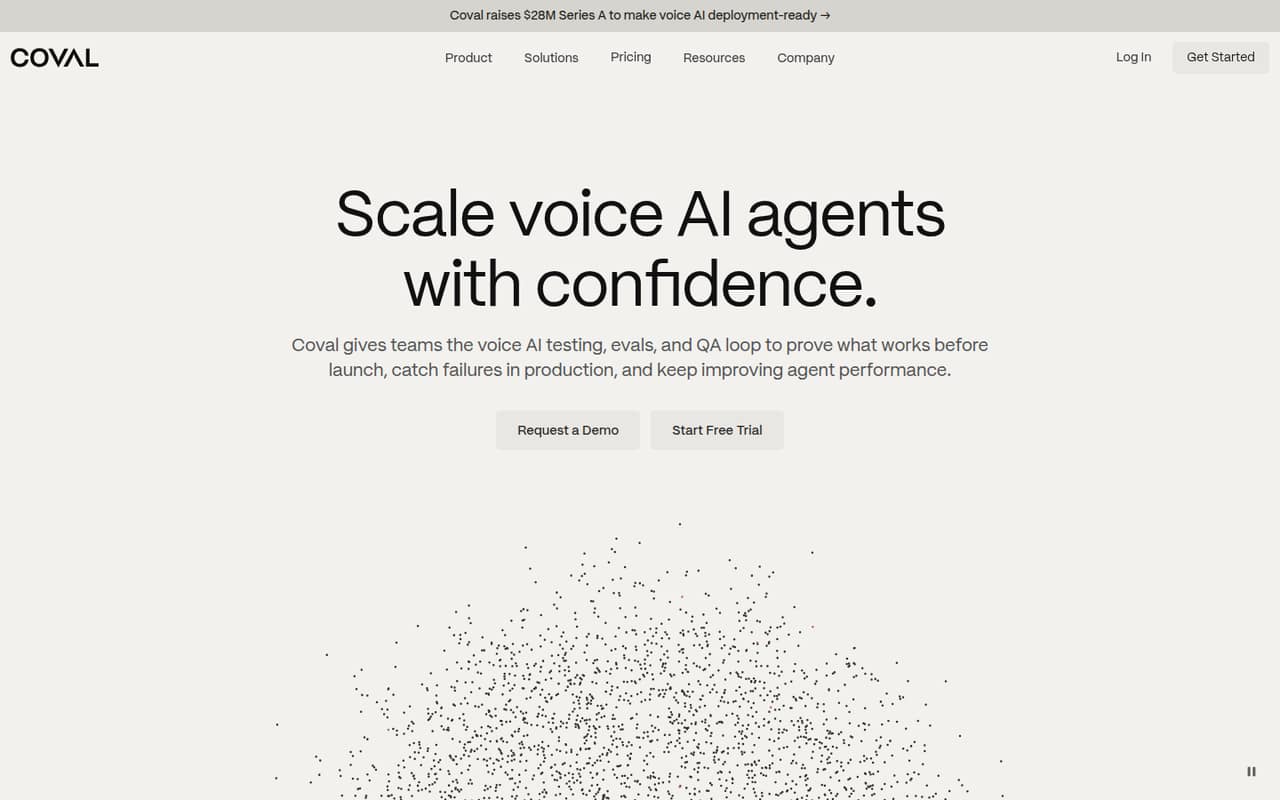
Coval is a voice-AI evaluation platform that combines pre-launch simulation, production monitoring, and human call review. Its focus is the quality loop around an agent, not building or hosting the agent itself.
Plans start at $80/month with annual billing, and a 7-day free trial is available. There is no free plan; check simulation and upload volumes, retention, API integration details, and data portability before using it as a production dependency.
Good fit if
- Teams shipping voice agents
- QA teams testing policy and edge cases
- Teams comparing voice-agent vendors
Skip it if
- Teams seeking an agent-building framework
- Projects requiring a free plan
- Teams requiring confirmed self-hosting
ScoresHow it rates
What works
- Combines simulation, live evaluation, and human QA
- Supports regression testing across agent changes
- Can compare vendors with the same tests
- Unlimited seats on Starter and Growth
- Enterprise lists private/VPC and data residency
What doesn't
- No free plan; trial lasts 7 days
- Simulation and upload overages add usage charges
- SDK languages and API details need verification
- Source availability and license terms are unpublished
- Data export and self-hosting options need confirmation
01What Coval is, technically
Coval is a hosted voice-agent evaluation and QA platform: a service that sits alongside an agent stack, rather than an agent framework or a library that runs the agent. Teams use it to simulate calls before launch, evaluate live conversations, and route selected calls to human reviewers.
The simulation workflow pressure-tests agents with callers, policies, audio, and workflows. In production, Coval evaluates conversations to surface failures and quality drift. Reviewer judgments can inform evaluations for later releases, while regression tests help teams retest after prompt, model, vendor, or workflow changes. The platform also supports running the same tests across vendors.
That puts Coval in the testing and observability layer around a voice application. It is aimed at product, QA, operations, and compliance teams that need a shared way to assess call quality. It does not replace the systems that serve calls or execute the agent’s business logic.
02Coval API, SDKs and docs
Coval identifies an API, CLI, MCP server, and skills framework as developer tools, and its homepage links to documentation and an API Reference. The CLI is one route into simulation; the homepage reports less than 15 minutes to a first simulation, a vendor-reported figure rather than a guarantee.
The homepage does not name SDK languages or an API protocol. Confirm SDK support, authentication, request and response formats, and the API’s coverage of simulation, production evaluation, and human-review workflows in the vendor’s docs before choosing an integration path. The homepage also does not identify webhooks or particular agent-platform integrations, so check whether the API and CLI fit your call-data pipeline and deployment workflow.
The MCP server and skills framework offer additional integration surfaces, but confirm their supported clients and capabilities. Treat the published API Reference and docs as the place to validate implementation details before building a dependency around them.
03Coval pricing for developers
Coval has no free plan; the pricing page lists a 7-day free trial. Starter costs $100/month, or $80/month with annual billing. It includes 100 simulation minutes and 3,000 upload minutes monthly, 30-day trace retention, one project, unlimited seats, and 10 metrics per call. Overage rates are $0.40 per simulation minute and $0.10 per upload minute.
Growth is $500/month, or $400/month annually. It includes 1,000 simulation minutes, 30,000 upload minutes, 90-day retention, five projects, unlimited seats, and unlimited metrics per call. Overages are $0.25 per simulation minute and $0.05 per upload minute. Annual billing is listed as 20% off for these plans.
Enterprise starts at $4,500/month, with custom minutes and retention, unlimited projects and seats, and private/VPC and data-residency options. Enterprise overage rates are negotiated. Model expected simulation and upload volumes against these caps; no separate seat cost is listed for Enterprise.
04Coval: open source, self-hosting and lock-in
The vendor doesn't publish a license or source-availability terms. Enterprise pricing lists private/VPC deployment and data residency, but that is not the same as a documented self-hosted installation. Ask Coval whether those options run in your own cloud account or in a vendor-managed environment, and what deployment and support terms apply.
The vendor doesn't publish data-export options or formats. Before sending production calls, confirm whether you can export audio, transcripts, evaluation traces, metrics, and reviewer labels, and whether those exports remain usable outside Coval. The practical migration cost depends on that portability and on how much test logic or reporting your team builds around Coval’s API, CLI, or skills framework. Until those points are confirmed, treat the service as a hosted dependency and keep canonical call data and test definitions in systems you control.
05Coval in production
Production fit depends on call volume, retention needs, and how Coval handles your call data. Starter includes 3,000 upload minutes and 30-day trace retention; Growth includes 30,000 upload minutes and 90-day retention. Simulation and upload overages are billed separately, so forecast both categories rather than relying on one total-minute estimate.
The vendor doesn't publish API rate limits. Confirm request quotas, concurrency, latency expectations, and behavior during service incidents before putting evaluation results on a release gate. Ask for the applicable uptime commitment and support escalation terms as well. Enterprise lists private/VPC deployment and data residency, useful requirements to discuss for regulated workloads, but verify the exact security controls, compliance coverage, and data-handling terms your organization needs. Set retention and access policies with the vendor, and test your export and recovery path before Coval becomes the only place holding evaluation history.
Questions people ask
What does Coval do?
Coval evaluates voice agents across pre-launch testing and production. Teams can simulate calls with varied callers, policies, audio, and workflows, monitor live conversations for failures or quality drift, and route selected calls to human reviewers. It also supports regression testing and vendor comparisons.
How much does Coval cost?
Starter is $100 per month, or $80 per month with annual billing. Growth is $500 monthly, or $400 with annual billing. Enterprise starts at $4,500 per month. The pricing page lists a 7-day trial and no free plan; usage beyond included simulation and upload minutes incurs overage charges.
Does Coval have an API, CLI, or SDK?
Coval identifies an API, CLI, MCP server, and skills framework, and links to API Reference documentation. The homepage does not name SDK languages or an API protocol. Check the vendor docs for supported languages, authentication, endpoints, and which workflows can be automated.
Can Coval be self-hosted?
Enterprise pricing lists private/VPC and data-residency options, but those terms do not establish that Coval can be installed and operated entirely by your team. Ask the vendor where the service runs, what private deployment means, and whether a self-managed option is available.
What happens when I exceed my plan’s minutes?
Starter overages cost $0.40 per simulation minute and $0.10 per upload minute. Growth overages cost $0.25 per simulation minute and $0.05 per upload minute. Enterprise overage rates are negotiated. Track simulation and upload usage separately when estimating monthly spend.