
We may earn a commission if you buy through links on this page. It never changes a score or a ranking. How we make money
The bottom line
A capable desktop traffic inspector for debugging HTTP and HTTPS, sold as a one-time license.
Charles Proxy is a desktop HTTP/HTTPS debugging application for Windows, Mac OS, and Linux. It sits between a machine and the Internet so developers can inspect requests, responses, headers, cookies, and caching information. It is a proxy tool, not a hosted API, SDK, or library for application code.
The 30-day trial gives teams a way to assess fit before buying. Licenses start at $50 one-time per user, with lower per-license pricing for larger teams and site licenses. Charles makes most sense when you need to inspect traffic from an app or device; for simpler desktop browser debugging, browser developer tools may be enough.
Good fit if
- Debugging HTTP and HTTPS app traffic
- Inspecting mobile-app requests and responses
- Teams preferring one-time licensing
Skip it if
- Codebases needing a proxy SDK
- Automated API testing pipelines
- Teams requiring an open-source proxy
ScoresHow it rates
What works
- Inspects requests, responses, and HTTP headers
- Supports viewing SSL/HTTPS traffic
- Includes HTTP monitor and reverse-proxy functionality
- Runs on Windows, Mac OS, and Linux
- One-time per-user licenses start at $50
What doesn't
- Not presented as an API or SDK
- No free plan; trial lasts 30 days
- Source license and self-hosting terms are unclear
- No published traffic-volume or rate limits
- May be extra work for simple desktop debugging
01What Charles Proxy is, technically
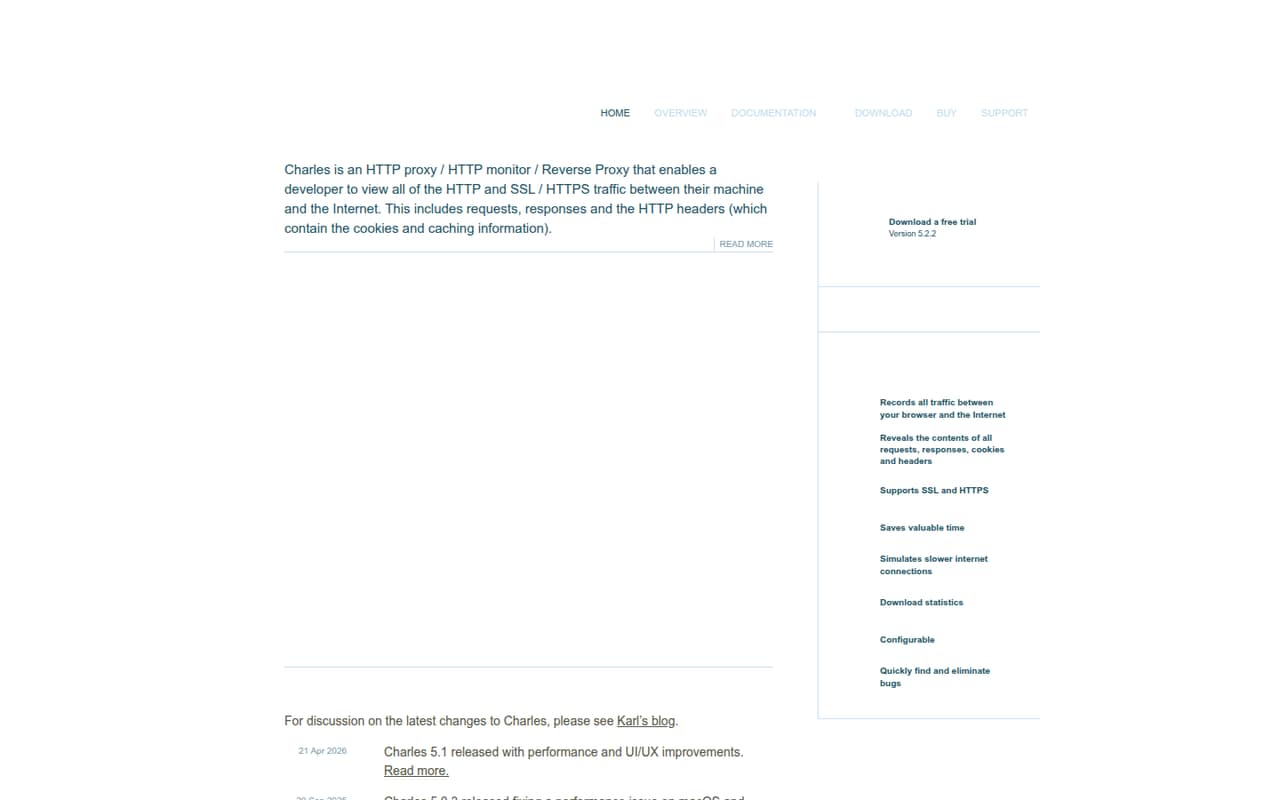
Charles is a desktop HTTP proxy and monitor for Windows, Mac OS, and Linux. It sits between a developer’s machine and the Internet, allowing the developer to view HTTP and SSL/HTTPS traffic. The app displays requests, responses, and headers, including cookie and caching information. It also provides reverse-proxy functionality.
In a stack, Charles is a debugging layer alongside the client or app under investigation, not a service your application calls as a hosted API. Its purpose is to make network behavior visible when a request leaves a machine and a response comes back. That can help when an issue is hard to diagnose from application logs alone, particularly for traffic from an app or device. The homepage describes viewing traffic between a machine and the Internet; it does not position Charles as an API testing platform or a production traffic gateway.
02Charles Proxy API, SDKs and docs
Charles is a desktop application, not a programming interface that you import into a codebase. Its integration surface is its HTTP proxy and desktop UI: traffic passes through the proxy, and developers inspect requests, responses, headers, cookies, and caching information in the app. The homepage also names HTTP monitoring, reverse-proxy functionality, and SSL/HTTPS inspection.
The vendor’s homepage links to Documentation and Download, but presents no REST API, SDK, programming-language bindings, CLI, webhooks, or plugin interface. Treat Charles as a GUI debugging tool, not a code dependency. If your workflow needs scripted capture or integration with automated QA, check the vendor’s documentation to confirm what is supported and whether any SDK support exists. The homepage lists Windows, Mac OS, and Linux as supported platforms; confirm OS-specific setup details in the docs before standardizing a team workflow.
03Charles Proxy pricing for developers
The pricing page lists one-time licenses, with no monthly or annual billing. A 1–4 User License costs $50 per license and covers one user, the current major version, and updates. Teams buying 5–9 licenses pay $40 each; teams buying 10 or more pay $30 each. A Site License costs $400 once for use on any computer at one site, with sensible use on a second computer and off-site. A Multi-Site License costs $700 once and covers use at multiple sites, with the same second-computer and off-site allowance.
There is no free plan, but the vendor offers a 30-day trial. The listed model is not usage-based: it does not charge by request volume or captured traffic. The bill grows with license count or site coverage, not API calls or compute. Major-version upgrades cost 40% of the original license price. Educational pricing is available by contacting Charles; the price is not listed.
04Charles Proxy: open source, self-hosting and lock-in
Charles is sold under commercial licenses. The vendor doesn’t publish source-licensing, self-hosting, or data-export terms on its homepage and pricing information. It is presented as an application for desktop operating systems, rather than a hosted service or a server you deploy in your own infrastructure.
That makes the main lock-in practical rather than API-based: teams may need to replace their proxy setup and inspection workflow if they move to another tool. The traffic itself is HTTP/HTTPS, so it is not tied to a Charles-specific application protocol. Before standardizing on Charles, ask the vendor how captured sessions can be exported, what license terms apply to team use, and whether source code or a self-hosted server is available. Teams that require an open-source license or independently hosted deployment should treat those as requirements to verify, not assume.
05Charles Proxy in production
Charles is positioned as a desktop debugging proxy, not a horizontally scaled production service. The pricing page charges for licenses rather than traffic, but that is not a capacity guarantee; ask the vendor about capture-volume limits and support expectations before making it part of a critical workflow. The homepage lists Charles 5.1 as released on April 21, 2026, with performance and UI/UX improvements.
Inspecting HTTPS and headers that include cookies can expose sensitive data. Restrict access to captured sessions and avoid collecting production credentials or personal data unless your security policy allows it. The vendor's site gives no numeric rate limit or capture ceiling; validate behavior with your own traffic profile and confirm certificate and security requirements in the documentation.
Reddit comments describe a learning curve and say browser developer tools can cover many simple desktop-site cases. A commenter says Charles is useful for troubleshooting in-app ad calls and responses. That points to its strongest production-adjacent use: investigating real client traffic, not serving or scaling it.
From the threadsWhat users say
Reddit sentiment is mixed but leans positive for focused traffic-debugging work. Commenters value Charles for in-app troubleshooting and traffic rewrites, while some say browser tools are enough for simpler desktop cases and note a learning curve.
I prefer Charles for trouble-shooting in-app ad calls and responses
Charles might be more of a headache than its worth
The other big use case for Charles is using the network and local rewrites
I regularly will use the sequence view to find something
Questions people ask
How much does Charles Proxy cost?
A 1–4 User License costs $50 per license as a one-time purchase. The pricing page lists $40 per license for teams buying 5–9 and $30 per license for teams buying 10 or more. Site licenses cost $400 for one site or $700 for multiple sites. Major-version upgrades cost 40% of the original license price.
Does Charles Proxy have a free plan or trial?
Charles has no free plan. The vendor offers a 30-day trial. After the trial, use requires a paid license. The listed license options are one-time purchases, rather than monthly or annual subscriptions.
Which operating systems does Charles Proxy support?
The Charles homepage lists Windows, Mac OS, and Linux. Check the vendor’s documentation for operating-system-specific setup and compatibility details before rolling it out across a team, particularly if developers use different desktop environments.
Can Charles Proxy inspect HTTPS traffic?
Yes. Charles is described as enabling developers to view SSL/HTTPS traffic between their machine and the Internet. It also displays requests, responses, and headers, including cookie and caching information. Review the vendor’s documentation and your organization’s security policy before inspecting sensitive traffic.
Does Charles Proxy offer an API or SDK?
The vendor presents Charles as a desktop proxy application, not as an API or SDK for application code. Its stated integration surface is the HTTP proxy and desktop UI. If you need scripted capture or automated QA integration, check the vendor’s documentation to confirm what support is available.
Sources
- Charles Proxy homepage
- Charles Proxy pricing page
- Reddit: Some Charles Proxy Activation Codes for Pentesters
- Reddit: Open-Source alternative to Charles Proxy & Telerik Fiddler
- Reddit: Learn to use Charles Proxy
- Reddit: [question]I want to use Charles Proxy to try and get older versions of apps that normally aren't allowed even on Checkmate Store.