
We may earn a commission if you buy through links on this page. It never changes a score or a ranking. How we make money
The bottom line
BugHerd makes website feedback actionable; confirm integration and export needs before you depend on it.
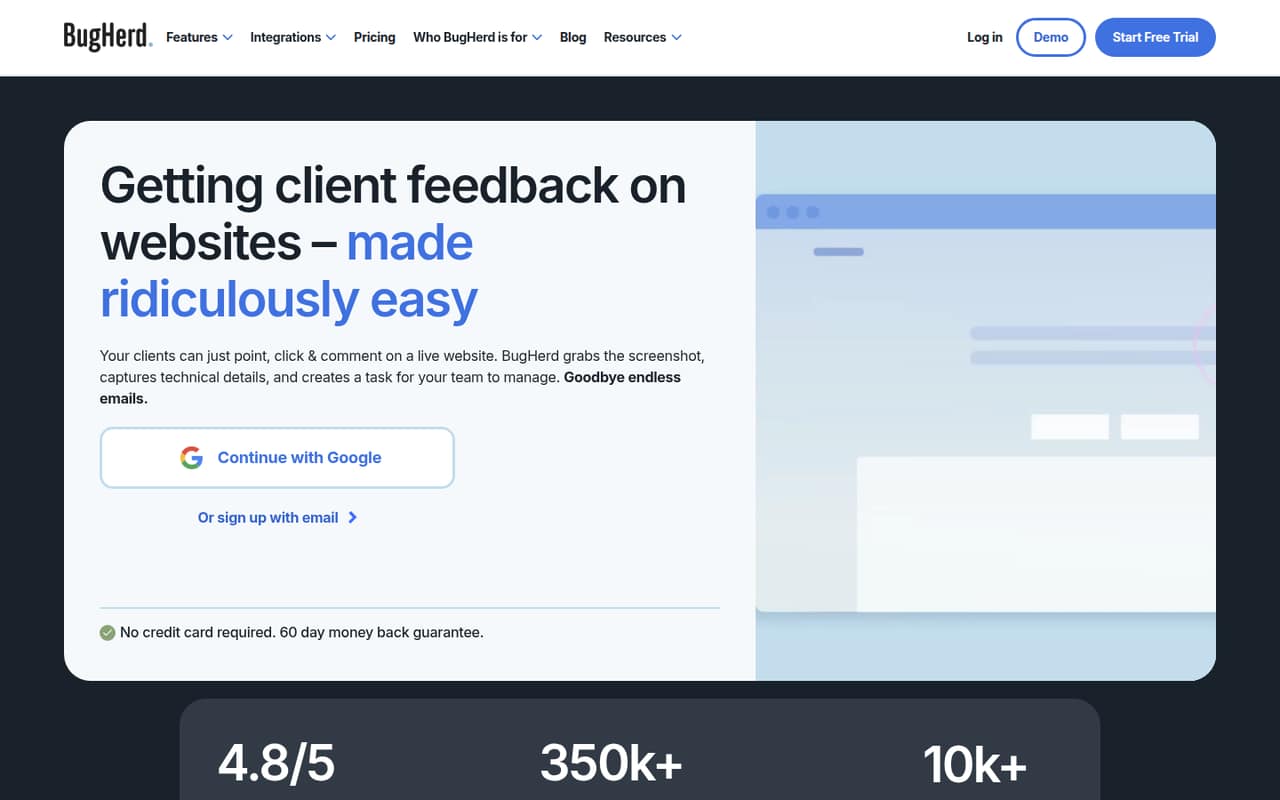
BugHerd is a hosted visual feedback and task-tracking app for website teams. Clients can comment on live sites without accounts, while teams get pinned feedback, screenshots, technical details and a Kanban board. The product also connects AI agents through MCP and offers integrations with project-management and collaboration tools.
It is easy to position in a client workflow, but the developer story is less fully documented in the vendor’s homepage material: confirm API, SDK, data-export and production-limit details before building around it. There is no free plan, and paid plans start at $42 per month when billed annually.
Good fit if
- Agencies collecting client website feedback
- Teams needing visual bug reports
- Clients who should not need accounts
Skip it if
- Teams requiring self-hosted software
- Developers needing a documented SDK
- Projects needing a free plan
ScoresHow it rates
What works
- Clients can leave feedback without accounts
- Comments pin to page elements
- Screenshots include technical details
- Tasks go to a Kanban board
- MCP connects AI agents to projects
What doesn't
- No free plan is listed
- Member counts are capped by plan
- Storage is capped on three plans
- API and SDK support need confirmation
- Self-hosting and export details are unpublished
01What BugHerd is, technically
BugHerd is a hosted SaaS application for visual website feedback and task tracking, not a library or self-hosted server. A team creates a project, then shares a link so clients can comment on a live website without creating accounts. Clients pin feedback to page elements or highlight text to suggest a replacement.
BugHerd captures a screenshot and technical details, including browser, operating system and screen resolution, then turns each comment into a task on a Kanban board. That puts it between the live website and the team’s delivery workflow: it collects reproduction context from clients, then gives developers and project managers a queue to prioritize and resolve. The homepage also says teams can send tasks to project-management tools with one click. For installation, BugHerd names a browser extension or JavaScript code. This makes it a client-feedback layer in a web stack, rather than a replacement for the site’s issue tracker, source control or deployment system.
02BugHerd API, SDKs and docs
The vendor’s homepage names three integration surfaces: a browser extension, JavaScript code installed on a site, and BugHerd MCP, which connects AI agents to projects, tasks and client feedback. It also lists integrations including Trello, Asana, ClickUp, Jira, GitHub, WordPress, MS Teams, Slack and Zapier. The site describes sending tasks to project-management tools with one click.
Before writing a custom integration, confirm supported API endpoints, SDKs, languages and authentication in BugHerd’s docs; the homepage does not outline a language-specific client or API implementation. It also does not name a CLI. MCP is the clearest documented-in-the-homepage path for AI-agent workflows, but teams should verify supported operations and permissions before relying on it for task resolution. The quick-start path is to create a project, install the extension or JavaScript code, then invite the team and clients. That is a relatively light setup for feedback collection, but it does not answer every question a developer needs for a custom integration.
03BugHerd pricing for developers
BugHerd has no free plan. The pricing page lists Standard at $50 per month or $42 per month billed annually, with five members and 10 GB of storage. Studio is $80 monthly or $67 per month billed annually, with 10 members and 25 GB. Premium is $150 monthly or $125 per month billed annually, with 25 members and 50 GB. Annual prices are monthly equivalents, with two months free. All three include unlimited clients and projects.
Custom pricing is not published; it offers a custom member limit and unlimited storage, clients and projects, plus SSO, onboarding and a dedicated Success Manager. Additional members cost $8 per user monthly or $6.60 per user billed annually ($80 per year). The bill therefore grows with team size: a growing team may need the next plan or paid seats. Storage is also tiered, though the vendor does not publish an overage price. MCP and auto-title generation are listed on Standard; Premium adds auto-tagging and similar-task detection.
04BugHerd: open source, self-hosting and lock-in
BugHerd is presented as a hosted SaaS product. The vendor does not publish its source-code licence, self-hosting options or data-export formats, so treat it as a hosted dependency unless the vendor confirms otherwise. Ask about export formats for tasks, comments, screenshots and project metadata before moving a client workflow into the service.
The practical lock-in risk is the context attached to feedback: pins, screenshots, client comments and task status may not map cleanly to another tracker. BugHerd lists integrations with tools such as Jira, GitHub, Trello and Asana, which may help keep tasks in an existing workflow, but an integration is not the same as a complete data export. Confirm what can be exported and whether integrations preserve the information your team needs to reproduce issues.
05BugHerd in production
The product’s production fit depends on more than collecting comments. Check the plan’s member and storage caps against your client workload, and ask BugHerd about request limits, service reliability targets, security controls and compliance requirements before making it part of a critical release process. The pricing page lists unlimited clients and projects on the three named plans, but does not make storage unlimited on those tiers.
A Reddit thread raised a concern that BugHerd lacked MCP; BugHerd’s CEO replied that it does have MCP and described the product’s focus on agency workflows and non-technical clients. That correction matters if you are evaluating AI-agent use: verify the MCP capabilities and permissions your workflow needs rather than relying on a thread’s initial claim. For production use, also confirm how task data and screenshots can be exported, and what happens to that data if you leave.
From the threadsWhat users say
The Reddit discussion is limited and mixed: one user describes liking BugHerd for web QA, while another thread’s MCP criticism receives a direct correction from BugHerd’s CEO. The comments do not provide a broad picture of support or reliability.
Currently using BugHerd for web QA (love it)
We got tired of Marker.io pricing and BugHerd lacking an MCP server, so we built our own bug reporting tool
Quick clarification for anyone following along - BugHerd does have an MCP
I’m using bugherd now, I’ll give this a try thx!
Questions people ask
What does BugHerd do?
BugHerd collects visual feedback on live websites. Clients can pin comments to page elements or highlight text to suggest edits without creating accounts. The app captures screenshots and technical details, then turns comments into tasks on a Kanban board for a team to manage.
Can clients use BugHerd without an account?
Yes. BugHerd says clients can review websites and files and leave feedback without logging in. A team shares a link for feedback, then manages the resulting tasks and client permissions in the app.
Does BugHerd connect to AI agents?
Yes. BugHerd MCP connects AI agents to projects, tasks and client feedback. The vendor describes using it to triage and resolve tasks, with a person reviewing the work. Confirm the MCP operations and permissions available for your workflow.
Does BugHerd integrate with project-management tools?
The vendor lists integrations including Trello, Asana, ClickUp, Jira, GitHub, WordPress, MS Teams, Slack and Zapier. It also says teams can send tasks to project-management tools with one click. Confirm the exact behavior of the integration you plan to use.
Is BugHerd self-hosted?
BugHerd is presented as a hosted SaaS app. The vendor does not publish self-hosting options or data-export formats, so ask about deployment and export requirements before adopting it for a workflow that needs those controls.
Sources
- BugHerd homepage
- BugHerd pricing page
- Reddit: What platform are you using for email QA review and feedback?
- Reddit: We got tired of Marker.io pricing and BugHerd lacking an MCP server, so we built our own bug reporting tool
- Reddit: Join the BugHerd Team
- Reddit: BugHerd in G2's Top 40 Best Software Companies for 2026