
We may earn a commission if you buy through links on this page. It never changes a score or a ranking. How we make money
The bottom line
Good for visual web testing; confirm API, operations and deployment needs before adopting it.
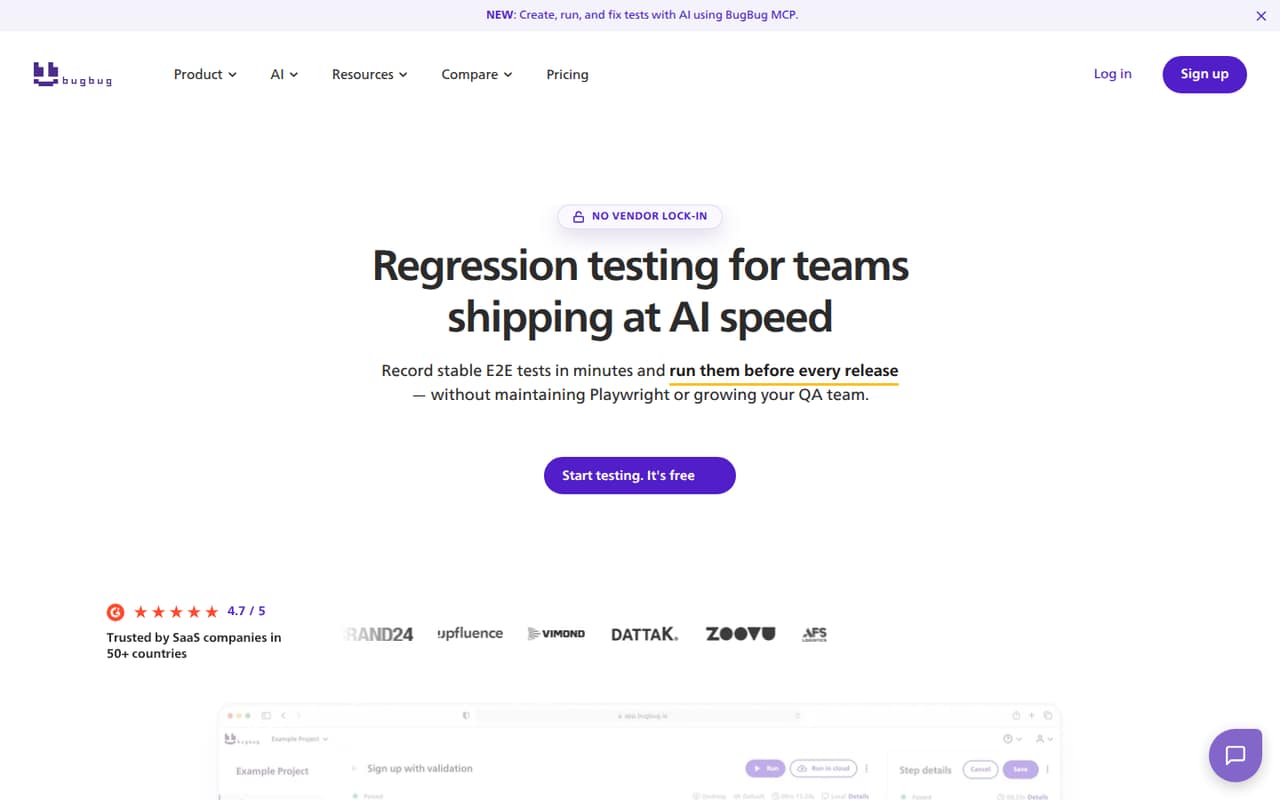
BugBug is a hosted end-to-end testing service for web apps. Teams can record browser flows, create tests with AI, run them locally or in BugBug’s cloud, and connect AI agents through MCP. YAML import and export gives teams a way to review and version-control tests.
The trade-off is limited detail about the developer-facing API surface and production guarantees. Pricing starts with a free plan capped at 15 tests; cloud runs require a paid plan. One Reddit commenter reports a positive early experience, but that is a small sample.
Good fit if
- Small teams automating web flows
- Teams using MCP-capable AI agents
- QA teams wanting YAML test exports
Skip it if
- Teams requiring self-hosted test infrastructure
- Projects needing documented SDK coverage
- Teams requiring published uptime guarantees
ScoresHow it rates
What works
- Visual recorder creates browser-flow tests without code
- Local runs are available on the Free plan
- MCP connects AI agents to testing workflows
- YAML import and export support review and version control
- Email and Slack failure alerts are available
What doesn't
- Free plan is limited to 15 tests
- Cloud runs require a paid plan
- API protocol and SDK coverage need confirmation
- Vendor does not publish rate limits or uptime commitments on its homepage
- Open-source licence and self-hosting option are not published
01What BugBug is, technically
BugBug is a hosted testing service for browser-based end-to-end and regression testing, with a browser recorder and a cloud execution service. It is not presented as a testing library or a self-hosted server. Teams record web app flows visually or create tests with AI, then run them locally or in BugBug’s cloud.
In a typical stack, BugBug sits beside the application under test and the CI/CD pipeline. Teams create and maintain test flows in BugBug, trigger cloud runs on a schedule or from CI/CD, and use email or Slack alerts when critical flows fail. The homepage also names API and MCP-based ways to trigger or manage workflows. Reusable components can reduce repeated steps, while YAML import and export gives teams a human-readable representation to review, edit, back up and version-control. It targets teams that want automated browser coverage without building their own testing infrastructure.
02BugBug API, SDKs and docs
BugBug names an API, a CLI, CI/CD integrations and MCP as ways to work with tests. MCP is the clearest AI integration surface: the vendor says agents can plan, create, maintain and run tests, and names Claude, Codex and Cursor as compatible tools. The homepage does not name an API protocol, SDK, programming language or CI provider. Confirm SDK support and the API’s authentication, payload and error behavior in BugBug’s docs before making it a build dependency.
For teams that prefer files, YAML import and export provides a route to review tests and keep them in version control. The browser recorder is another way to create tests without writing code. The homepage points users to a beginner tutorial and an integrations page, but does not describe a local package manager or framework plugin. CI/CD, CLI and API runs are listed; check the docs for the exact setup and maintenance requirements for your pipeline.
03BugBug pricing for developers
The Free plan costs $0 and allows local testing only, with 4 test suites, 1 user, 1 project and 15 tests. That makes it suitable for trying the recorder or maintaining a small local suite, but not for cloud monitoring. The 14-day free trial is also listed.
Core is $99 per month on annual billing, with 3 users, 3 projects, 50 tests and unlimited cloud test runs and test suites. Pro is $189 per month on annual billing and lists unlimited users, projects, tests, suites and cloud runs. Business has the same listed unlimited allowances, but its price is not published. Paid plans can be billed monthly or annually; monthly rates are not listed. Annual rates include up to 17% savings, and prices exclude VAT. A dedicated IP is an optional $50 per month add-on. The listed plans do not state overage rates, so confirm how usage beyond a plan’s test cap is handled before production.
04BugBug: open source, self-hosting and lock-in
BugBug is presented as a hosted product with local test execution; that is different from self-hosting the BugBug service. The vendor does not publish an open-source licence or a self-hosted deployment option, so teams that require either should ask before adopting it.
The product supports YAML import and export. That gives teams a human-readable way to back up, review and version-control tests, and offers a migration path for test definitions. It does not by itself establish that every feature, run history, screenshot or integration configuration can be exported or recreated elsewhere. Before a long-term commitment, check what data can be exported and whether YAML tests can be used in another framework. BugBug’s “no vendor lock-in” claim is supported by test-file export, but broader portability depends on the details of those exports.
05BugBug in production
The Free plan’s 15-test cap and local-only execution make plan limits an early production concern. Core adds cloud runs but caps usage at 50 tests, while Pro and Business list unlimited tests and cloud runs. The vendor does not publish rate limits or uptime commitments on its homepage. Teams should also confirm run concurrency, failure behavior, data retention, security controls and compliance requirements before making BugBug part of a release gate.
One Reddit commenter says they had started using the free version and found it convincing so far and fairly fast. That is a positive early report, not evidence of performance under load or long-term reliability. For a production rollout, validate how CI/CD triggers behave during outages, how alerts are delivered, and whether the YAML export covers the artifacts needed for recovery. Treat those as vendor questions rather than assuming the hosted service meets your operational requirements.
From the threadsWhat users say
The limited Reddit signal is positive but early: one commenter says the free version is convincing so far and fairly fast. That single report is not enough to establish broader sentiment or production reliability.
por el momento me convence
en la versión gratuita
y es bastante rápida
Yo he empezado a usarlo
Questions people ask
Can BugBug run tests in CI/CD?
Yes. The vendor lists CI/CD triggers, cloud schedules, CLI, API and MCP as ways to run tests. Check BugBug’s docs for the exact pipeline setup, supported integrations and the API behavior your build requires.
Does BugBug have a free plan?
Yes. Free costs $0 and allows local testing, with 4 test suites, 1 user, 1 project and 15 tests. It does not include cloud test runs. The vendor also lists a 14-day free trial.
Can I export BugBug tests?
Yes. BugBug supports YAML import and export. The vendor describes YAML as a way to review, edit, back up and version-control tests. Confirm which other artifacts and settings are exportable if you need a full migration plan.
Can AI agents create and run BugBug tests?
BugBug supports AI workflows through MCP. The vendor names Claude, Codex and Cursor, and says agents can plan, create, maintain and run tests. Confirm the current setup steps and API requirements in the docs.
Can I self-host BugBug?
BugBug is presented as a hosted service, with local test execution as an option. The vendor does not publish a self-hosted deployment option or an open-source licence. Ask BugBug directly if self-hosting is a requirement.