We may earn a commission if you buy through links on this page. It never changes a score or a ranking. How we make money
AI agent platforms range from open-source browser automation stacks to hosted tools for business workflows and enterprise service operations. For developers, Browser Use is the strongest starting point: it is open source, self-hostable and has a free plan. Zapier Agents is a better fit when broad app connectivity and centralized access controls matter more than owning the runtime. Before committing to any platform, check how its APIs, pricing and deployment model fit your stack. Several vendors list starting prices, but those figures alone do not predict cost at production usage.
Quick picksThe shortlist
 Browser UseBrowser UseBest overall · Free
 Zapier AgentsZapier AgentsBest for app workflows · $19.99/mo
 Beam AIBeam AIBest for self-hosting · $50/mo
- Lutra AILutra AIBest for SaaS tasks · $23/mo
 ManusManusBest for web research · $16.60/mo
 CloseBotCloseBotBest for bookings · $64/mo
 AutoGPTAutoGPTBest for reviewed tasks · $42.50/mo
 TwinTwinBest for small businesses · $29/mo
 watsonx Orchestratewatsonx OrchestrateBest for agent governance · $530/mo
 RunableRunableBest for solo operators · $20/mo
 HappyRobotHappyRobotBest for complex operations · Custom
 AiseraAiseraBest for IT requests · Custom
 EnsoEnsoBest for tailored operations · Free
 AdeptAdeptBest for agent research · Custom
 TennrTennrBest for healthcare intake · Custom
01Compared at a glance
| Tool | Score | From | Free plan | Trial |
|---|---|---|---|---|
| Browser UseBrowser Use | 7.1 | Free | Yes | — |
| Zapier AgentsZapier Agents | 6.5 | $19.99/mo | Yes | — |
| Beam AIBeam AI | 6.5 | $50/mo | Yes | — |
| Lutra AILutra AI | 6.2 | $23/mo | Yes | — |
| ManusManus | 6.4 | $16.60/mo | Yes | 7 days |
| CloseBotCloseBot | 6.2 | $64/mo | Yes | 7 days |
| AutoGPTAutoGPT | 5.0 | $42.50/mo | No | 7 days |
| TwinTwin | 5.6 | $29/mo | No | — |
| watsonx Orchestratewatsonx Orchestrate | 5.5 | $530/mo | No | 30 days |
| RunableRunable | 5.7 | $20/mo | Yes | — |
| HappyRobotHappyRobot | 5.3 | Custom | No | — |
| AiseraAisera | 4.8 | Custom | No | — |
| EnsoEnso | 4.2 | Free | Yes | — |
| AdeptAdept | 4.2 | Custom | No | — |
| TennrTennr | 4.5 | Custom | No | — |
02The picks, in detail
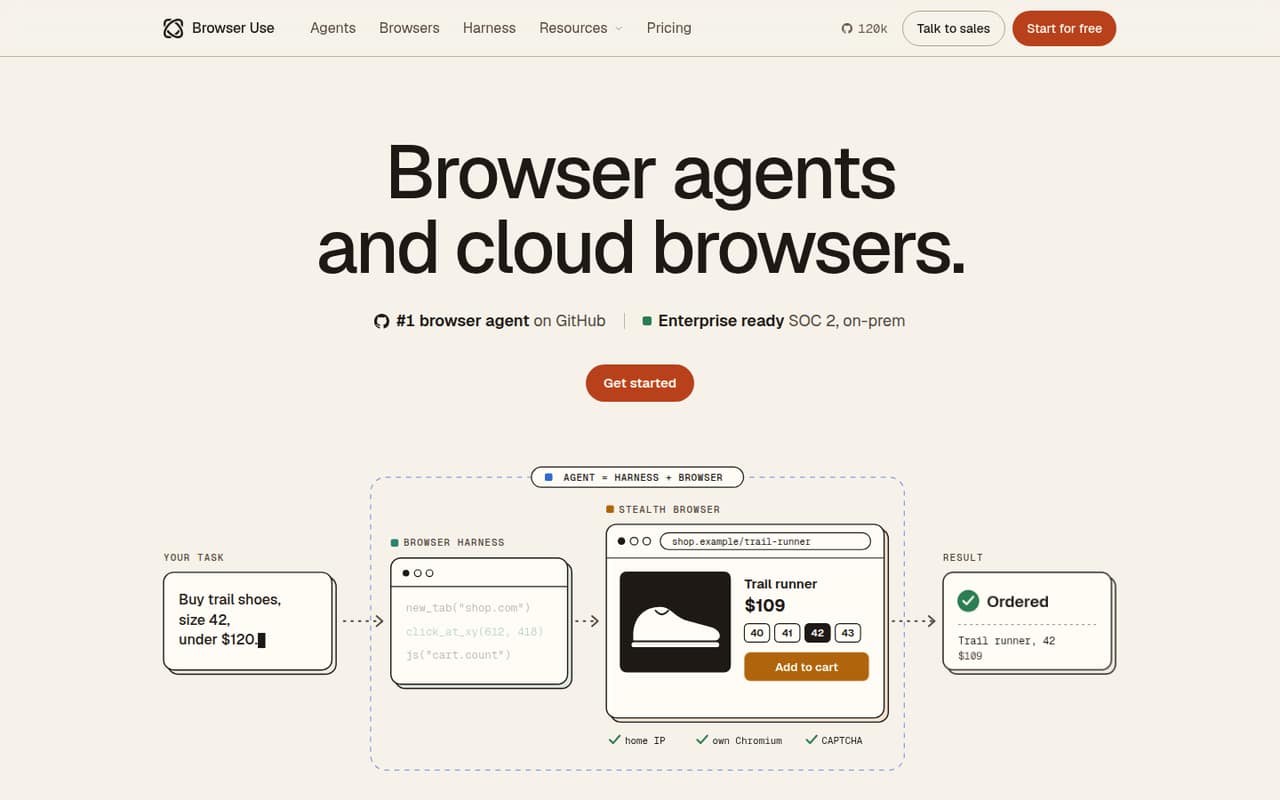
- Best overallBrowser UseBrowser Use
Browser Use is the best fit here for teams building agents that need browser access. The platform is open source and self-hostable, with a free plan and pricing from $0. It suits login-gated workflows and users of Claude Code or Codex. The trade-off is production reliability: validate task success on your workflows before depending on it.
What works
- Web agents return task results as JSON
- Pay-as-you-go has no monthly subscription
- Credits never expire
What doesn't
- Model-driven clicks can fail on changing pages
- SDK and language support need confirmation
- Rate limits are not published
- Best for app workflowsZapier AgentsZapier Agents
Zapier Agents fits teams automating across business apps that value broad connectivity and centralized access controls. It has a free plan and starts at $19.99, but task-based costs can make production usage harder to forecast. It is a hosted platform, so teams should weigh that dependence against the time saved connecting business workflows.
What works
- Connects AI tools to 9,000+ apps
- Zapier MCP supports Claude, ChatGPT, Cursor, and 230+ other AI tools
- Granular controls at app, action, and connection levels
What doesn't
- Free plan is limited to 100 tasks per month
- Overage per-task rate is not published
- Homepage names no SDKs, programming languages, or CLI
- Best for self-hostingBeam AIBeam AI
Beam AI is aimed at repeatable company workflows, including finance processes with approval steps. It is self-hostable and has a free plan, with pricing from $50. Those deployment options are useful for teams that need control over where workflows run. Confirm its developer interfaces and production limits before making it part of a codebase.
What works
- Maps processes by volume and cost
- Builds agents from existing procedures
- Routes exceptions for human approval
What doesn't
- API, SDK and language support need confirmation
- Free plan allows only 20 tasks monthly
- Pro includes one base integration
- Best for SaaS tasks
Lutra AILutra AI
Lutra AI targets routine SaaS workflows for operations and sales teams, including work triggered by webhooks. It has a free plan and starts at $23. That makes it worth considering for hosted workflow automation, but developers should confirm available SDKs, usage limits and data portability before building a system that depends on it.
What works
- Natural-language instructions generate and execute workflow code
- Playbooks support schedules, sharing and webhooks
- MCP, REST APIs and OpenAPI support custom connections
What doesn't
- No open-source codebase or self-hosted deployment
- SDKs, languages and CLI are not named
- Free-plan credit allowance is inconsistent

- Best for web researchManusManus
Manus is a hosted agent for research involving parallel web work, natural-language app prototyping and browser-based operational tasks. It has a free plan and starts at $16.6. It is better suited to getting work done through a hosted product than to serving as a documented developer platform. Teams needing predictable usage costs should check pricing against expected volume.
What works
- Works across virtual browsers, code and files
- Supports app, media and research workflows
- Offers MCP connectors and Zapier MCP
What doesn't
- Proprietary and cloud-hosted; no self-hosted agent
- Credit consumption can be hard to predict
- Homepage names no public API, SDK or CLI
- Best for bookingsCloseBotCloseBot
CloseBot is a hosted visual agent builder for appointment-setting, including lead workflows using HighLevel or HubSpot. It has a free plan and starts at $64. Agencies may find that focus useful, but developers should verify API access and reliability for their booking flows before production. The listed starting price does not establish the cost of higher usage.
What works
- Connects to HighLevel, HubSpot, native or custom setups
- API access covers actions available in the UI
- Drag-and-drop agent building without developers
What doesn't
- Vendor does not publish SDK or language details on its homepage
- API protocol, rate limits and uptime terms need confirmation
- Growth plan price is not published
- Best for reviewed tasksAutoGPTAutoGPT
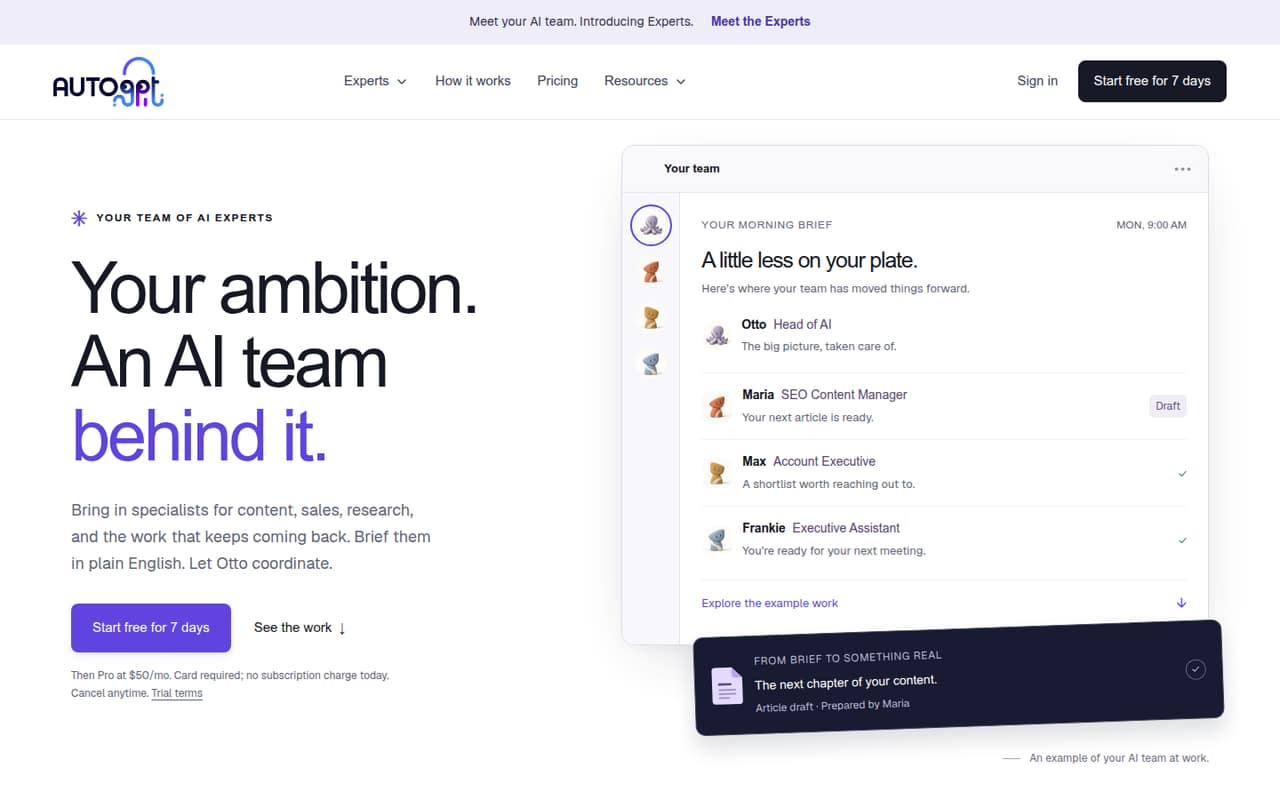
AutoGPT is designed for repeatable business tasks, plain-English briefs and workflows with human review gates. It starts at $42.5. Those review steps may suit teams that want people involved before an agent’s work moves forward. Its fit is weaker for code-first teams that need a clearly documented developer API.
What works
- Otto routes plain-English briefs to specialist Experts
- Users can create specialists for their own work
- Connected apps support Experts’ workflows
What doesn't
- Homepage does not name an API, SDK or language
- Rate limits and usage caps are not published
- Credit-wallet pricing is not published
- Best for small businessesTwinTwin
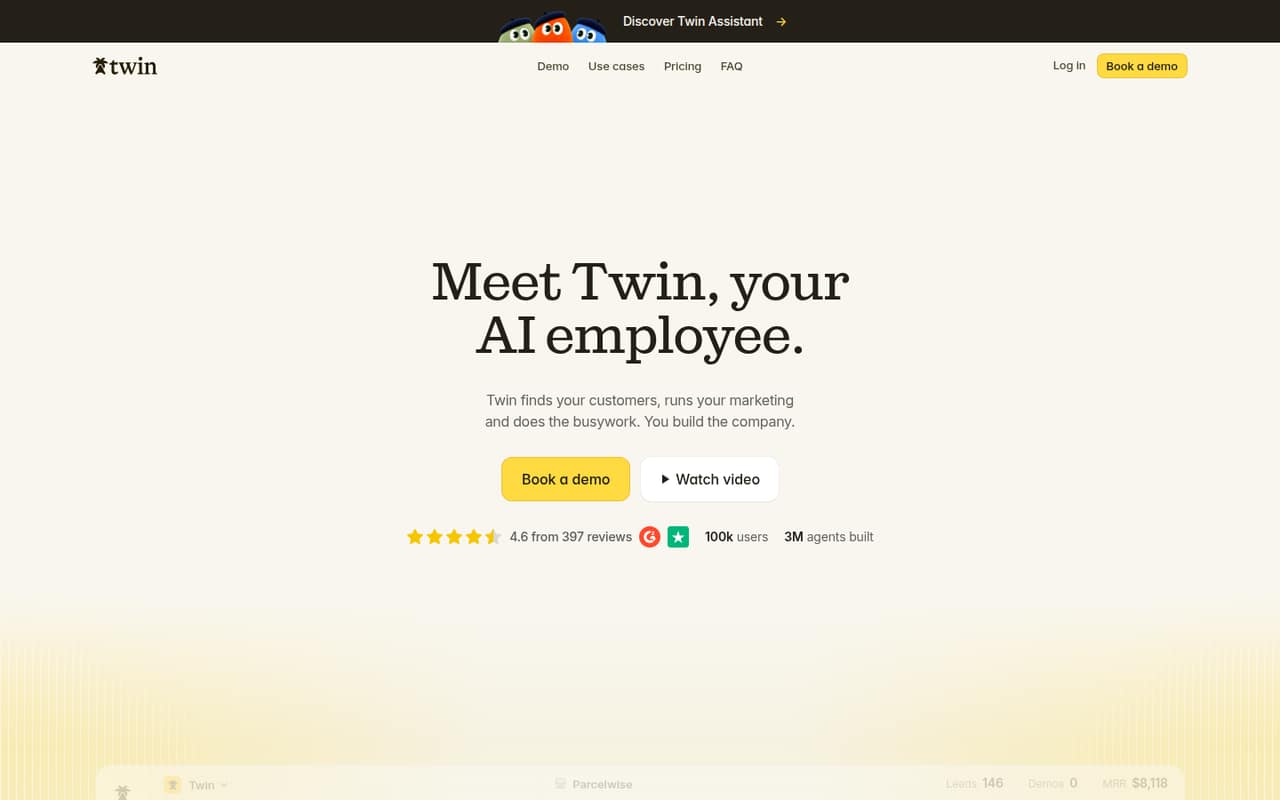
Twin focuses on routine small-business automation, outreach and marketing, including agencies managing client agents. It starts at $29 and runs as a hosted app. That makes it a candidate for business operators who want managed automation, but teams building integrations should confirm public API access and deployment options before adopting it.
What works
- Prospecting, outreach and marketing workflows in one app
- Connects Gmail, Slack, Notion, Sheets and calendar
- Unlimited agents and scheduled runs on Plus
What doesn't
- Vendor does not publish public API or SDK details
- No free plan is listed
- Self-hosting and source availability are not published
- Best for agent governancewatsonx Orchestratewatsonx Orchestrate
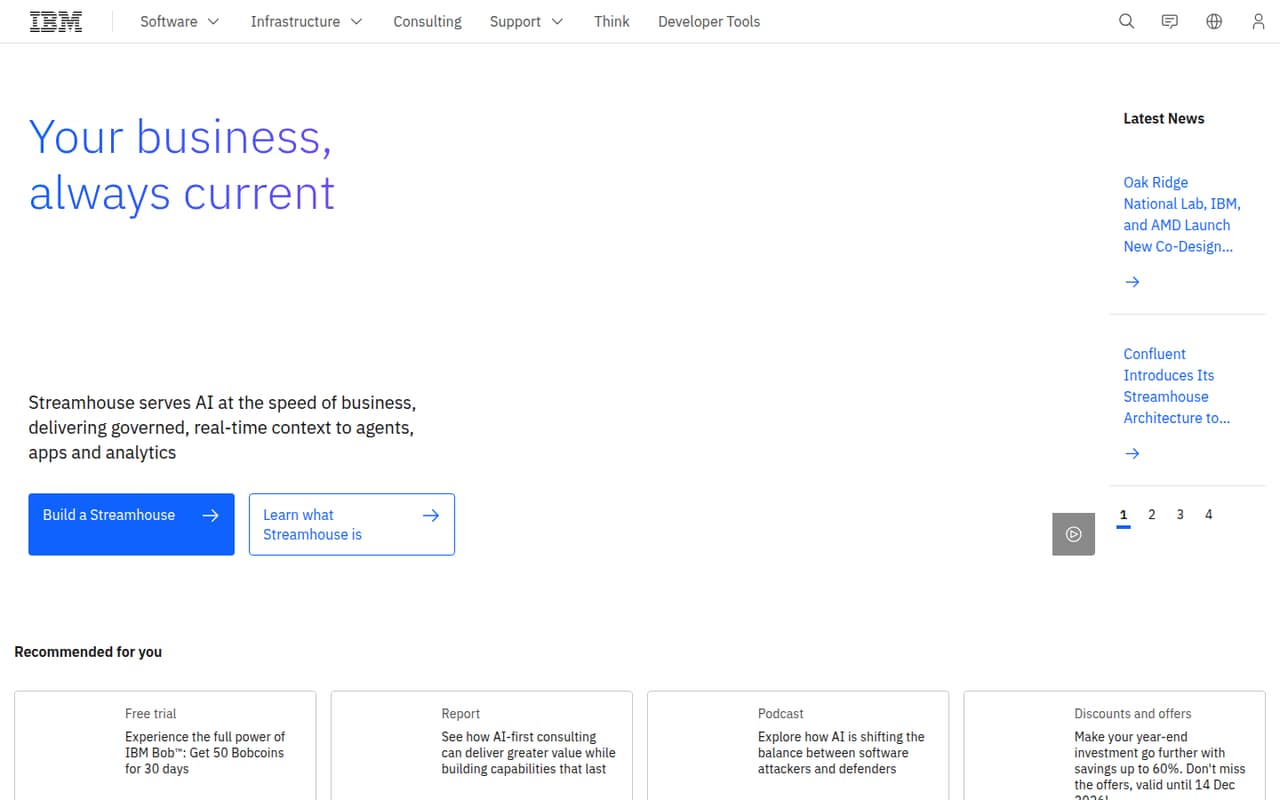
watsonx Orchestrate is positioned as an enterprise control plane for governing agents across platforms and overseeing their lifecycle. It starts at $530. Teams standardizing agent operations may value that scope, but the technical details and overage costs need close review. Ask for a deployment plan and a usage-based estimate before comparing it with lower-cost tools.
What works
- Manages agents regardless of where they were built or run
- Covers management, governance, security and optimization
- Offers tiered monthly message and user allowances
What doesn't
- No free plan; trial lasts 30 days
- Overage costs are not published
- IBM’s product overview lacks SDK and language detail
- Best for solo operatorsRunableRunable
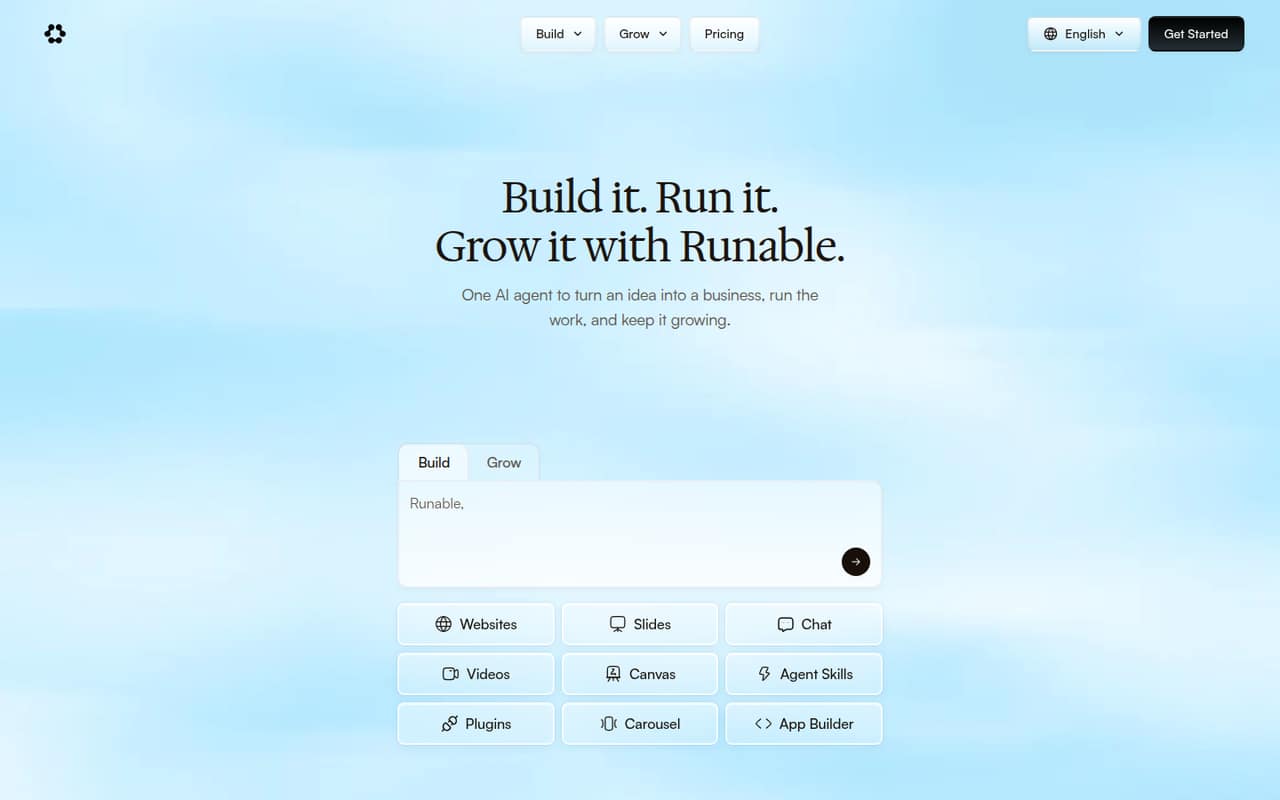
Runable targets small-business workflow automation, website and content drafts, and solo operators testing business ideas. It has a free plan and starts at $20. That scope may suit users who want to handle business tasks without building an agent stack. Its developer integration surface is thinly documented, so it is a weaker fit for code-first adoption.
What works
- Free plan includes 1,500 credits daily
- Builds websites, booking sites and FAQ pages
- Pro includes 3,000+ plugins and 100+ workflows
What doesn't
- No API, SDK or CLI details on the homepage
- Credit-to-task costs are not published
- Annual prices and overage rates are not published
- Best for complex operationsHappyRobotHappyRobot
HappyRobot targets enterprise operational workflows that coordinate human and AI work, particularly complex processes involving communication. Its pricing is custom, and integration details need confirmation. That makes it a potential fit for organizations with a broad operational use case, but teams should request concrete API, deployment and pricing terms before planning a production integration.
What works
- Combines workflows, conversational AI, and reasoning agents
- Includes end-to-end tests and production audits
- Supports shared context through memory and external systems
What doesn't
- Enterprise pricing is custom and not published
- No public free plan or trial is listed
- API, SDK, language, and CLI details need confirmation
- Best for IT requestsAiseraAisera
Aisera focuses on enterprise IT service requests and employee support workflows. That specialization may fit organizations consolidating internal service operations, but developers should ask for its API, SDK and deployment details before evaluating it as a platform to build against. Pricing is not listed, so request an estimate tied to expected request volume.
What works
- Covers ITSM, IT support, HR, and customer service
- Homepage lists 80% IT service desk auto-resolution
- Homepage lists 84% ITSM auto-resolution
What doesn't
- Custom-quote pricing with no published starting price
- No public API, SDK, or language details on the homepage
- No published free plan or trial in the pricing check
- Best for tailored operationsEnsoEnso
Enso is a self-hostable AI operations system for small businesses that need remote operational visibility across scattered records. It offers a free first problem, with no starting price listed. The tailored approach may suit teams willing to define requirements with the vendor. Developers should establish what they can configure, integrate and export before committing.
What works
- First business problem is free for life
- Staff can enter updates by voice or text
- Tracks purchasing, sales, stock, payments and labour
What doesn't
- Paid problem and feature prices are not published
- No API, SDK, language or CLI is named
- Deployment and hosting details need clarification
- Best for agent researchAdeptAdept
Adept is relevant to teams exploring digital-agent research or evaluating Fuyu-8B and Persimmon-8B. It is listed as open source, but that label alone does not settle production access, support or deployment terms. Developers should clarify those terms and how to obtain access before treating Adept as a platform for a production system.
What works
- AWL is designed for multimodal web interactions
- Fuyu-Heavy is designed for digital agents
- Adept announced open-source Fuyu-8B
What doesn't
- Enterprise access is quote-based
- No public starting price is listed
- No named SDK or API integration contract
- Best for healthcare intakeTennrTennr
Tennr focuses on healthcare referral and intake operations, payer authorizations and patient workflows. That domain focus may suit providers coordinating these processes, but it is difficult to assess as a developer platform without clear API, deployment and pricing terms. Ask the vendor how it integrates with your existing systems and what operational costs to expect.
What works
- Processes faxes, portals, and internal orders
- Routes patient data into operational workflows
- Supports eligibility checks and prior authorizations
What doesn't
- No public API, SDK, or language details
- Custom pricing starts after a sales demo
- Seat and usage limits are not published

03How we chose
We ranked these platforms by fit for developers and technical teams: API and SDK coverage, documentation, free tiers, usage pricing, licensing, self-hosting and the risks of running workflows in production. A low starting price is not the same as a predictable bill at scale. We treated Reddit sentiment as a secondary signal where it can be attributed, not as a substitute for product terms. The ranking favors platforms with clearer control over integration or deployment; it does not reflect hands-on testing.
04Check the integration and runtime
Start with the boundary between your code and the agent. Find out whether the platform offers an API or SDK for your language, what authentication it supports, and whether you can trigger work from webhooks or existing services. Confirm how the agent returns results and handles failures; a visual builder is not automatically a programmatic interface. Then check where execution happens. A hosted platform reduces infrastructure work, while self-hosting can give a team more deployment control, but the vendor’s terms still determine what you can run. For browser agents, test representative login-gated tasks and define how your system will handle a failed or incomplete run. For healthcare, finance or support workflows, map approval points and human handoffs before automating decisions. Ask vendors for the API and deployment documentation before you design around their product.
05Model cost, portability and failure
Treat a starting price as an entry point, not a production estimate. Ask how billing changes with task volume, retries, parallel work, seats or connected apps, and whether there are rate limits or overages. Compare that estimate with your expected workflow volume and the cost of a failed run that needs human intervention. Check the licence and self-hosting terms as well as the data you can export: workflow definitions, logs, agent configuration and business records may have different portability rules. Build a small failure plan before rollout. Decide how to detect stalled jobs, retry safely without duplicating actions, record agent decisions and escalate uncertain results to a person. If a vendor will not provide the limits or export terms you need, keep the integration narrow until those risks are clear.
Questions people ask
What are some of the most popular AI agents?
Popularity depends on the task. This guide covers platforms for browser automation, research, business workflows and enterprise operations. Browser Use is our top pick for developer teams that need browser access; Zapier Agents fits cross-app business automation. Neither is the best choice for every workflow.
Who are the big 5 in AI?
There is no single agreed list of five leading AI companies or platforms; the answer changes depending on whether you mean model providers, consumer assistants or agent tools. This guide compares agent platforms for developers, not the broader AI industry.
What AI does Elon Musk use?
We cannot name a specific AI agent that Elon Musk personally uses without a verified public statement. If you are choosing a tool for your own work, compare platforms by the tasks they support, integration options, deployment control and expected usage cost.
Which AI bot is the best right now?
There is no best bot for every job. For developers building browser agents, Browser Use is our top pick in this guide. For workflows spanning business apps, Zapier Agents may fit better. Choose based on the task, integration requirements, deployment model and production cost.