
We may earn a commission if you buy through links on this page. It never changes a score or a ranking. How we make money
The bottom line
A capable native database GUI, best for developers who value its interface enough to pay upfront.
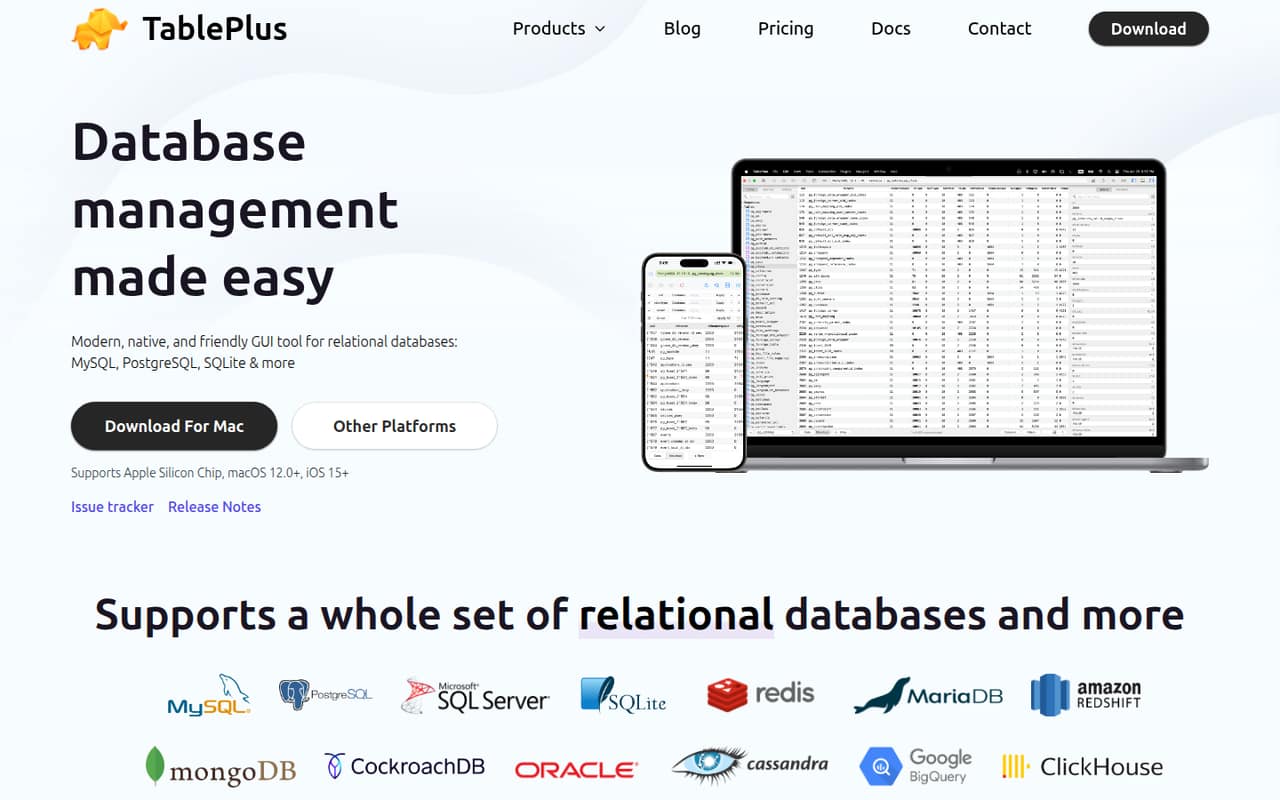
TablePlus is a locally installed database GUI for macOS, Windows, Linux, and iOS. It combines a SQL editor, direct data and schema editing, change review, safe mode, and SQL dump import and export across a broad set of databases.
The trade-off is licensing: there is no free plan listed, and licenses are paid upfront. It is a practical fit for developers who want a native desktop workflow, but it is not an API, server, or programmable database-management layer.
Good fit if
- Developers managing several database types
- People who prefer native desktop apps
- Teams needing shared seat licenses
Skip it if
- Developers requiring an open-source client
- Users who need a free tier
- Teams seeking a database-management API
ScoresHow it rates
What works
- Native apps for macOS, Windows, Linux, and iOS
- Supports a broad range of databases
- Inline editing for rows, structures, and results
- Change review and safe mode for cautious edits
- One-time licenses include perpetual use
What doesn't
- No free plan is listed
- No API, SDK, or CLI integration is described
- Source availability and licence terms are unpublished
- Only one year of updates and support is included
- Extra devices and renewals add cost
01What TablePlus is, technically
TablePlus is a native, locally installed database GUI client—not a hosted API, database server, or application library. It sits beside your application and database in a developer workstation workflow: use it to inspect schemas, edit records, run SQL, review changes, and move data with SQL dump import and export. The vendor lists apps for macOS, Windows, Linux, and iOS.
Its database coverage includes PostgreSQL, MySQL, MariaDB, Microsoft SQL Server, SQLite, Redis, MongoDB, Snowflake, BigQuery, and many others. DynamoDB is marked beta, and the vendor also lists libSQL, Turso, Cloudflare D1, and compatible databases such as Percona and YugabyteDB. TablePlus is therefore useful as a shared interface across database systems, but it is not a replacement for database drivers inside an application or a service layer in production.
The workflow centers on a SQL editor and visual data management. You can edit rows, table structures, and query results inline, apply multiple filters, review changes, and use safe mode to help avoid production mistakes.
02TablePlus API, SDKs and docs
TablePlus is an end-user database client, not a developer API or SDK. The vendor’s homepage describes native apps and database-management features, but no REST API, SDK, CLI, or application-language integration surface. If you need to automate database administration or embed it in a product, confirm whether TablePlus supports your required integration in the vendor’s docs before choosing it.
The integration surface the vendor does describe is a desktop app with connections to supported databases. Its SQL editor includes autocomplete, syntax highlighting, split panes, query reformatting, favorites, history, and streaming results. The homepage links to Docs, Release Notes, and an issue tracker. It also describes user-built and community plugins written in JavaScript, currently in beta; that is an extension point, not a general-purpose SDK.
For routine work, the feature set is oriented around interactive use: jump to database objects, open multiple tabs and windows, filter records, and review edits before applying them. The vendor lists support for macOS 12.0+ and iOS 15+ on the homepage, alongside Windows and Linux apps.
03TablePlus pricing for developers
TablePlus has no free plan listed. The Basic license costs $99 one-time for one device and includes a perpetual license plus one year of updates and support. Standard costs $129 one-time for two devices; the pricing page shows it reduced from $198. Team costs $79 per seat, with a minimum of three seats, and includes one device per seat, a perpetual license, one year of updates and support, License Manager, and high-priority support.
These are license purchases, not usage-based charges: the bill does not grow with queries, database size, or request volume under the listed plans. Monthly and annual billing prices are not published, and the pricing page lists no automatic renewal. Additional costs apply when you need more devices or continued coverage: an extra device is $79, and license renewal is $59 per device. Budget for the number of developers and machines first; the per-seat Team minimum makes it a different starting point from an individual license. A free trial is not listed.
04TablePlus: open source, self-hosting and lock-in
TablePlus is sold under paid licenses, and the vendor does not publish an open-source licence or source-code availability on its homepage. There is no self-hosted server to deploy: TablePlus is a native client installed on users’ devices, rather than a hosted management service. The vendor also describes JavaScript plugins as being in beta, but that does not make the client open source.
The client’s export and import tools can create and load SQL dumps, which gives you a practical route for moving database contents between servers. That can reduce dependence on TablePlus for the data itself. Your queries, connection setup, interface preferences, or other client-specific workflow may still need to be recreated in another tool; the vendor does not describe a portable project format in the homepage text. Before standardizing a team on it, check the docs for the export scope and any database-specific caveats.
05TablePlus in production
TablePlus is a workstation tool for managing databases, including production databases; it is not a production database service. The vendor’s safe mode is intended to help prevent mistakes, and its change-review feature lets users review edits before applying them. Treat those as workflow safeguards, not guarantees: confirm how each behaves for the database and operation your team uses, and retain your normal access controls, backups, and review process.
The vendor lists many database systems, but some compatibility is explicitly beta: DynamoDB is marked beta, and plugin extensibility is also in beta. The homepage does not publish connection, query, or result-size limits, so check the docs for operational constraints relevant to large schemas or result sets. It also does not describe security certifications or compliance coverage; teams with those requirements should ask the vendor before adoption.
Reddit feedback is mixed but generally recognizes the interface. One thread calls TablePlus “solid but limited free tier,” while a Mac user said it was “a bit expensive for my personal use.” Those comments point to the same trade-off as the license: convenience and interface versus upfront cost.
From the threadsWhat users say
Reddit comments describe TablePlus as solid and praise its interface, but cost and the lack of a generous free option are recurring objections. The comments are brief and do not establish broader reliability or support trends.
TablePlus (solid but limited free tier)
I used TablePlus at work, and it was amazing. Nice UI, Command palette, etc
It is not free tho, and a bit expensive for my personal use
TablePlus (solid but limited free tier)
Questions people ask
Is there a free version of TablePlus?
The pricing page lists no free plan. It lists one-time Basic, Standard, and Team licenses. A free trial is not listed, so check the current pricing page or ask the vendor if you need to evaluate the client without purchasing.
Which databases does TablePlus support?
The vendor lists PostgreSQL, MySQL, MariaDB, Microsoft SQL Server, SQLite, Redis, MongoDB, Amazon Redshift, Oracle, Cassandra, ClickHouse, BigQuery, Snowflake, DuckDB, and more. DynamoDB is marked beta. Check the supported-databases page for the current list and compatibility details.
Can I export data from TablePlus?
Yes. The vendor describes importing and exporting SQL dumps to move databases between servers. Check the docs for database-specific export options and whether the dump format suits your migration or backup workflow.
Does TablePlus have an API or CLI?
The vendor describes TablePlus as a native GUI client and does not describe an API or CLI on its homepage. It does list JavaScript plugins in beta. If you need scripting or application integration, confirm those requirements with the vendor’s docs.
What happens after the included support year?
Basic, Standard, and Team include one year of updates and support. The pricing page lists a $59-per-device license renewal. Check the vendor’s current terms to confirm what renewal covers and whether you can keep using your perpetual license without renewing.
Sources
- TablePlus homepage
- TablePlus pricing page
- Reddit: Fellow DEs — what's your go-to database client these days?
- Reddit: Mac user - What's the best SQL GUI for personal use?
- Reddit: Got annoyed at a $49 TablePlus renewal, so I had Opus 5.5 build me a replacement in 2 days!
- Reddit: Tusk, a free TablePlus alternative built with GPUI