
We may earn a commission if you buy through links on this page. It never changes a score or a ranking. How we make money
The bottom line
Neon pairs serverless Postgres with branching and backend services, but paid bills depend on usage.
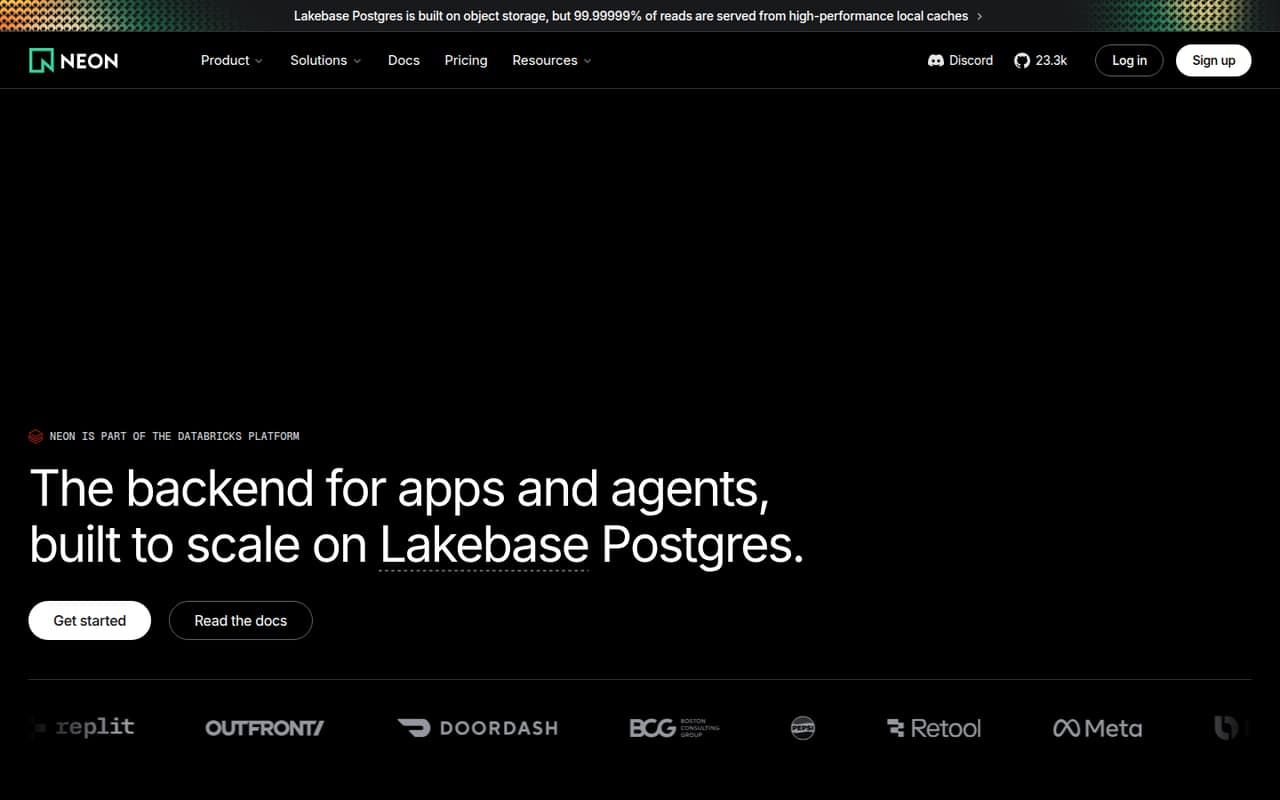
Neon is a hosted serverless Postgres platform in the Databricks Platform. It adds database branching, managed authentication, Functions, S3-compatible Object Storage and an AI Gateway around the database.
The Free plan has meaningful project and compute limits for development. Launch and Scale use consumption pricing, so the listed monthly spends are estimates rather than fixed bills. Confirm export, self-hosting and production limits before building around Neon-specific services.
Good fit if
- Apps needing managed Postgres
- Teams using isolated preview databases
- Projects combining Postgres and backend services
Skip it if
- Teams requiring confirmed self-hosting
- Workloads needing fixed monthly database costs
- Stacks avoiding provider-specific backend services
ScoresHow it rates
What works
- Free plan includes 100 projects
- Database branches are copy-on-write
- Compute scales with application load
- S3-compatible Object Storage branches with projects
- Managed authentication is based on Better Auth
What doesn't
- Paid monthly spends are estimates, not fixed fees
- Compute and storage charges grow with usage
- Additional branches incur hourly charges
- License and self-hosting path need confirmation
- Production service limits need verification
01What Neon is, technically
Neon is a hosted serverless Postgres backend, not a database library or a self-hosted server. It sits in the application data layer: your app uses Postgres, while Neon manages database infrastructure and provides services around it. The platform is part of Databricks.
Its Lakebase Postgres architecture separates compute from object storage. Compute scales with application load and can scale to zero. Neon also offers copy-on-write branches for isolated development and testing environments, managed user authentication based on Better Auth, Functions that run close to the database, S3-compatible Object Storage, and an AI Gateway for frontier and open-source models.
That package can reduce the number of backend services an app needs, but it also puts more of the stack behind one provider. Teams adopting Neon should assess the Postgres connection and their use of provider-specific branches, auth, Functions, storage and AI Gateway separately. The pricing page lists resource-based charges for several of those components.
02Neon API, SDKs and docs
The integration surface is Postgres, alongside an AI Gateway API, S3-compatible Object Storage and a CLI command shown on the homepage: npx neon init. The homepage also directs developers to Neon’s docs. It does not name programming languages or SDKs, so confirm current SDK support and connection instructions in the vendor’s docs before choosing a client library.
For application data access, plan around Postgres rather than a proprietary query API. The platform’s additional services have their own integration surfaces: Better Auth-based managed authentication, Functions close to the database, S3-compatible storage, and one AI Gateway API for frontier and open-source models. Neon says its Functions run without timeouts, but teams should check execution limits and runtime details in the docs.
Branching is the main development workflow feature: Neon describes isolated, copy-on-write backend environments for testing and development. Confirm how branches fit your migration, seed-data and deployment workflows, and check the docs for current CLI commands and supported integrations.
03Neon pricing for developers
The Free plan costs $0 and includes 100 projects, 100 CU-hours monthly per project, 1 GB of storage per project and up to 2 CU (8 GB RAM). It is a useful starting point, but compute and storage caps matter once an app has sustained production traffic.
Launch is usage-based, with a listed typical spend of $15 per month for intermittent load and 1 GB. It includes 100 projects, charges $0.106 per CU-hour and $0.35 per GB-month of database storage, and supports up to 16 CU (64 GB RAM). Scale lists a typical $701 monthly spend for high load and 100 GB; it includes 1,000 projects, charges $0.222 per CU-hour and $0.35 per GB-month, and supports up to 56 CU (224 GB RAM). These spends are estimates, not fixed fees.
Paid plans add costs for extra branches, history, backups, Object Storage and Functions. Both include 500 GB network transfer per project, then charge $0.10 per GB. AI Gateway is free during beta, but compute and egress are billed.
04Neon: open source, self-hosting and lock-in
Neon’s product overview does not state a software license or a supported self-hosting deployment. Ask Neon to confirm both before treating the service as open source or planning to run it outside Neon’s hosted platform.
Postgres is a familiar database foundation, which can help limit lock-in at the data layer. But the overview does not establish Neon’s export process or the exact steps for moving a production database. Verify how to export database contents and roles, restore them elsewhere, and preserve any required point-in-time history.
Neon-specific branching, managed authentication, Functions, Object Storage and AI Gateway integrations can create additional migration work. The S3-compatible storage interface may ease storage integration, but confirm whether your data and configuration can be exported in the form your next provider needs. Keep application logic portable where possible, and test a migration plan before relying on these services in production.
05Neon in production
Neon says compute scales with application load and can scale to zero. Its homepage says the database monitors load ten times a second and that 99.99999% of reads are served from high-performance local caches. Those are vendor claims, not a substitute for an availability commitment: get the applicable service-level agreement, recovery terms and support response times from Neon before relying on it.
Check production capacity against plan ceilings: Launch lists up to 16 CU (64 GB RAM), while Scale lists up to 56 CU (224 GB RAM). Model compute-hours, database storage, branches, history, backups, Functions and network transfer against expected traffic. Transfer above 500 GB per project is billed, and Scale private network transfer costs $0.01 per GB.
The product overview does not establish request limits, security-control details or data-export procedures. Confirm those with Neon, including how authentication, backups and recovery work for your architecture. Test autoscaling and scale-to-zero behavior against your app’s latency and connection requirements.
Questions people ask
Is Neon free to use?
Yes. The Free plan costs $0 and includes 100 projects, 100 CU-hours monthly per project, 1 GB of storage per project and up to 2 CU (8 GB RAM). Paid plans are usage-based, so check the listed compute, storage and add-on rates when moving a workload into production.
How much does Neon cost per month?
Launch lists a typical spend of $15 per month for intermittent load and 1 GB. Scale lists $701 per month for high load and 100 GB. Both are usage-based estimates, not fixed fees; the bill depends on compute, database storage and other metered services.
Can Neon scale to zero?
Yes. Neon describes its serverless compute as able to scale to zero. Check the docs and test your own connection and latency requirements, especially for applications that need predictable response times after idle periods.
Can I create separate databases for development and testing?
Neon offers database branching: isolated, copy-on-write backend environments for development and testing. On Launch and Scale, additional branches cost $0.002 per branch-hour, so include branch lifetime in your cost estimates.
Does Neon include authentication and storage?
Neon’s backend platform includes managed authentication based on Better Auth and S3-compatible Object Storage. Check the docs for integration and operational details. On Launch and Scale, Object Storage costs $0.023 per GB-month.