
We may earn a commission if you buy through links on this page. It never changes a score or a ranking. How we make money
The bottom line
A flexible operational data platform, but plan details and integration fit need careful review.
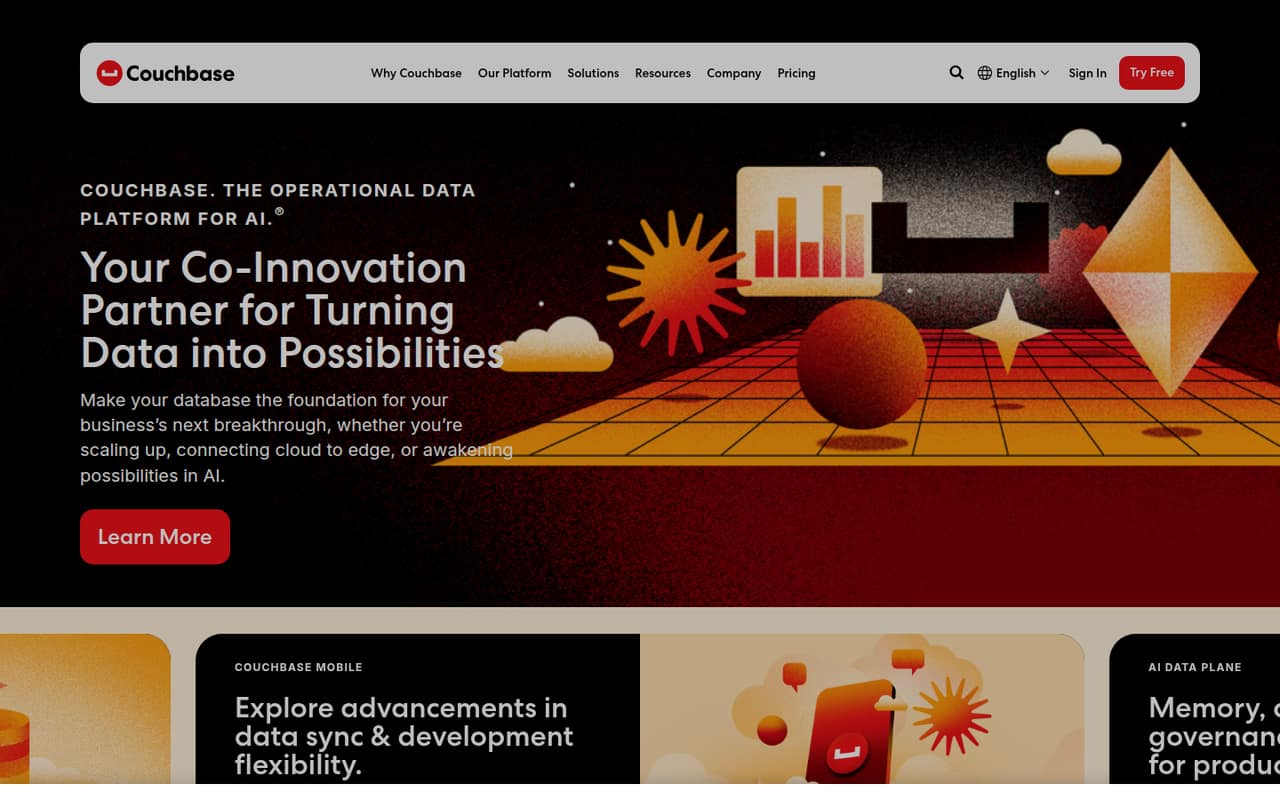
Couchbase combines operational storage, search, caching, analytics and AI capabilities, with deployment options spanning Capella, self-managed clusters and mobile or edge environments. SQL++ and key-value access give application teams several ways to work with data, while the platform also targets operational analytics and offline sync.
Capella has a free tier and paid plans priced per node per hour, but storage, backups and data transfer can add to the bill. We’d verify SDK and protocol support for your stack, compare plan-level SLAs with the homepage’s availability claim, and confirm licensing and data-export details before committing.
Good fit if
- Teams consolidating operational data services
- Hybrid and edge application deployments
- Offline-first mobile applications
Skip it if
- Teams needing simple flat-rate pricing
- Projects requiring a named SDK upfront
- Kubernetes-only database deployments without operations capacity
ScoresHow it rates
What works
- Combines storage, search, caching, analytics and AI
- Supports cloud, data-center and edge deployments
- Capella Free includes one node and 8GB
- Capella includes SQL++, key-value and search
- Couchbase Mobile includes peer-to-peer syncing
What doesn't
- Paid Capella plans charge per node per hour
- Backups, storage and data transfer can add costs
- Plan-level uptime SLAs vary
- SDK and language fit needs confirmation
- Export and migration details need vendor confirmation
01What Couchbase is, technically
Couchbase is an operational database platform, available as the managed Capella service or as a self-managed server deployment. It sits behind applications as their data layer, combining storage, search, caching, analytics and AI capabilities rather than serving only as a key-value store. Capella Free lists SQL++, key-value and search; Couchbase Server 8 is listed with SQL++ and vector search.
The platform targets applications that need operational data across cloud, data-center and edge environments. Its mobile offering includes Couchbase Lite and Sync Gateway, with peer-to-peer syncing and support for offline-first use. Operational Insights is positioned for real-time analysis of operational data without warehouses or overnight ETL. That makes Couchbase relevant to application serving, synchronization and operational analytics, but it also means teams should assess which services they need and how the chosen deployment handles them. Capella is the managed route; the homepage also describes running Couchbase in a data center or across hybrid environments.
02Couchbase API, SDKs and docs
The named developer-facing surfaces include SQL++, key-value operations and search in Capella Free. Couchbase Server 8 adds vector search, while the homepage says teams can use existing SQL skills. Couchbase Mobile uses Couchbase Lite and Sync Gateway; its plan includes SQL++ and full-text search. These are useful integration clues, but they do not establish which SDK, language version or wire protocol fits a particular application.
Before choosing a language, check Couchbase’s developer documentation for supported SDKs, version matrices, connection protocols and client libraries. The homepage does not name a CLI, REST API or webhook integration surface, so teams should confirm whether their workflow needs one rather than assume it exists. The homepage promotes documentation, videos and training, but gives no detail on specific integrations. Build a small integration plan around your required data operations, mobile sync behavior and deployment target, then validate those against the relevant Couchbase docs and support terms.
03Couchbase pricing for developers
Capella Free costs nothing and includes one node, 8GB, SQL++, key-value, search and forum support. It is positioned for prototyping and small projects. Paid Capella plans charge per node per hour: Basic starts at $0.15, Developer Pro at $0.35 and Enterprise at $0.49. Basic has a one-node minimum; Developer Pro needs three nodes for multiple availability zones, and Enterprise has a three-node minimum.
Operational Insights Capella starts at $0.61 per node-hour for Developer Pro and $0.86 for Enterprise. Capella AI Data Plane Enterprise starts at $5.36 per node-hour; the Developer Pro price is not published. Self-managed Couchbase Enterprise starts at $0.66 per node-hour through cloud marketplaces. These are starting rates, not monthly totals: node count and running time drive the bill. Add-ons include Capella backups at $0.07/GB per month in AWS N. Virginia and Operational Insights storage at $0.09/GB or $0.12/GB per month, depending on plan. Data transfer fees vary by usage.
04Couchbase: open source, self-hosting and lock-in
Couchbase can run in a customer data center as well as in Capella, so it is not limited to a hosted-only deployment. A Reddit commenter describes Couchbase Community Edition as open source, but that is not a substitute for checking the current license, edition terms and feature differences with Couchbase before selecting it. The pricing facts also list Couchbase Enterprise as a node-based subscription.
The platform’s SQL++, key-value, search and mobile-sync features can become part of application code, so moving away may involve more than copying records: queries, indexes, replication and offline behavior may need replacements. Confirm supported export formats, backup access and migration tooling with Couchbase before production adoption. The pricing details do not give a data-export policy, so include portability and exit requirements in procurement rather than assuming that a backup is a complete migration path.
05Couchbase in production
Treat the homepage’s 99.999% availability claim as a platform-level statement, not the SLA for every Capella plan. The pricing facts list 99.5% for multi-node Basic clusters and 99.99% for multi-node Developer Pro; Enterprise also lists 99.99%. Check the eligible cluster shape, failure coverage and support response terms for the exact service you plan to run. Enterprise includes auditing and customer-managed encryption keys; AI Data Plane Enterprise lists audit logs and 30-minute, 24×7 response for P1/P2.
Capacity planning should account for node count, storage, backup retention and transfer charges. The vendor says data transfer fees vary by usage and are under 10% of most customers’ bills. In a Kubernetes discussion, commenters warn that database I/O, persistent volumes and operational overhead can make database clusters difficult to run on Kubernetes; those comments are general advice, not a Couchbase-specific incident report. A React Native commenter reports using Couchbase with a team, while another thread’s limited comments do not establish broad production reliability.
From the threadsWhat users say
Reddit sentiment is generally favorable in the small number of Couchbase-specific comments, including a user who says their team uses it. The Kubernetes discussion raises operational concerns about running databases in clusters, but its warnings are general rather than Couchbase-specific.
Couchbase it’s free too. I’m using that one with my team and it’s great!
Couchbase does all this out of the box
Do not run databases in K8s. DBs thrive on RAM and I/O
Dealing with PVs, PVCs, or StatefulSets becomes tedious
Questions people ask
What does Couchbase software do?
Couchbase provides an operational data platform for application storage, search, caching, analytics and AI workloads. It supports managed Capella and self-managed deployments, as well as mobile and edge use. Its Operational Insights offering targets real-time analysis of operational data without a warehouse or overnight ETL.
Does Couchbase have a free plan?
Yes. Capella Free includes one node, 8GB, SQL++, key-value, search and forum support. It is intended for prototyping and small projects. Check the current service terms and capacity needs before relying on it for production; paid Capella plans are priced per node per hour.
How much does Couchbase Capella cost?
The listed starting rates are $0.15 per node-hour for Basic, $0.35 for Developer Pro and $0.49 for Enterprise. The actual bill depends on node count and running time, and storage, backups and transfer can add charges. Operational Insights and AI Data Plane plans have separate pricing.
Can Couchbase run on-premises or at the edge?
Yes. Couchbase describes deployments in the cloud, in a customer data center or across both. Couchbase Mobile targets mobile, offline and edge environments and includes Couchbase Lite and Sync Gateway. Confirm the exact architecture, licensing and synchronization requirements for your deployment with Couchbase.
Is Couchbase open source?
A Reddit commenter describes Couchbase Community Edition as open source. Verify the current license, allowed uses and feature differences directly with Couchbase before building a product around it. Couchbase also lists a paid Enterprise subscription and offers Capella as a managed service.