
We may earn a commission if you buy through links on this page. It never changes a score or a ranking. How we make money
The bottom line
Bitrise brings mobile CI and release tooling together, with plan limits and add-on costs to track.
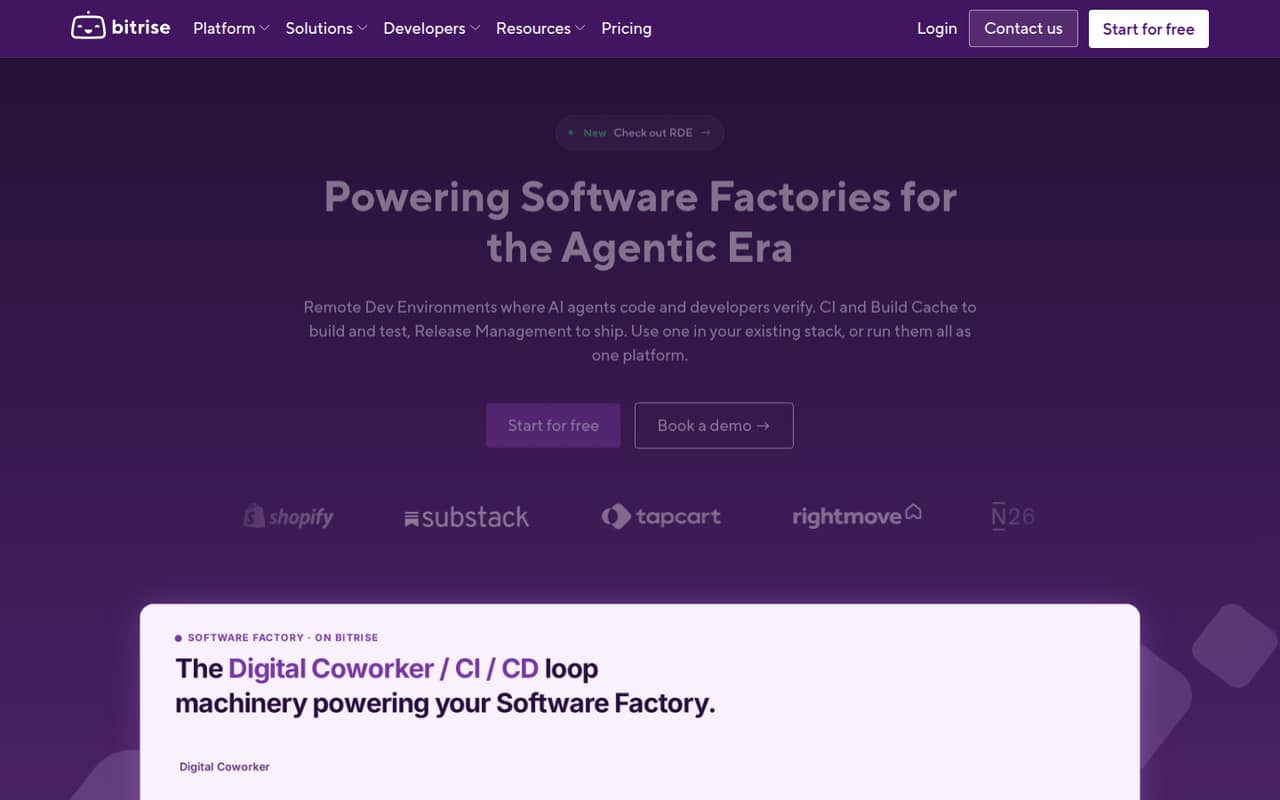
Bitrise is a mobile DevOps platform for building, testing and releasing apps. Teams can use its CI, Build Cache and Release Management together, or add individual products to an existing stack. It also offers Build Hub for GitHub Actions and cloud development environments.
Hobby is free, while paid plans start at $89 per month when billed annually. Pro scales by monthly build volume and compute capacity; Enterprise has custom pricing. Before committing, check which infrastructure, add-ons and migration paths fit your pipeline.
Good fit if
- Teams shipping iOS and Android apps
- Mobile teams needing managed code signing
- GitHub Actions teams needing build infrastructure
Skip it if
- Teams requiring a published source licence
- Projects needing known add-on rates upfront
- Workloads unrelated to mobile development
ScoresHow it rates
What works
- Mobile CI includes managed code signing
- Supports iOS, Android, Flutter and React Native
- Build Cache works with Gradle, Bazel and Xcode
- Build Hub adds runners for GitHub Actions
- Offers managed and self-hosted deployment options
What doesn't
- Pro capacity costs vary by usage
- Several add-on prices are not published
- Enterprise pricing requires a custom quote
- Source licence and data export details need confirmation
- Published API and SDK details are limited
01What Bitrise is, technically
Bitrise is a hosted mobile DevOps platform: a managed CI service and set of related products, rather than a library or local CLI. Its CI automates mobile builds, tests and deployment, with managed code signing and real-device test sharding. Build Cache, Release Management and CodePush can be added to that workflow, while Build Hub supplies runners for GitHub Actions without requiring a move away from that CI.
The platform targets teams building apps for technologies including iOS, Android, Flutter, React Native, Ionic, Cordova and Unity. It sits between a code repository and the build, test, distribution and release stages. Teams can use Bitrise’s products together or add them to an existing stack. Hosting options include Bitrise Public Cloud, Dedicated Cloud and Private Cloud, as well as Bitrise from GCP; the vendor also lists Bitrise on AWS and Bitrise Runners under self-hosted solutions. Remote Dev Environments provide cloud macOS and Linux machines for coding, building and testing.
02Bitrise API, SDKs and docs
The integration surface described for Bitrise centers on YAML configuration, workflow steps and repository-based CI. The developer site lists getting-started guidance, project setup, iOS code-signing instructions and migration guides for Jenkins and App Center. It also lists 400+ Workflow Steps, with examples such as CocoaPods, Codecov, DeployGate, fastlane and the Gradle Runner.
The vendor names technologies including iOS, Android, Flutter, React Native, Ionic, Cordova and Unity, but does not publish an API style or SDK language list on the homepage. Teams integrating through an API or SDK should confirm the supported endpoints, authentication methods and SDKs in Bitrise’s documentation. The homepage also links to a community forum, changelog, roadmap, Stack updates and support. Build Hub is an integration option for teams that want GitHub Actions runners without moving their CI. For teams adding Bitrise to an existing pipeline, confirm how its YAML workflows and steps map to current build and release jobs.
03Bitrise pricing for developers
Hobby costs $0 per month and includes one team member, with capacity to build a small project a few times per month. Starter is $99 monthly or $89 per month when billed annually. It includes unlimited team members, up to three private apps and up to four concurrent builds on managed macOS or Linux Medium infrastructure.
Pro costs $218 monthly or $200 per month when billed annually. Its listed capacity ranges from 250 to 2,000 builds per month, up to 10 concurrent macOS builds or 30 Linux builds, and 3,000–24,000 Zero Margin Infra minutes. Enterprise is custom-priced and starts at 2,000+ builds per month, with flexible concurrency and a custom build timeout of up to four hours. The bill can also grow through add-ons: Insights starts at $12.50 per month and Build Cache at $600 per month. Pro extra build capacity is pay-as-you-go, but rates are not published. Release Management Standard, SAML, audit log connector and Premium Support are also add-ons with unpublished prices.
04Bitrise: open source, self-hosting and lock-in
Bitrise is presented as a platform, not an open-source CI library. The vendor offers hosted services and lists Bitrise on AWS and Bitrise Runners under self-hosted solutions; Enterprise also includes a dedicated environment or self-hosted AWS agent. Those deployment options do not establish that the platform source is available under an open-source licence. The vendor does not publish a source licence on its homepage, so confirm licensing and the exact scope of self-hosting before choosing it.
The homepage does not describe a data-export process or format. Ask how to export workflow configuration, build logs, artifacts and release data, and whether those exports remain accessible after cancellation. Migration effort will depend on how much of a pipeline relies on Bitrise-specific YAML and Workflow Steps. Bitrise lists migration guides for Jenkins and App Center, but teams should map their own build, signing and release dependencies before switching.
05Bitrise in production
Plan limits matter when a mobile pipeline has parallel builds or a release deadline. Starter allows up to four concurrent builds. Pro lists up to 10 concurrent macOS builds or 30 Linux builds, alongside a monthly range of 250–2,000 builds and 3,000–24,000 Zero Margin Infra minutes. Enterprise offers flexible concurrency and custom timeouts up to four hours. Confirm which capacity applies to your workloads and what additional builds cost: Pro extra capacity is pay-as-you-go, with rates not published.
The vendor lists managed code signing, real-device test sharding and hosting choices that include dedicated, private and self-hosted options. Enterprise lists a dedicated environment or self-hosted AWS agent. SAML and an audit log connector are paid add-ons, so confirm their cost and requirements if they are part of your security controls. The pricing details do not establish uptime guarantees or service-level terms; ask for those, along with build timeout and data-retention policies, before depending on Bitrise for production releases.
Questions people ask
What does Bitrise do?
Bitrise automates mobile app builds, tests and deployment through CI. Its other products include Build Cache, Release Management, CodePush, Build Hub and Remote Dev Environments. Teams can use the products together or add them to an existing stack.
Is Bitrise only for mobile CI?
Mobile CI is its core offering, but Bitrise also lists Build Hub runners for GitHub Actions, remote build caching for Gradle, Bazel and Xcode, app distribution through Release Management, and cloud macOS and Linux development environments.
Is Bitrise open source?
Bitrise offers hosted services and self-hosted options, including Bitrise on AWS and Bitrise Runners. Those options do not mean the platform is open source. Confirm the source licence and which components can be self-hosted with the vendor.
Can I use Bitrise with GitHub Actions?
Yes. Bitrise’s Build Hub provides runners for GitHub Actions, and the vendor says teams can use it without moving their CI. Confirm the runner configuration and pricing that apply to your workload before adopting it.
Which app technologies does Bitrise support?
The vendor lists iOS, Android, Flutter, React Native, Ionic, Cordova and Unity. Its developer site also lists Workflow Steps such as CocoaPods, fastlane and Gradle Runner. Check the documentation for the steps and configurations your pipeline needs.