
We may earn a commission if you buy through links on this page. It never changes a score or a ranking. How we make money
The bottom line
Useful for automating lead research; less clear as a developer platform with a public API.
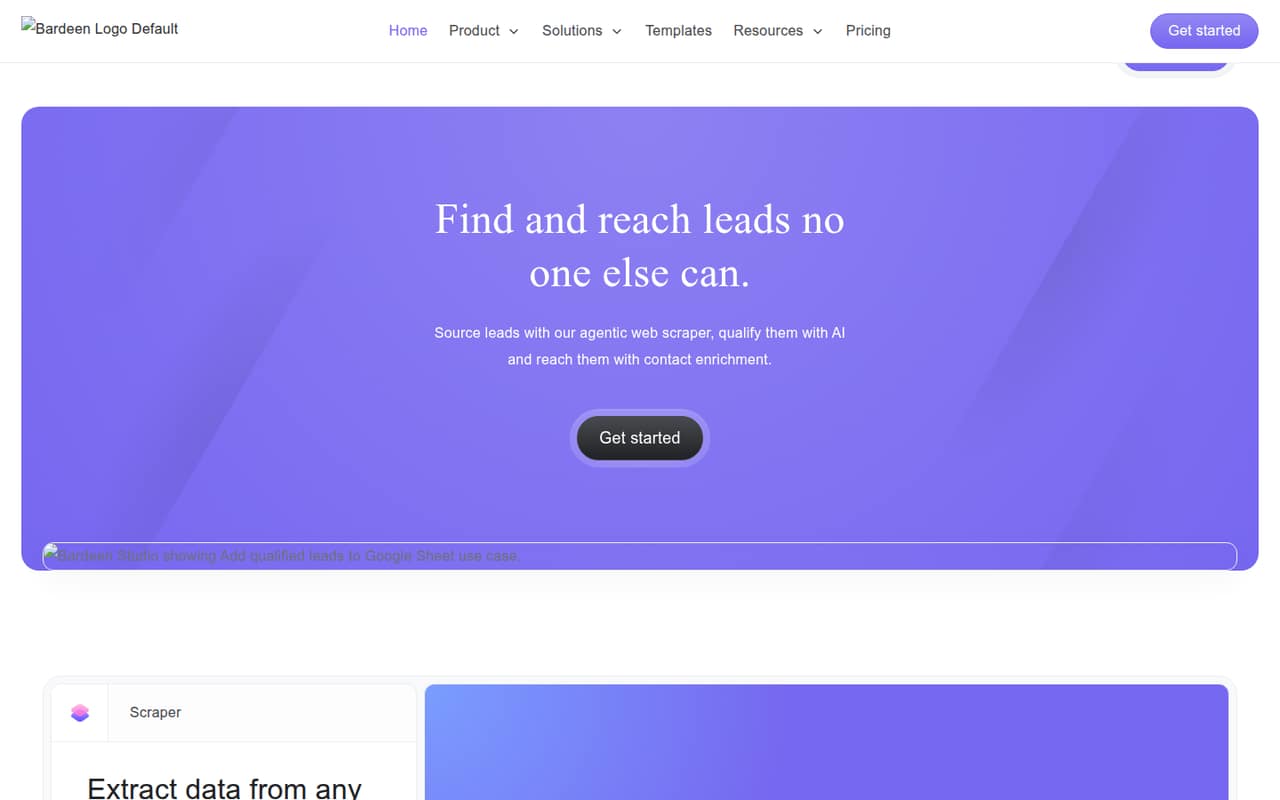
Bardeen is a workflow automation platform for GTM teams. It combines web scraping, AI search and qualification, contact enrichment, and workflow connections to help build and export lead lists. CSV, Google Sheets, Airtable, and Notion are named export destinations.
Plans start with a free tier offering 100 monthly credits and unlimited local automations; paid plans start at $10 per month. Credit expiry and the lack of published credit-to-task costs make usage planning a key step. We’d confirm API access, workflow portability, and production limits before making it a core system dependency.
Good fit if
- GTM teams building prospect lists
- Teams automating repetitive research
- Users exporting leads to spreadsheets
Skip it if
- Teams requiring a documented public API
- Self-hosting and open-source advocates
- Workloads needing published service limits
ScoresHow it rates
What works
- Combines scraping, search, qualification, and enrichment
- Exports data to CSV and named workspace tools
- Free plan includes 100 monthly credits
- Free plan includes unlimited local automations
- Premium plan raises the credit allowance
What doesn't
- Public API and SDK details are not published
- Credits expire at the end of each billing cycle
- Credit cost per task is not published
- Open-source licensing and self-hosting are not documented
- Enterprise pricing requires a custom quote
01What Bardeen is, technically
Bardeen is a managed workflow-automation platform for GTM teams, not a code library, CLI, or self-hosted server. It brings together lead discovery and operational workflows: users can scrape websites, research prospects with AI and web search, qualify them against an ideal lead profile, enrich contact details, and move data into other tools.
In a stack, Bardeen sits between lead sources on the web and the systems where sales or operations teams store and use prospect data. The product also connects tools to automate repetitive tasks and manage data across systems. Its listed export destinations are CSV, Google Sheets, Airtable, and Notion. The pricing page separately includes unlimited local automations on the Free plan, alongside credit-based features. That makes it relevant to teams trying to reduce manual prospecting and data entry, but it is not positioned as a general-purpose developer automation framework.
02Bardeen API, SDKs and docs
Bardeen’s named integration surface is its workflow automation, scrapers, AI search and qualification tools, contact enrichment, and data exports. The homepage names CSV, Google Sheets, Airtable, and Notion as export targets, and describes connections to other tools for automating workflows. It does not present a developer-facing API as the core integration path.
The vendor doesn’t publish public API or SDK details on its homepage. Before choosing Bardeen for a service-to-service integration, check its documentation or ask the vendor whether it supports a REST API, webhooks, CLI, or language-specific SDKs. Confirm authentication, pagination, error handling, and rate limits as well. The product’s pre-built playbooks and scraper templates may reduce setup work for teams using its workflow surface, but they are not a substitute for a documented API contract if your code needs to create, update, or monitor workflows.
03Bardeen pricing for developers
The Free plan costs $0 and includes 100 credits per month, basic web scraping, pre-built playbooks, and unlimited local automations. Unused credits expire each billing period. Basic costs $10 per month and also includes 100 monthly credits, plus build-your-own scrapers, premium scrapers, data enrichment, and team access. Free and Basic are listed with monthly prices; annual prices for these plans are not published.
Premium costs $50 per month with 1,000 credits per month, or $40 per month equivalent when billed annually at $480 per year. The annual plan includes 12,000 credits per year, and unused credits expire each billing cycle. Enterprise has custom pricing and custom bulk credits, along with custom-built and maintained scrapers and premium support.
The listed plans meter credits, not a published number of requests or seats. The vendor doesn’t publish how many credits individual scraping, search, or enrichment tasks consume, so model your expected workload with Bardeen before committing. Ask about credit use and any overage handling for your specific workflows.
04Bardeen: open source, self-hosting and lock-in
The vendor doesn’t publish an open-source license or self-hosting option on its homepage. Treat Bardeen as a managed product unless the vendor confirms otherwise; teams that require source access or deployment inside their own infrastructure should ask directly before adopting it.
Lead data can be exported to CSV, Google Sheets, Airtable, or Notion, which gives teams a way to move records out of Bardeen. That does not establish that scraper definitions, playbooks, or workflow configurations can be exported in a portable format. If you expect to migrate later, verify what workflow assets can be downloaded and whether they can be recreated elsewhere. Data export reduces lock-in for lead records, but automation logic may still require reimplementation.
05Bardeen in production
Bardeen’s published usage limits are credit allowances: 100 credits monthly on Free and Basic, 1,000 monthly on Premium, or 12,000 annually on Premium’s annual billing. Unused credits expire. The vendor doesn’t publish a credit cost per task, rate limits, uptime commitment, or service-level agreement on its homepage, so establish those details before relying on it for high-volume or time-sensitive workflows.
The homepage states that Bardeen has SOC 2 Type II, GDPR, and CASA Tier 2 and 3 certifications. Those are useful security and compliance signals, but production teams should still review the relevant documentation, data handling terms, and access controls for their use case. Test how workflows behave when a target site changes, enrichment returns incomplete data, or a credit allowance is exhausted. Also confirm how you can monitor failures and export workflow definitions before routing critical operations through the platform.
Questions people ask
What does Bardeen do?
Bardeen automates workflows for GTM teams, with tools for web scraping, AI-assisted lead research and qualification, contact enrichment, and moving data between systems. Teams can export lead data to CSV, Google Sheets, Airtable, or Notion.
How much does Bardeen cost?
The Free plan costs $0 and includes 100 credits per month. Basic is $10 per month, and Premium is $50 per month or $40 per month equivalent on annual billing at $480 per year. Enterprise pricing is custom.
What are Bardeen credits used for?
Bardeen’s plans include monthly or annual credit allowances, and unused credits expire at the end of the billing period. The vendor doesn’t publish a per-task credit cost on its homepage, so ask how your scraping, search, and enrichment workflows use credits before estimating volume.
Can I export data from Bardeen?
Bardeen names CSV, Google Sheets, Airtable, and Notion as data export destinations. Confirm with the vendor whether you can also export scraper definitions, playbooks, and workflow configurations if you need to migrate the automation logic.
Does Bardeen provide an API or SDK?
The vendor’s homepage presents workflow automation, integrations, scrapers, and data exports, but does not publish public API or SDK details. Check Bardeen’s documentation or contact the vendor to confirm API access, supported languages, authentication, and rate limits for your integration.