We may earn a commission if you buy through links on this page. It never changes a score or a ranking. How we make money
Web hosting for developers spans several architectures: Git-based deployment platforms such as Cloudflare Pages and Netlify, managed WordPress hosts, VPS providers and self-managed server control panels. The right fit depends on your workload and how much infrastructure you want to operate. Cloudflare Pages and Netlify offer free plans for getting started; Namecheap stands out for domain automation with a REST API, while cPanel and Plesk target teams managing hosting servers. Listed starting prices range from $1 for IONOS to $30 for Kinsta, but check plan limits and renewal terms before committing.
Quick picksThe shortlist
 Cloudflare PagesCloudflare PagesBest for static sites · $20/mo
 NetlifyNetlifyBest for Git deployments · $9/mo
 NamecheapNamecheapBest for domain automation · $2.28/mo
 InMotion HostingInMotion HostingBest for VPS options · $4.99/mo
 IONOSIONOSBest for low-cost VPS · $1/mo
 PressablePressableBest for WordPress developers · $20.83/mo
 Rocket.netRocket.netBest for managed WordPress · $25/mo
 cPanelcPanelBest for hosting operators · $27.46/mo
 PleskPleskBest for multi-site management · $15.57/mo
 netcupnetcupBest for root access · €2.17/mo
01Compared at a glance
| Tool | Score | From | Free plan | Trial |
|---|---|---|---|---|
| Cloudflare PagesCloudflare Pages | 7.7 | $20/mo | Yes | — |
| NetlifyNetlify | 7.1 | $9/mo | Yes | — |
| NamecheapNamecheap | 6.2 | $2.28/mo | No | — |
| InMotion HostingInMotion Hosting | 7.2 | $4.99/mo | No | 1 month |
| IONOSIONOS | 6.8 | $1/mo | No | — |
| PressablePressable | 7.4 | $20.83/mo | No | — |
| Rocket.netRocket.net | 7.3 | $25/mo | No | — |
| cPanelcPanel | 6.0 | $27.46/mo | No | — |
| PleskPlesk | 6.5 | $15.57/mo | No | 2 weeks |
| netcupnetcup | 6.8 | €2.17/mo | No | — |
02The picks, in detail
- Best for static sitesCloudflare PagesCloudflare Pages
Cloudflare Pages is a fit for static sites, portfolios and Git-based deployments, with a free plan and a listed starting price of $20. Teams already using Cloudflare may prefer keeping site delivery in that ecosystem. Check the plan limits before adding dynamic workloads: the product is strongest as a static-site option, and costs or constraints can change as you add services.
What works
- Free option for personal and hobby projects
- Git and GitHub Actions fit existing workflows
- Global network spans 335+ cities
What doesn't
- Pages-specific production limits need verification
- Dynamic workloads use Workers quotas and pricing
- No self-hosting path is listed

- Best for Git deploymentsNetlifyNetlify
Netlify combines Git-based deployment, deploy previews and serverless functions, with a free plan and a listed starting price of $9. That makes it a practical option for teams building web apps that need preview environments or lightweight server-side work. Review usage limits and platform-specific services before scaling; the deployment workflow may tie parts of your application to Netlify.
What works
- Git pushes trigger automatic deployments
- Pull requests get private preview URLs
- CLI supports deployment from a working directory
What doesn't
- Credit consumption can complicate cost forecasts
- Extra builds and preview servers cost more
- Personal and Pro prices show conflicting figures
- Best for domain automationNamecheapNamecheap
Namecheap combines domain management, hosting and a REST API, with a listed starting price of $2.28. It is the clearest pick here for teams that want to automate domain provisioning alongside hosting rather than manage those services separately. Before consolidating production systems, check the API coverage for your workflow and evaluate the provider’s operational risks and pricing at renewal.
What works
- Public XML-based REST API for domain and DNS tasks
- WHMCS integration for billing and management
- Shared, reseller, VPS and dedicated hosting options
What doesn't
- No free plan or open-source registrar backend
- API rate limits and pricing are not published
- SDKs and CLI are not named
- Best for VPS optionsInMotion HostingInMotion Hosting
InMotion Hosting offers shared, VPS and dedicated hosting, with developer tools and an uptime SLA. Its listed starting price is $4.99. The range makes it a candidate for agencies and teams that may need to move beyond basic web hosting without changing providers. Check which plans include the tools and SLA you need, and confirm pricing and support scope for the selected plan.
What works
- Shared, WordPress, VPS, dedicated and reseller hosting
- SSH, Git and WP-CLI are listed developer tools
- PHP, Node.js, Python, Ruby and Laravel support
What doesn't
- The listed starting price requires annual billing
- The monthly Launch price is substantially higher
- VPS and dedicated plan prices need confirmation
- Best for low-cost VPSIONOSIONOS
IONOS covers domains and multiple hosting needs, including VPS hosting for developers, with a listed starting price of $1. Its breadth may suit a small team consolidating services or starting with a low-cost server. Technical details and billing reports warrant careful review: confirm the VPS resources, billing terms and support arrangements for the specific plan before relying on it in production.
What works
- Domains, websites, email, hosting and cloud under one provider
- Deploy Now supports deploying projects from GitHub
- VPS options include Linux and Windows
What doesn't
- API, SDK, language and rate-limit details are not published
- MyWebsite Now renews at a higher listed monthly price
- Pricing for most hosting and cloud products is not listed
- Best for WordPress developersPressablePressable
Pressable is managed WordPress hosting aimed at agencies, WooCommerce stores and developers who want built-in WP-CLI. Its listed starting price is $20.83. It can reduce routine server work for WordPress teams while keeping a command-line workflow available. Check annual plan pricing, resource limits and the Jetpack trade-offs before moving a site or committing a client workload.
What works
- Runs on Automattic’s WP Cloud
- Includes SSH, Git, and WP-CLI
- Offers staging, sandbox, and backups
What doesn't
- No free plan or free trial
- Monthly rates for Signature plans are not listed
- Visit and storage overages add charges
- Best for managed WordPressRocket.netRocket.net
Rocket.net offers managed WordPress hosting and MCP workflows for teams automating provisioning, with a listed starting price of $25. It suits teams prioritizing support and managed operations over direct server control. Confirm how its MCP workflows fit your tooling, and check plan limits and the cost of hosting multiple client sites before standardizing on it.
What works
- Managed WordPress 7.0 hosting
- SSL, CDN, WAF and malware protection included
- Unlimited free WordPress migrations advertised
What doesn't
- No free plan or trial listed
- Bandwidth is capped on standard plans
- No published general API or SDK details
- Best for hosting operatorscPanelcPanel
cPanel is a server control panel for providers and agencies managing customer accounts or multiple client sites. It is self-hostable and lists MCP access; the starting price is $27.46. That makes it relevant when a team already operates cPanel servers and wants a management layer. Include license costs in your infrastructure budget: hosting operators report concerns about rising fees.
What works
- Manages websites, applications, and hosting infrastructure
- MCP access gives AI agents permission-scoped server access
- Automates routine administration tasks
What doesn't
- No free plan is listed
- Monthly costs vary by plan and account capacity
- Published developer integration details are limited

- Best for multi-site managementPleskPlesk
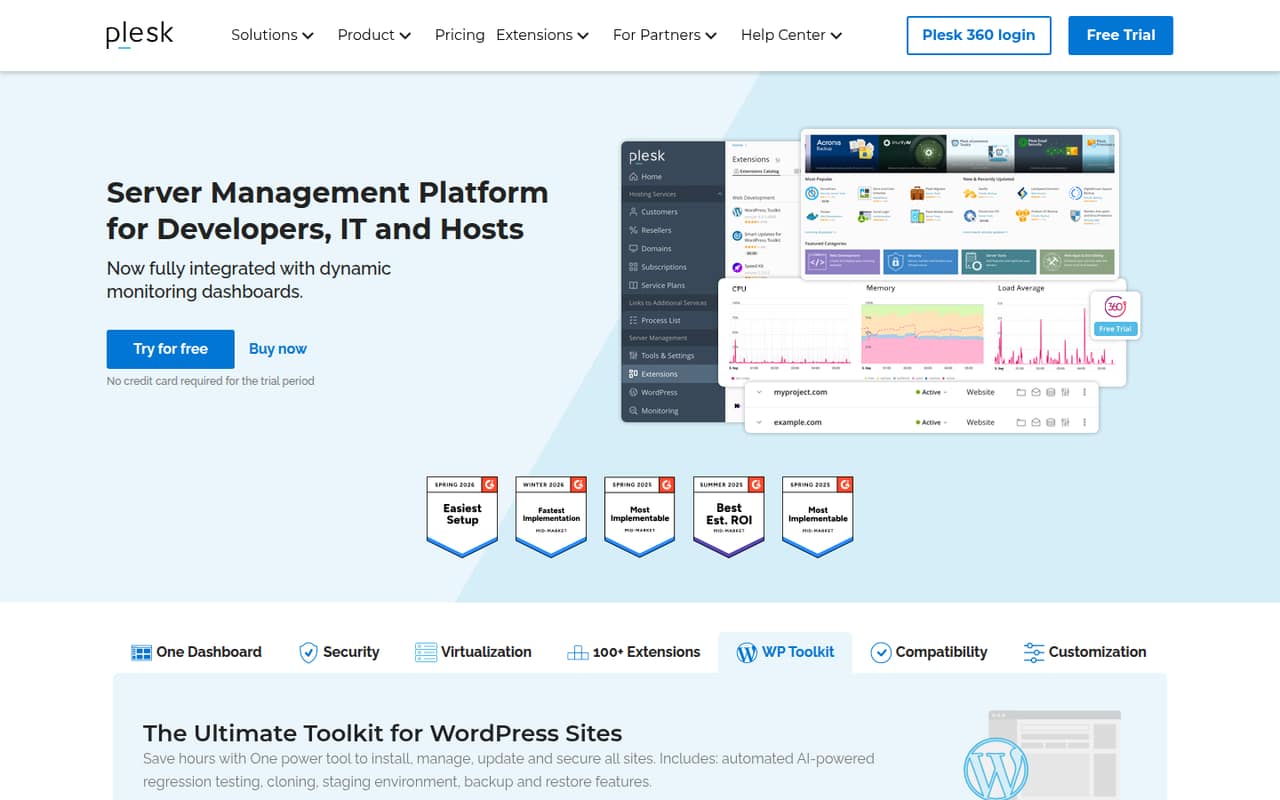
Plesk centralizes site and server management for teams running client sites or Plesk-managed VPS servers. It also includes WordPress staging tools, with a listed starting price of $15.57, and is self-hostable. Check whether its API supports your automation needs and how your sites and configuration can move if you change panels; those details affect portability.
What works
- One dashboard for multiple sites and server tasks
- WordPress staging, cloning, backups and updates
- Extensions include Git, Cloudflare and Let’s Encrypt
What doesn't
- License pricing is charged per server
- No free plan; trial lasts two weeks
- API, SDK and language details need confirmation
- Best for root accessnetcupnetcup
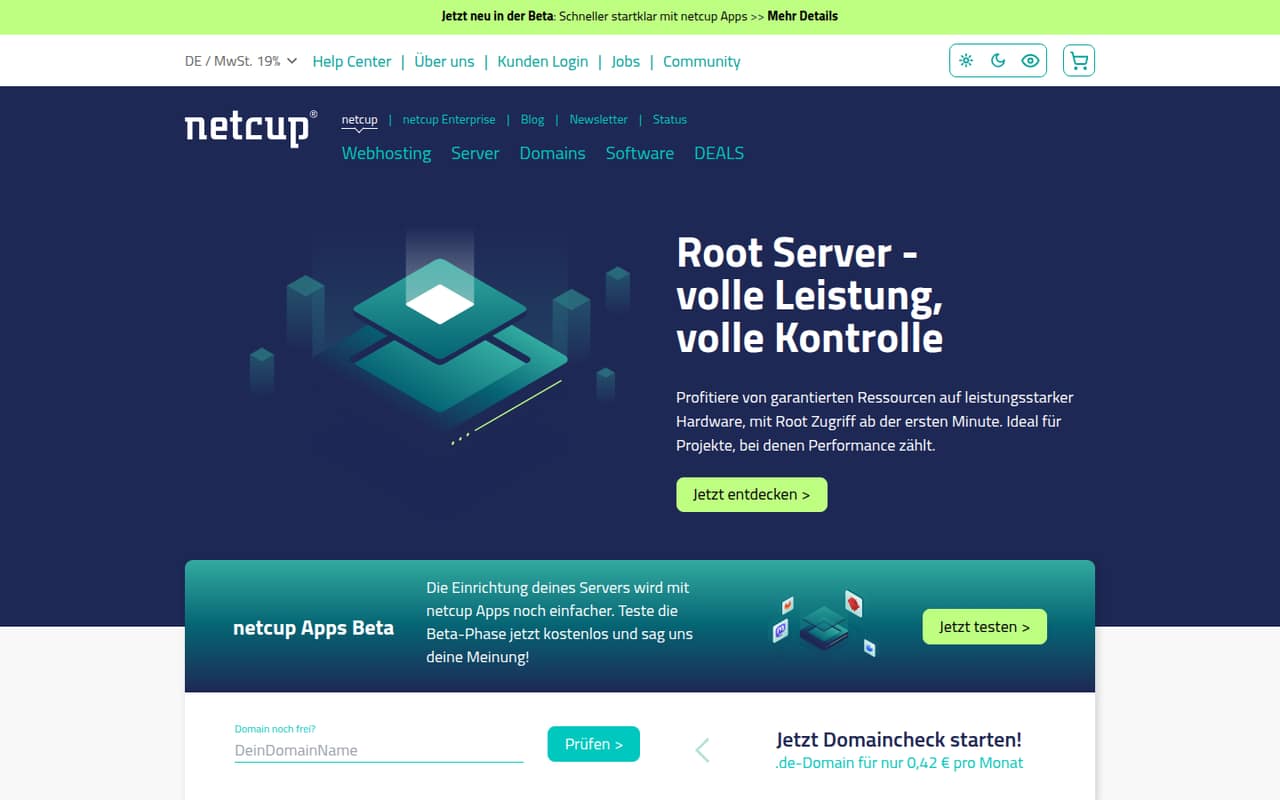
Netcup offers hosting with root access, making it a fit for developers who want control over their server environment. Its listed starting price is $2.17. That low entry point does not answer production questions by itself: verify server limits, billing terms and support before depending on the service for a business-critical site.
What works
- Root servers include root access from the start
- Root servers advertise dedicated CPU resources
- AMD EPYC processors are listed for root servers
What doesn't
- No API, SDK or language details on the homepage
- Monthly Webhosting 1000 price is not published
- Beta app availability may change
03How we chose
We ranked providers by fit for developers and technical teams, not by raw scores alone. We weighed the deployment model, documented developer integrations, API and SDK coverage, documentation, free-plan availability, usage pricing and published starting prices. We also considered self-hosting and license implications where stated, along with portability and operational control. Reddit sentiment was treated as a risk signal rather than proof: reported billing, support, DNS and migration problems deserve investigation, but do not establish that every customer will encounter them. We did not claim hands-on tests or benchmarks.
04Choose the hosting architecture for the workload
Start with what your application needs to run. Static sites and Git-based builds are a natural match for Cloudflare Pages or Netlify; Netlify also lists serverless functions and deploy previews. For WordPress, compare managed hosts such as Pressable with providers offering VPS or dedicated hosting, including InMotion Hosting. If your team operates servers for customers, cPanel and Plesk are control panels rather than replacements for a hosting provider. Root access, as listed for netcup, gives developers more server control but also means taking responsibility for more of the stack. Before selecting a platform, map the required runtime, deployment flow, staging needs and operational ownership. Ask the vendor which plan includes the resources and controls your workload needs.
05Price the service beyond its entry plan
A listed starting price is a comparison point, not a production budget. Check the billing term, renewal price, included resources and overage rules for the exact plan you need. For platforms with free plans, find the usage limits and the cost of exceeding them before routing production traffic. Ask managed WordPress providers about site, storage and traffic limits; ask VPS vendors about server resources, backups and support scope. Consider domain renewals and any separate control-panel license costs when calculating the total. Also plan how you would leave: confirm whether you can export site files, databases, DNS records and configuration, and whether the vendor charges for migration or transfer. If those details are unclear, get answers in writing before consolidating production services.
Questions people ask
Which web hosting service is best for a developer?
There is no single fit for every workload. Cloudflare Pages suits static sites, Netlify adds deploy previews and serverless functions, and Namecheap offers a REST API for domain management. For WordPress or server infrastructure, compare the relevant managed host or VPS provider against your operational needs.
Can I host a website for free?
Cloudflare Pages and Netlify list free plans. Check each plan’s usage limits and what happens when a site exceeds them before using a free tier for production. A free plan can be a useful starting point, but it does not establish that every workload will stay within its limits.
Which hosting provider has an API for domain management?
Namecheap is listed with a REST API for domain provisioning. Confirm that its API covers the specific operations your automation needs, such as the domain lifecycle and DNS changes. The presence of an API alone does not confirm its endpoints, rate limits or SDK support.
Which options can I self-host?
cPanel, Plesk, IONOS, Bluehost, GoDaddy and netcup are identified as self-hostable. Check the vendor’s deployment model, license terms and support scope before choosing one. NGINX Plus is described as a self-managed traffic layer, but its pricing is custom.